
Showing:
4U Reports
Reports that earn attention, built on four user-centered qualities: Unique, User-friendly, Uncovering, and Understandable.
Designed to be opened, explored, understood, and acted upon.
No records
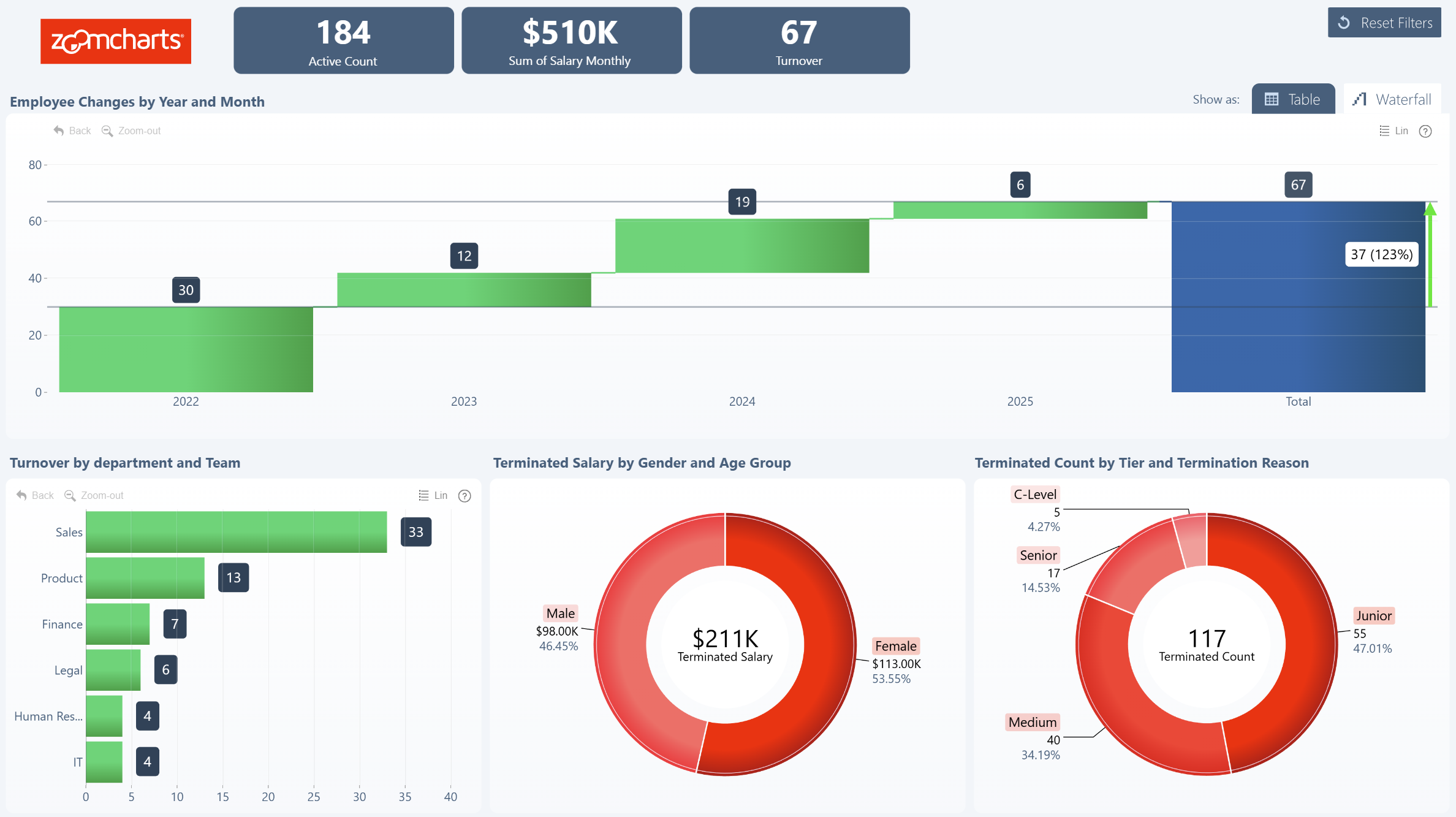
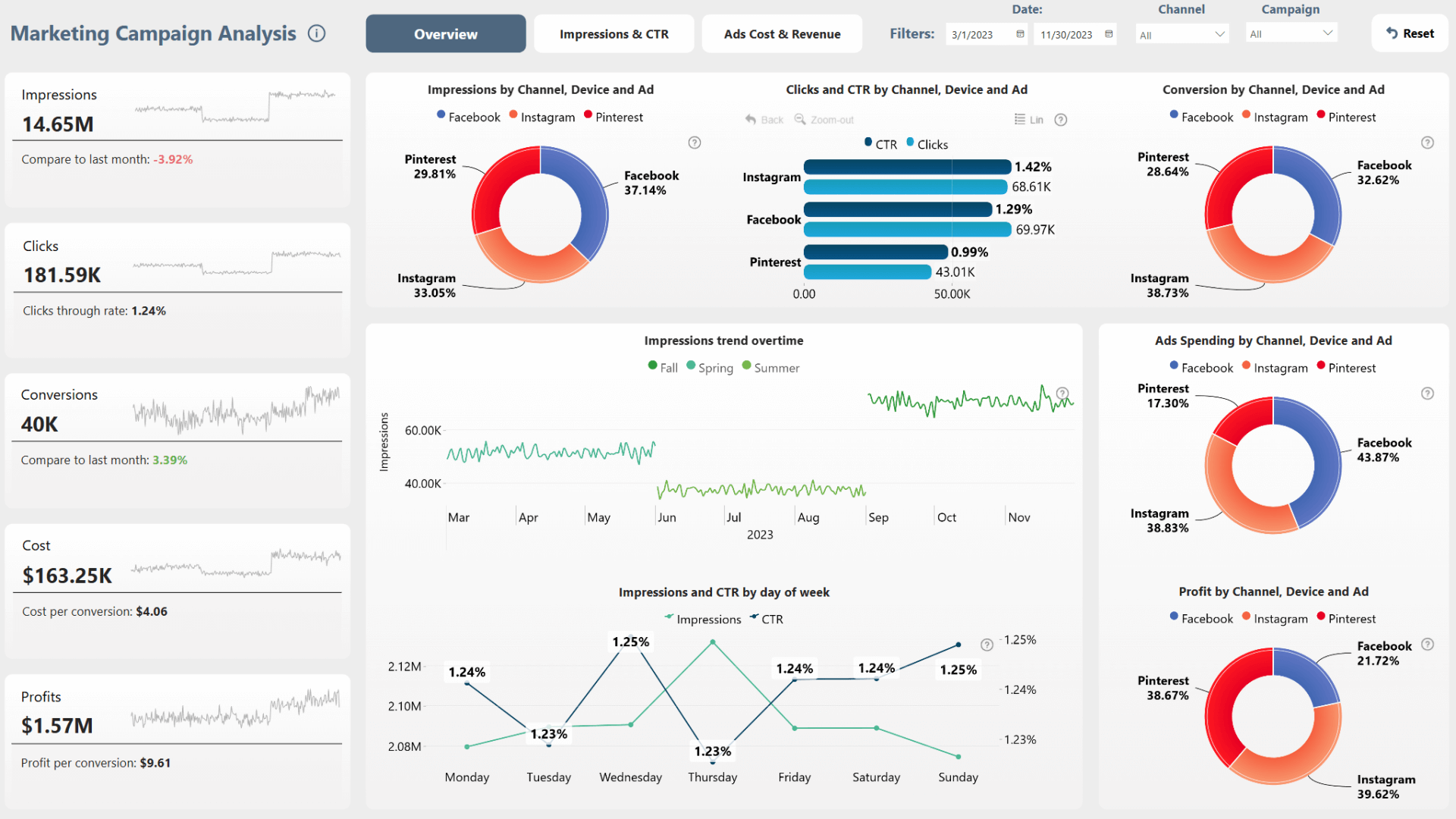
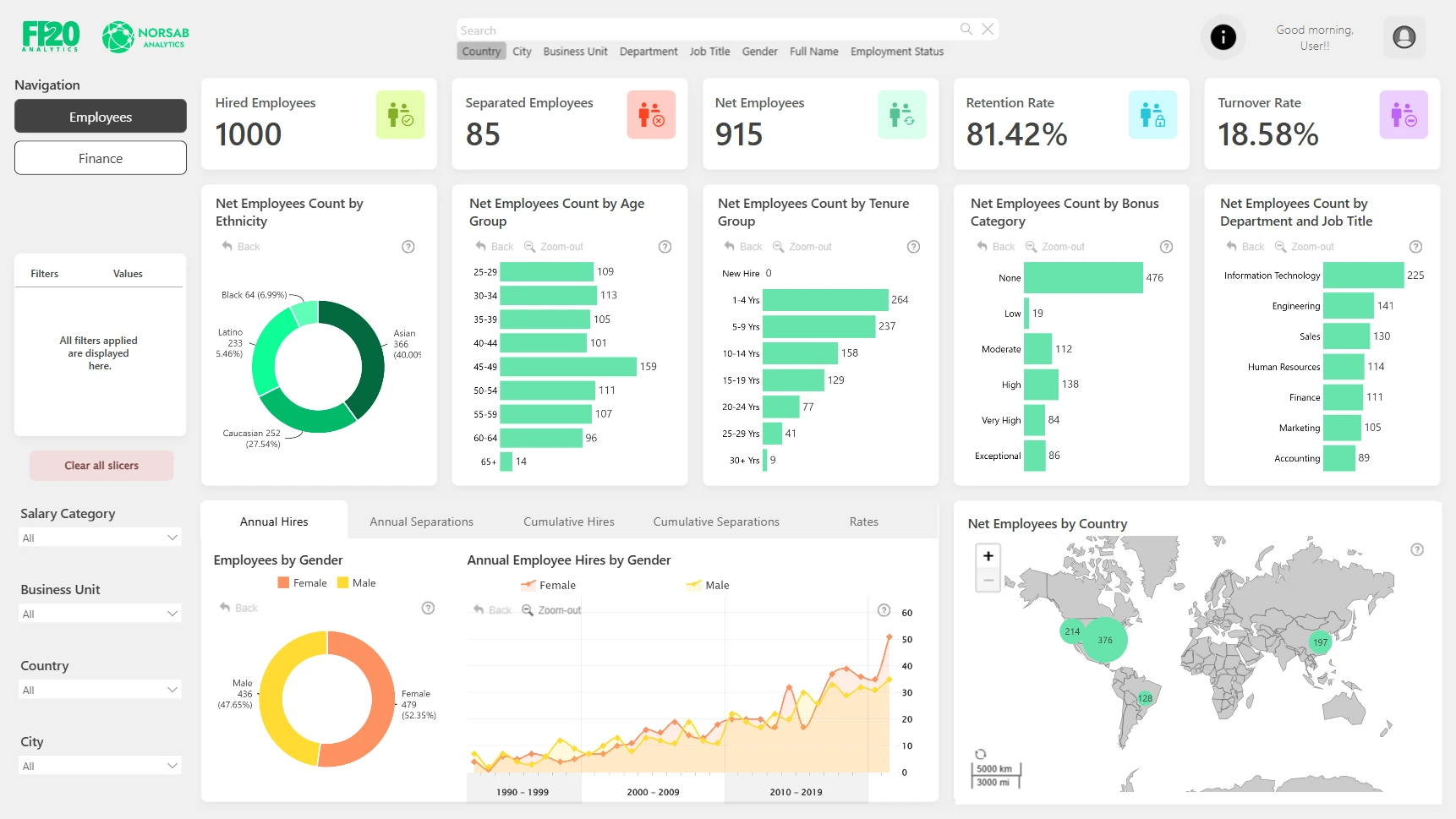
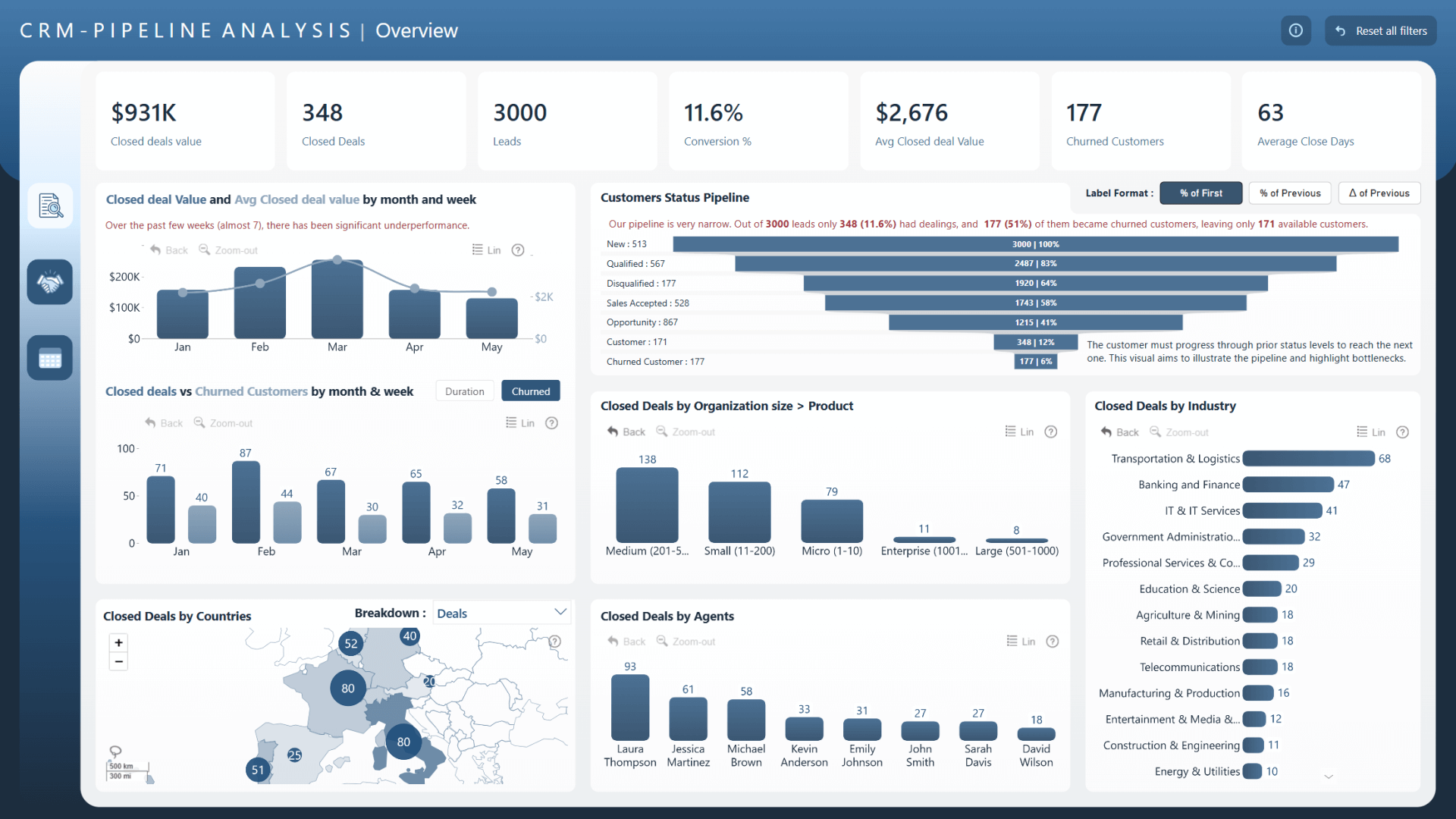
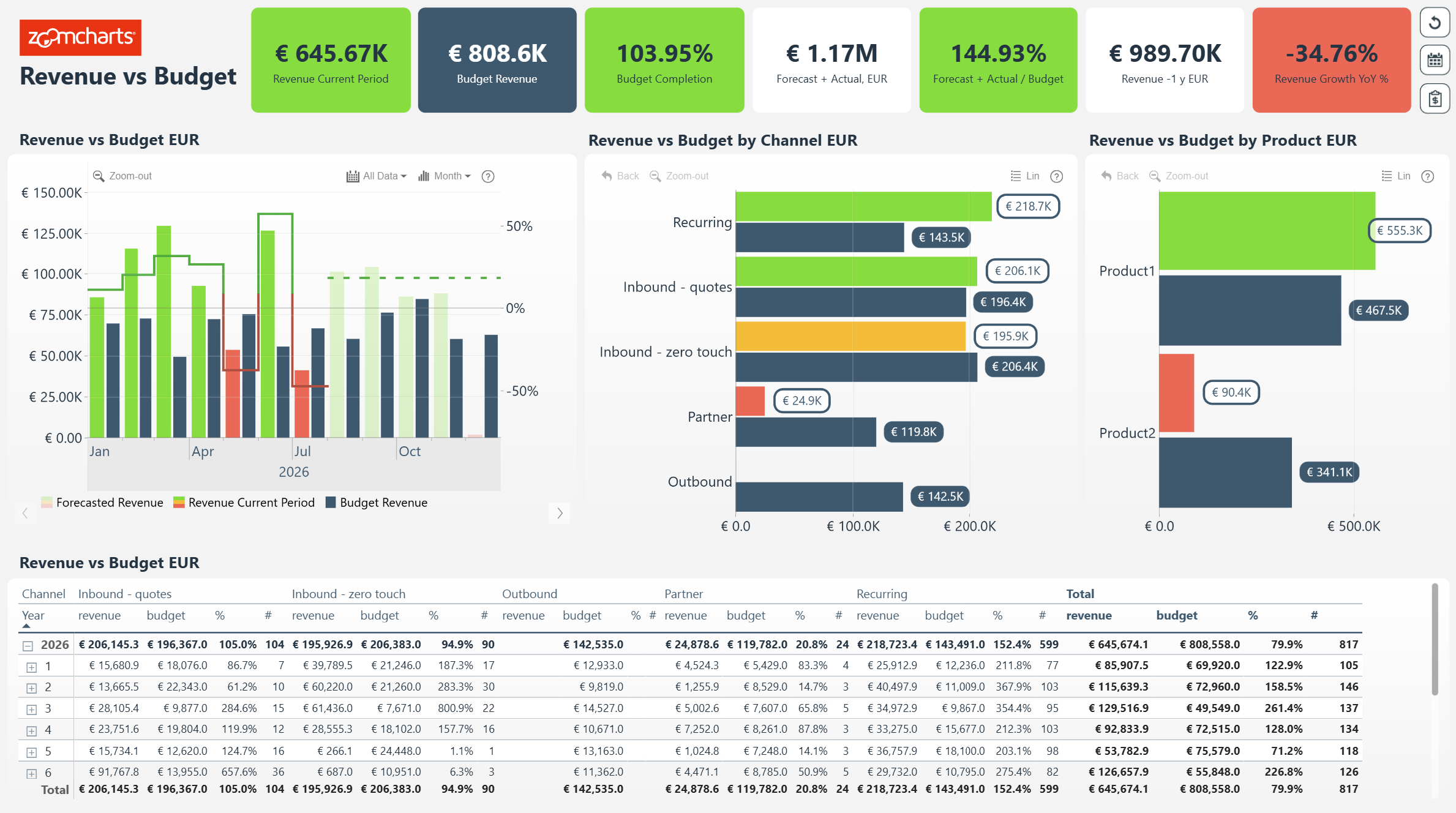
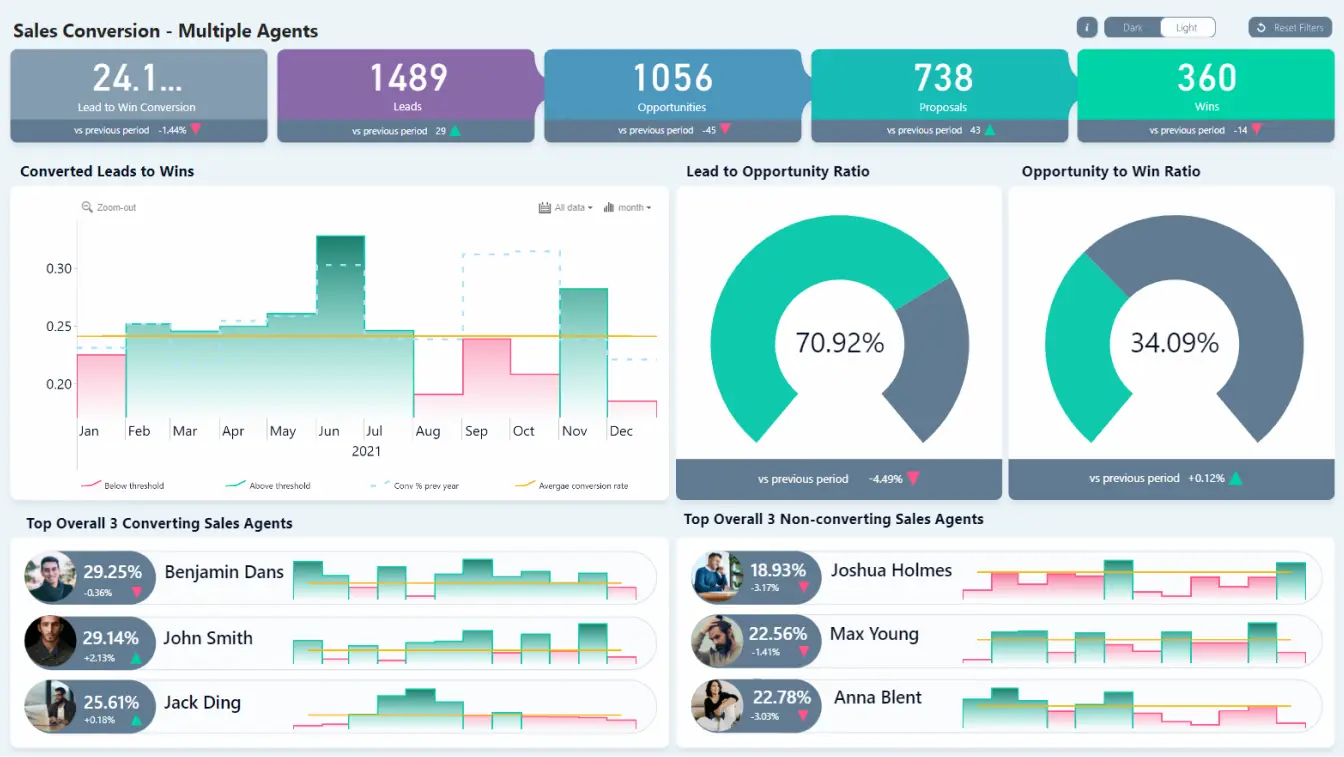
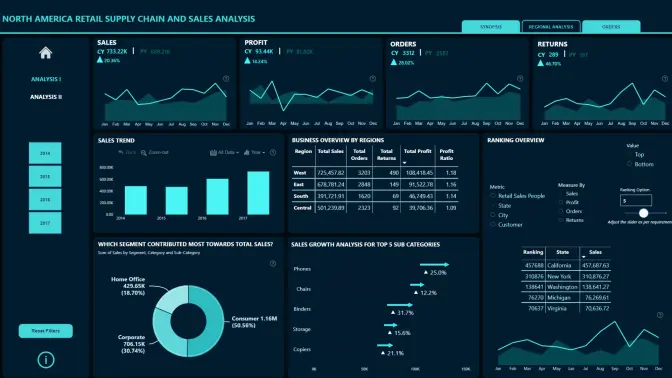
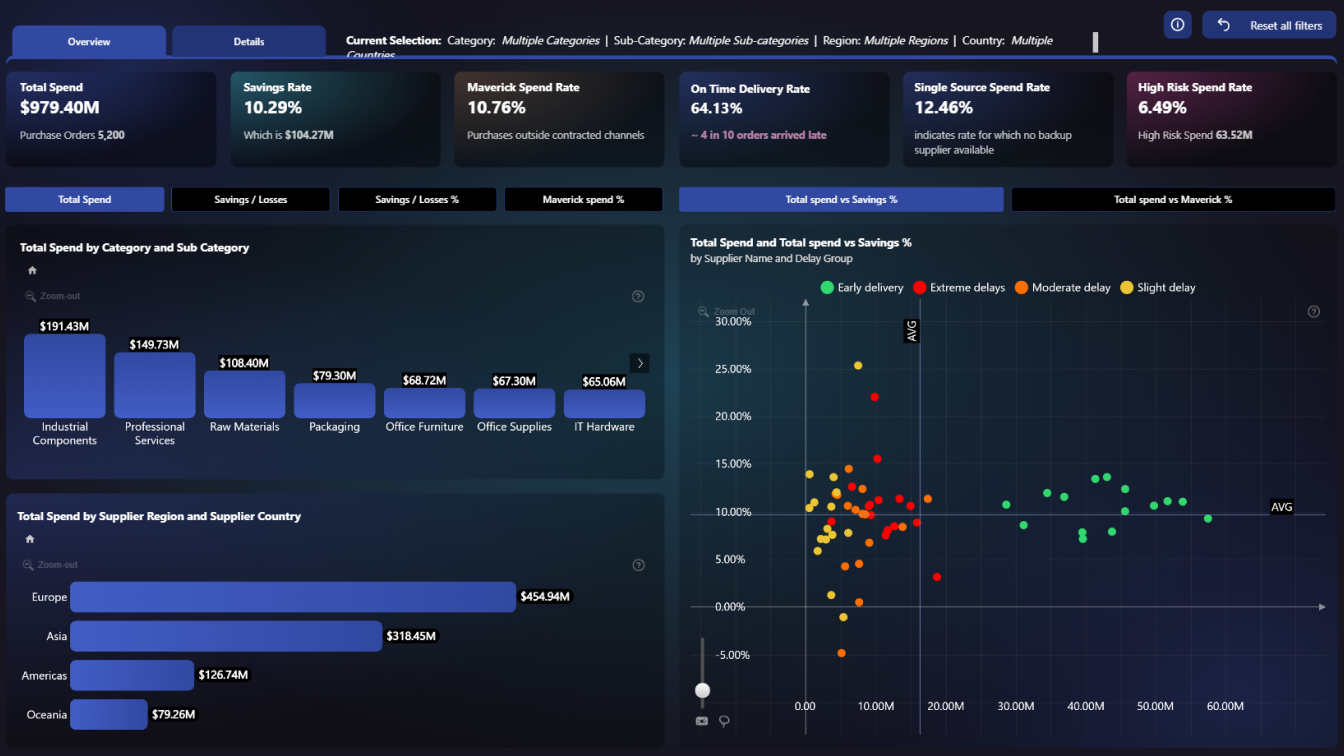
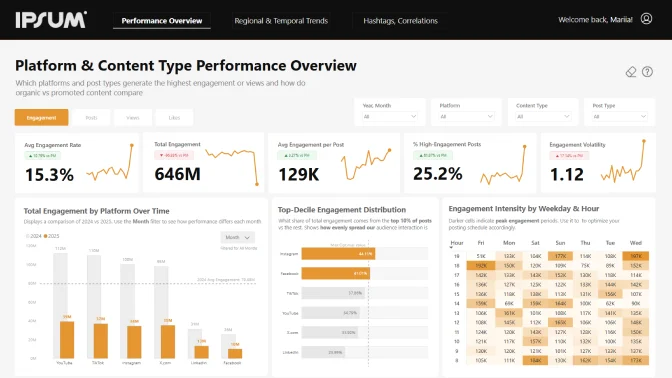
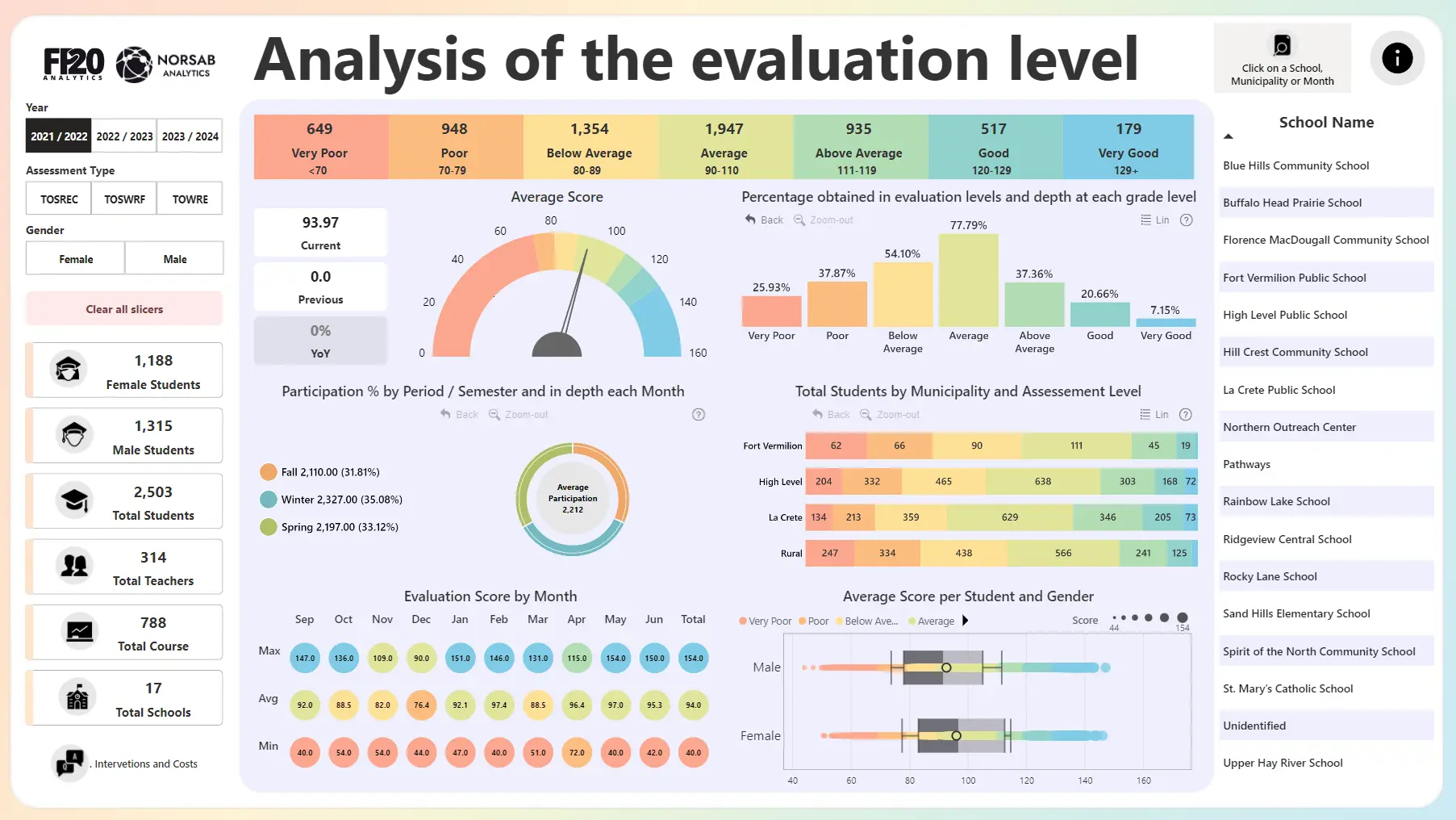
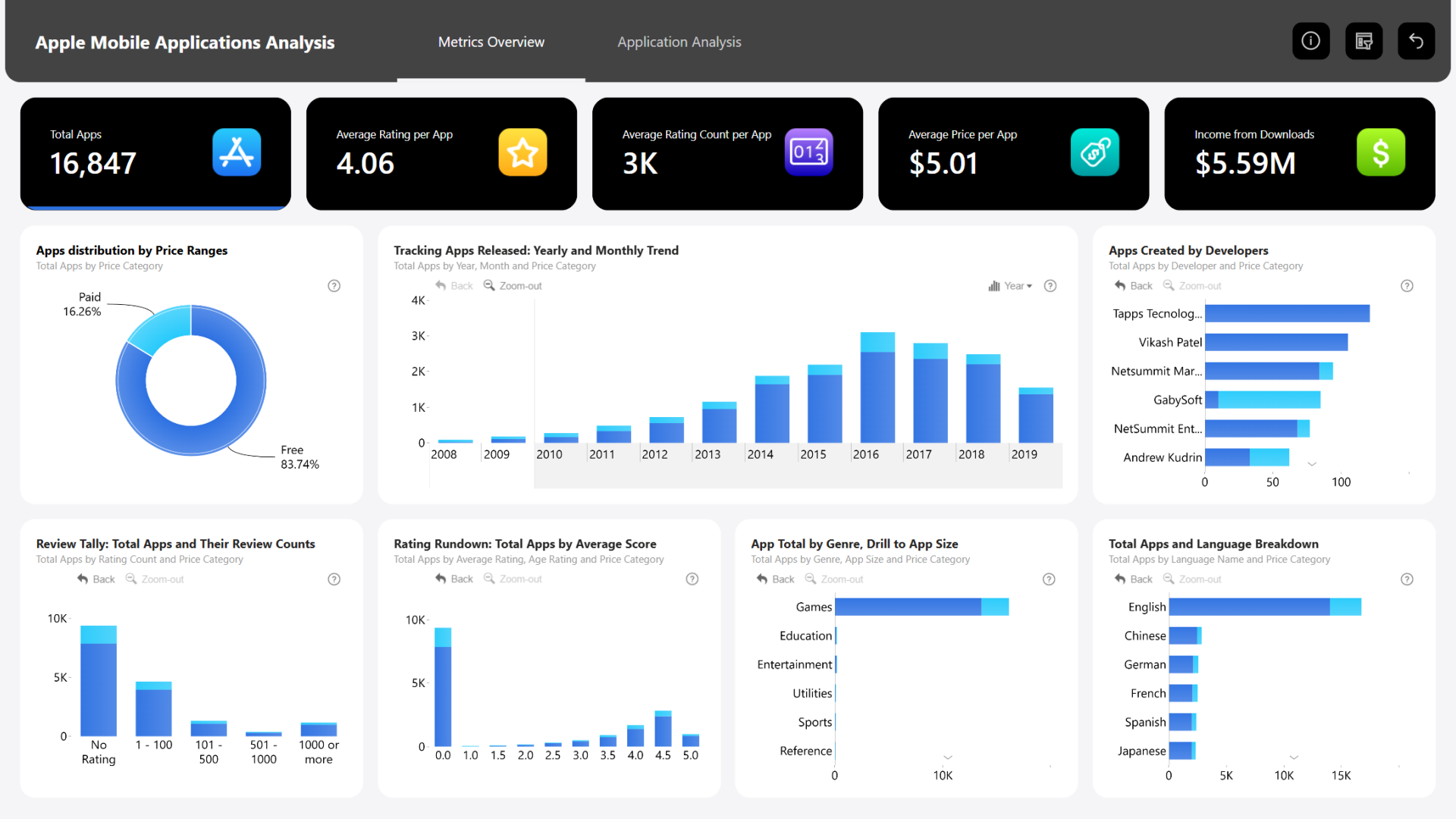
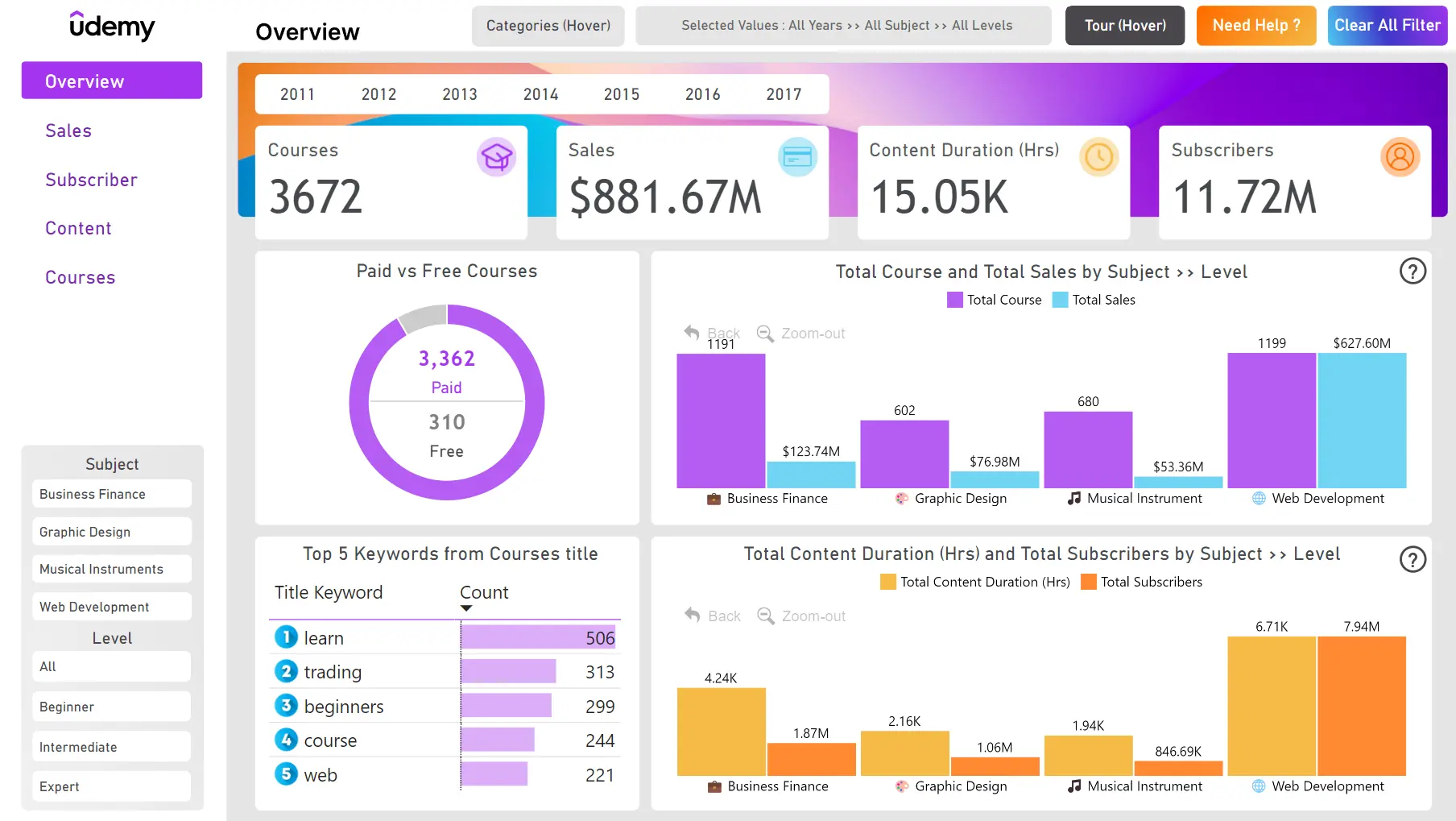
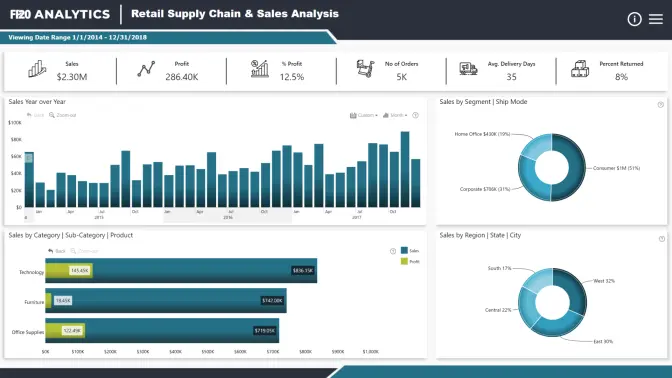
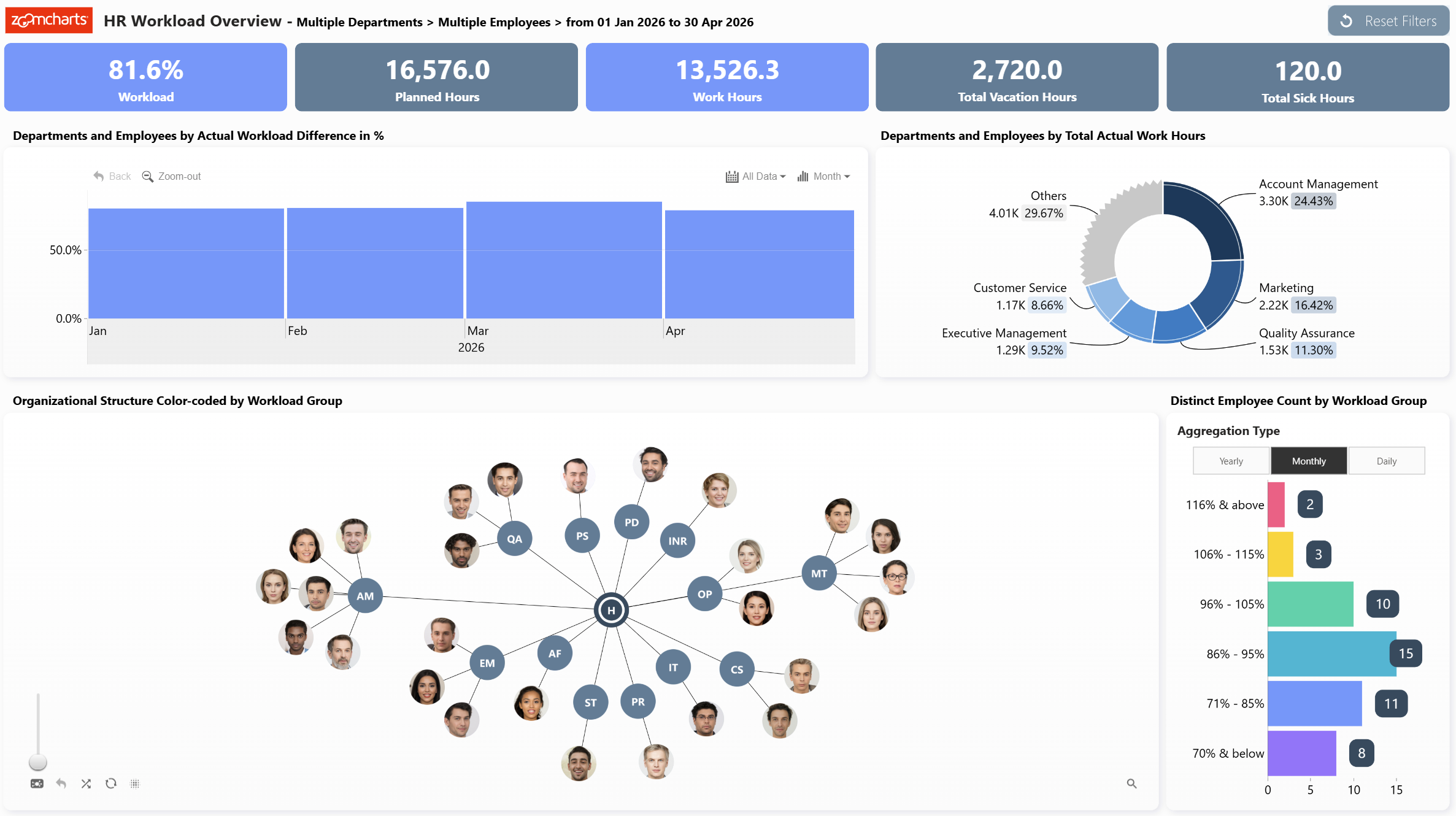
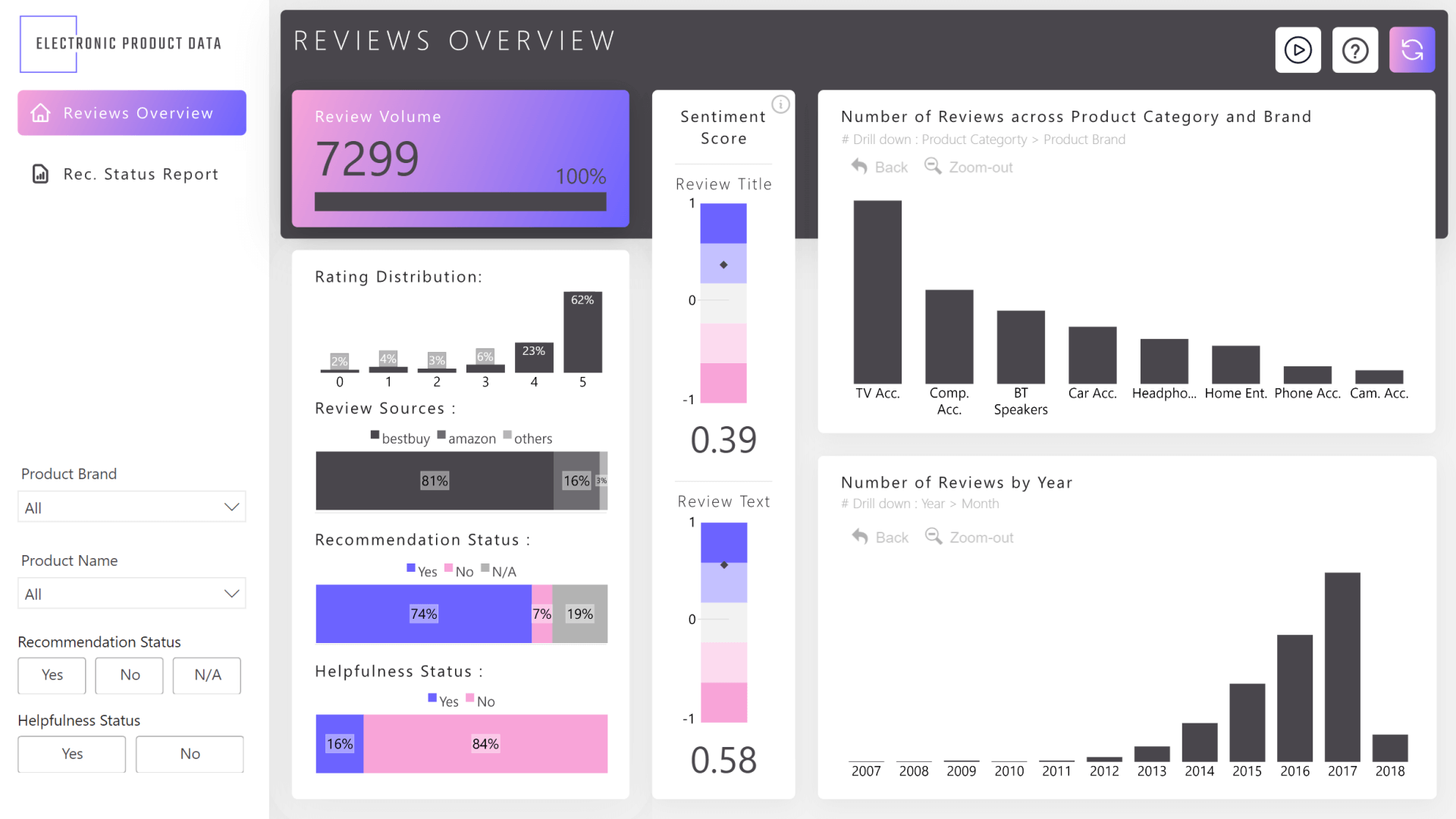
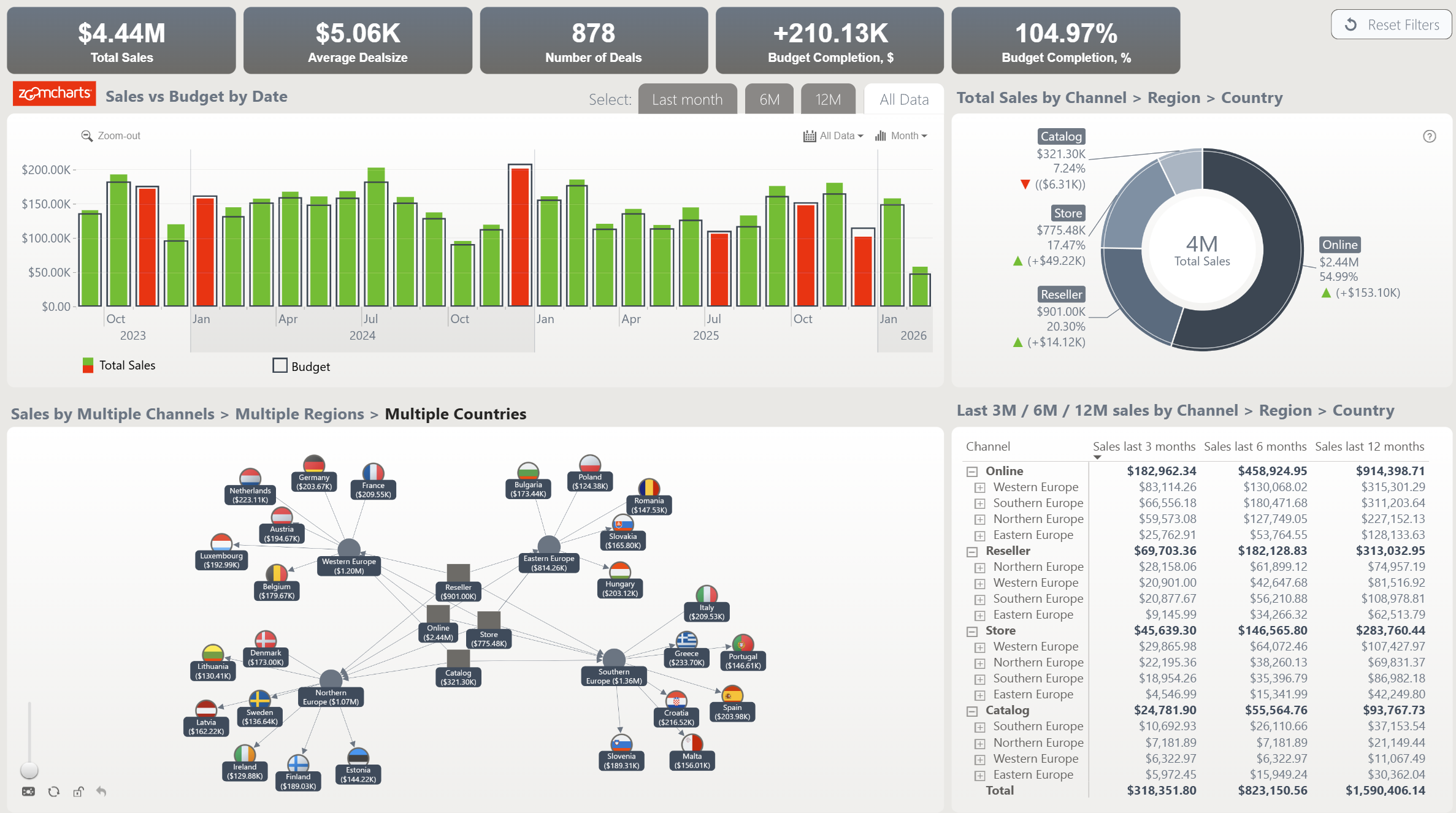
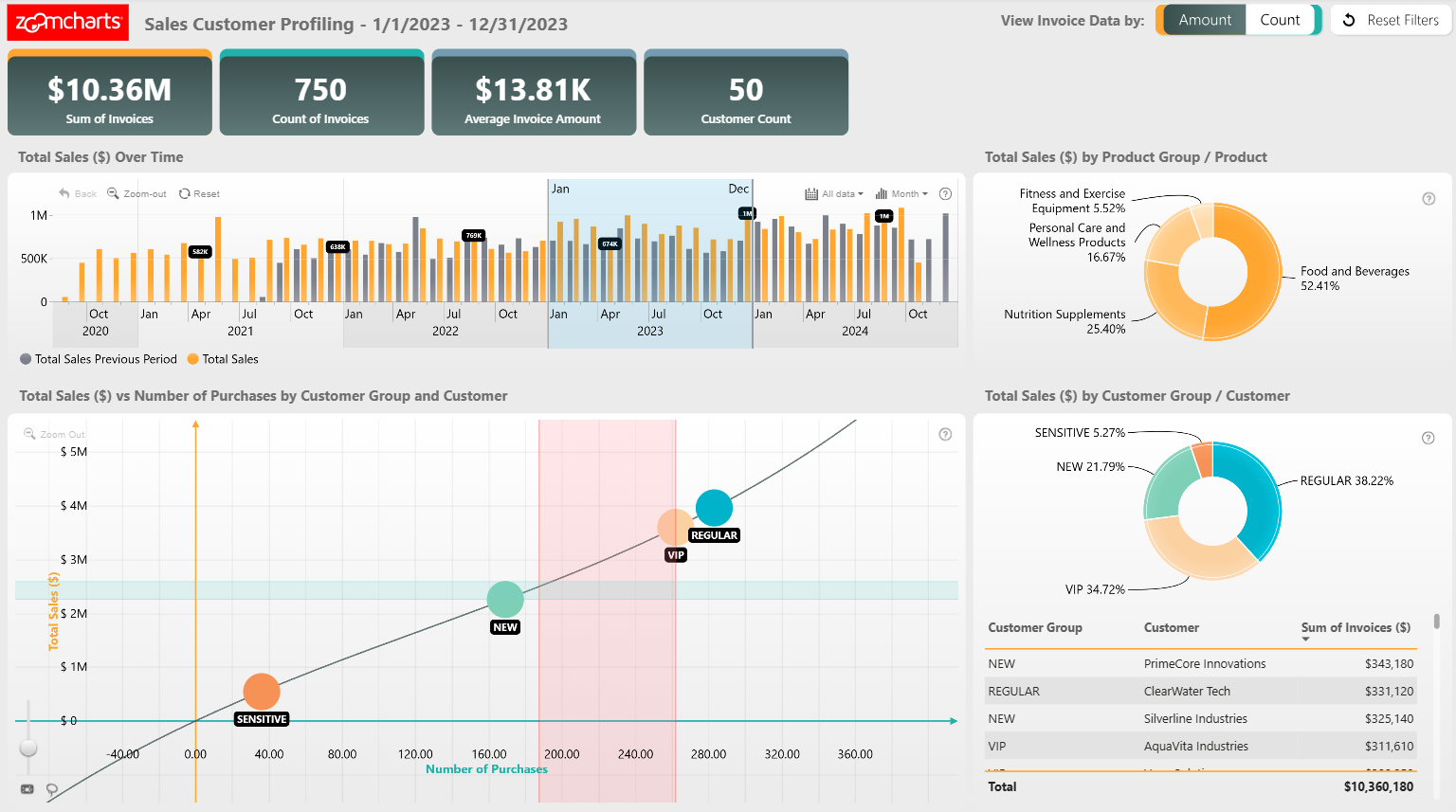
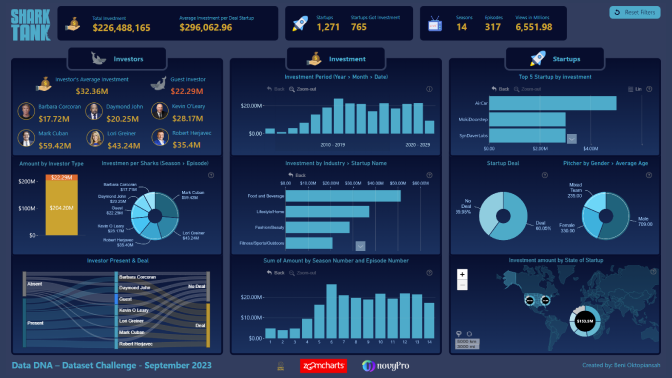
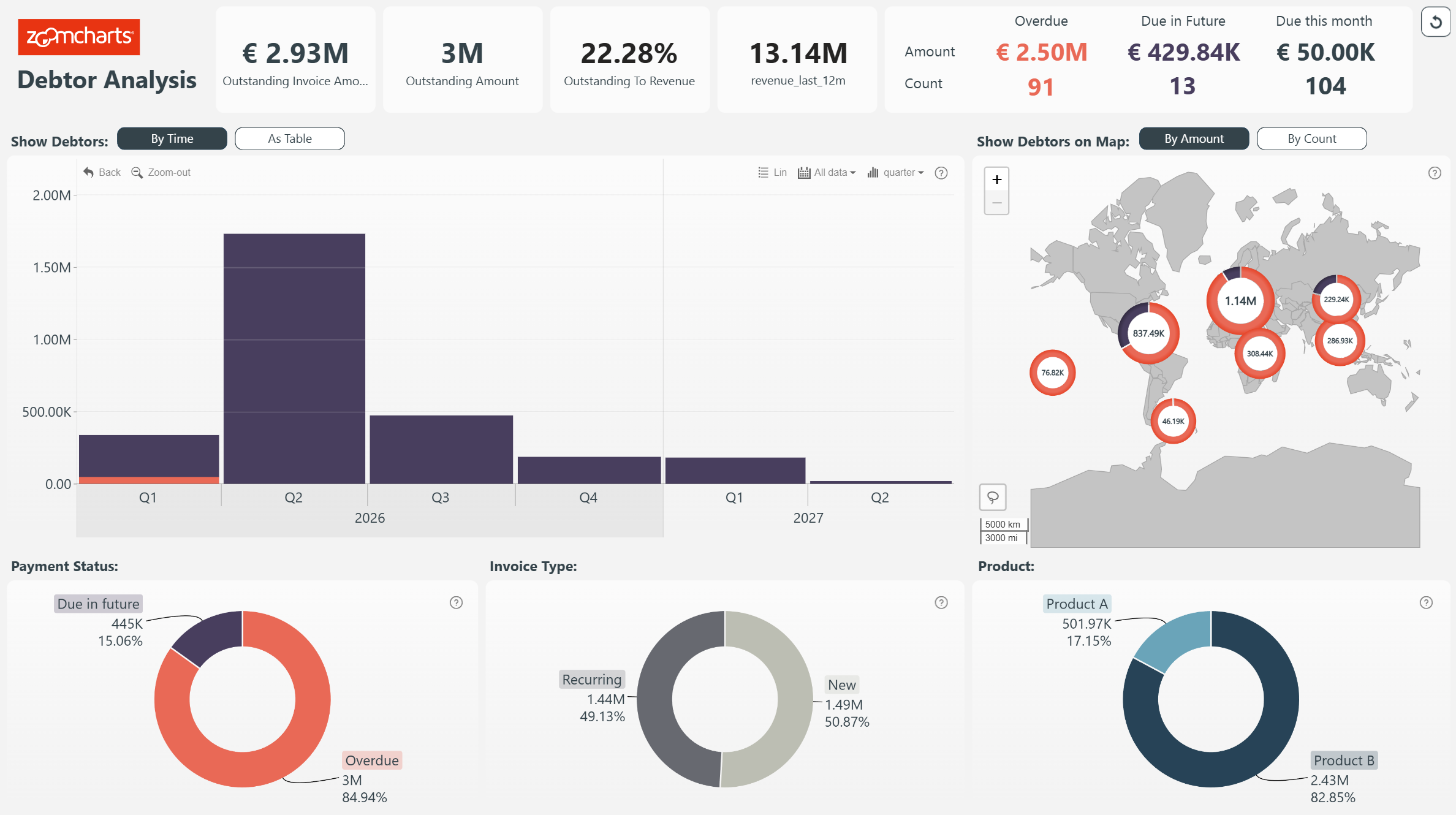
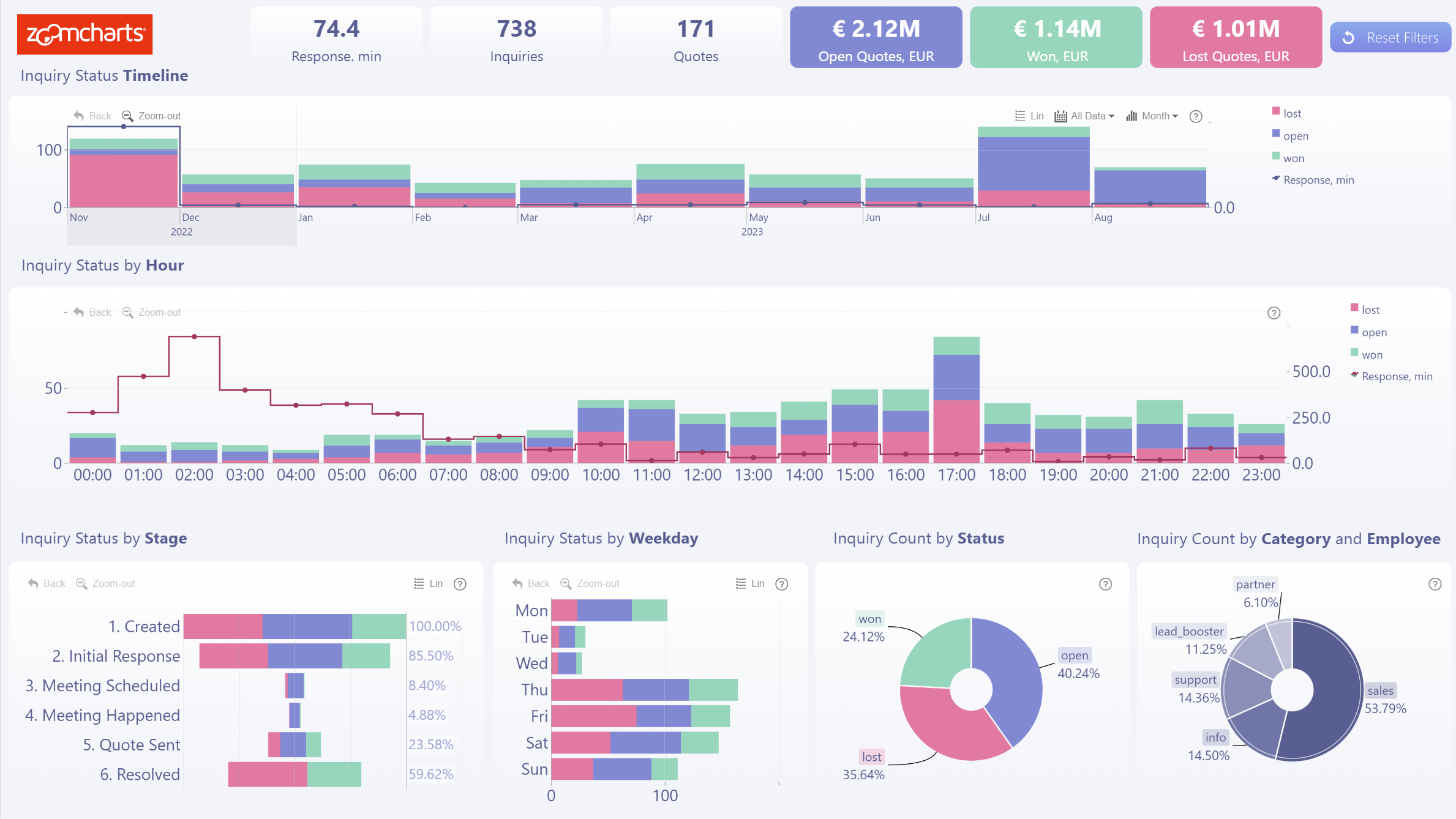
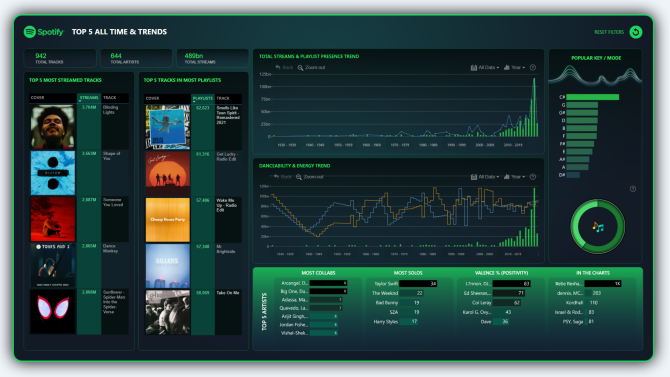
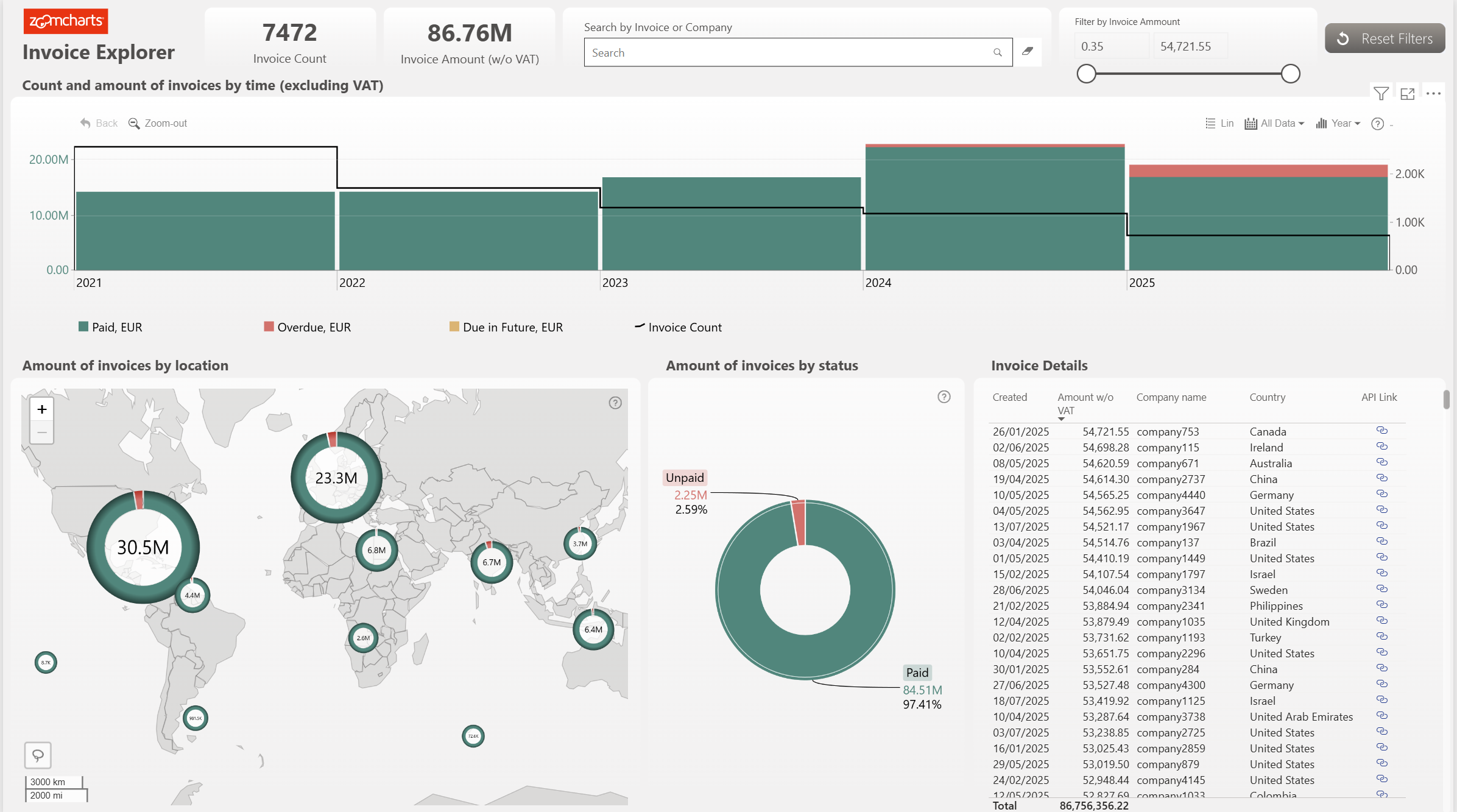
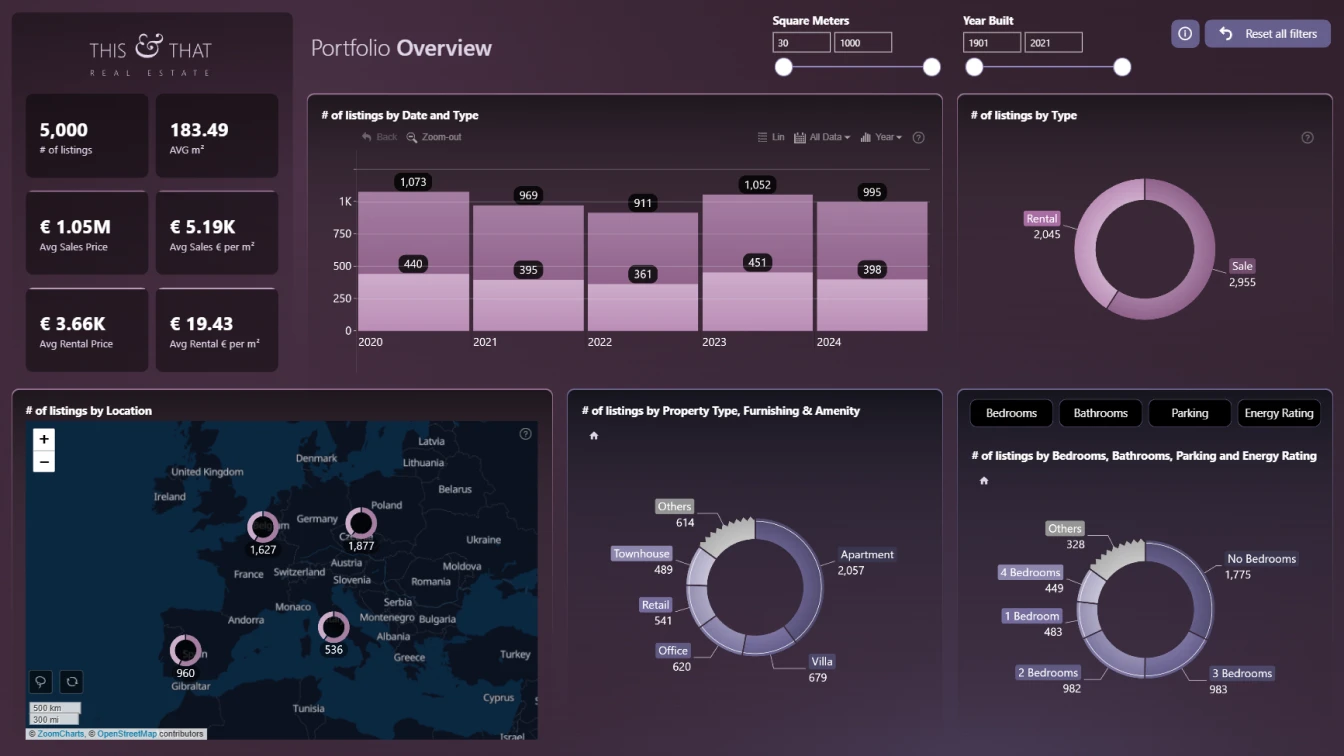
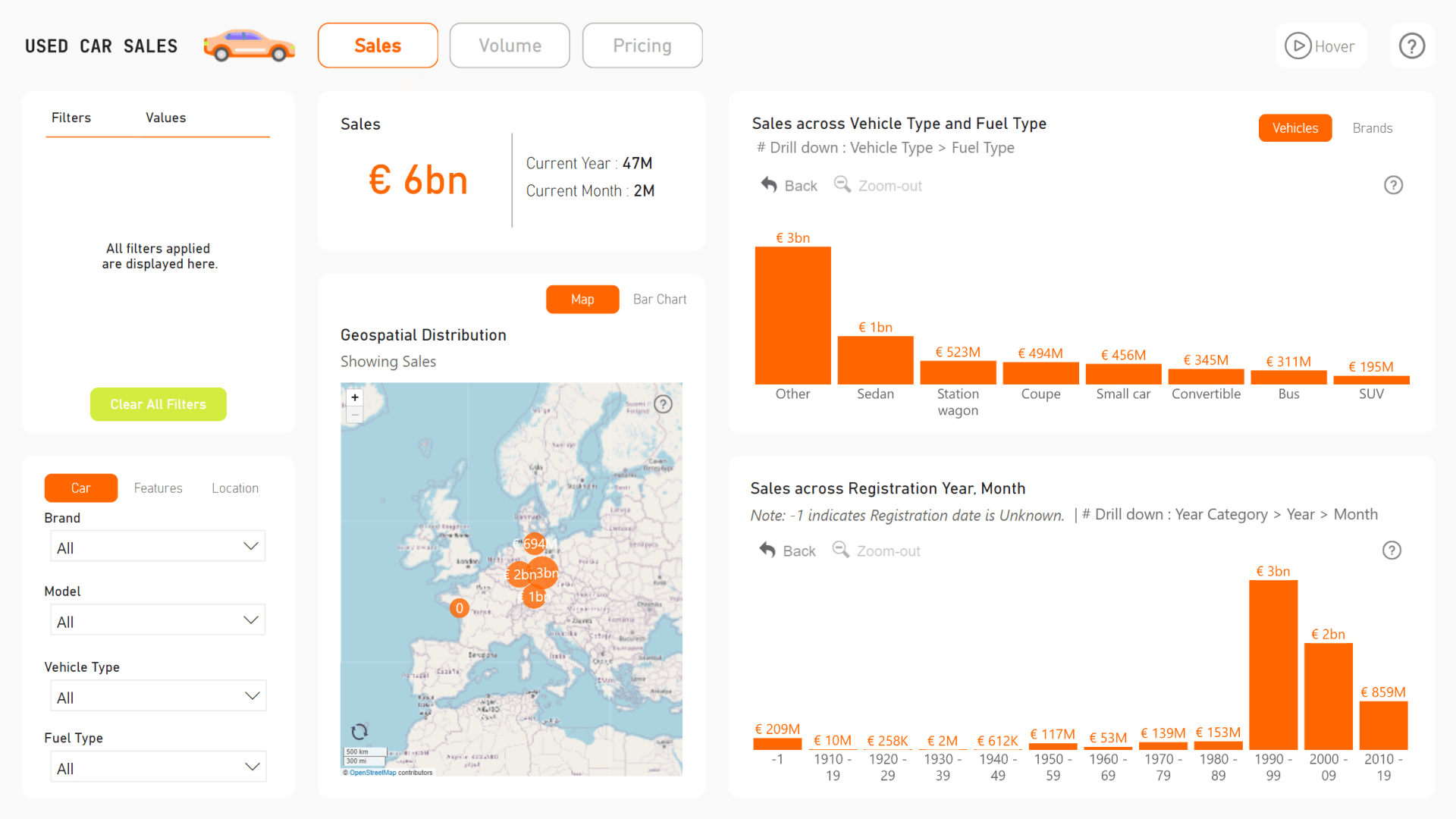
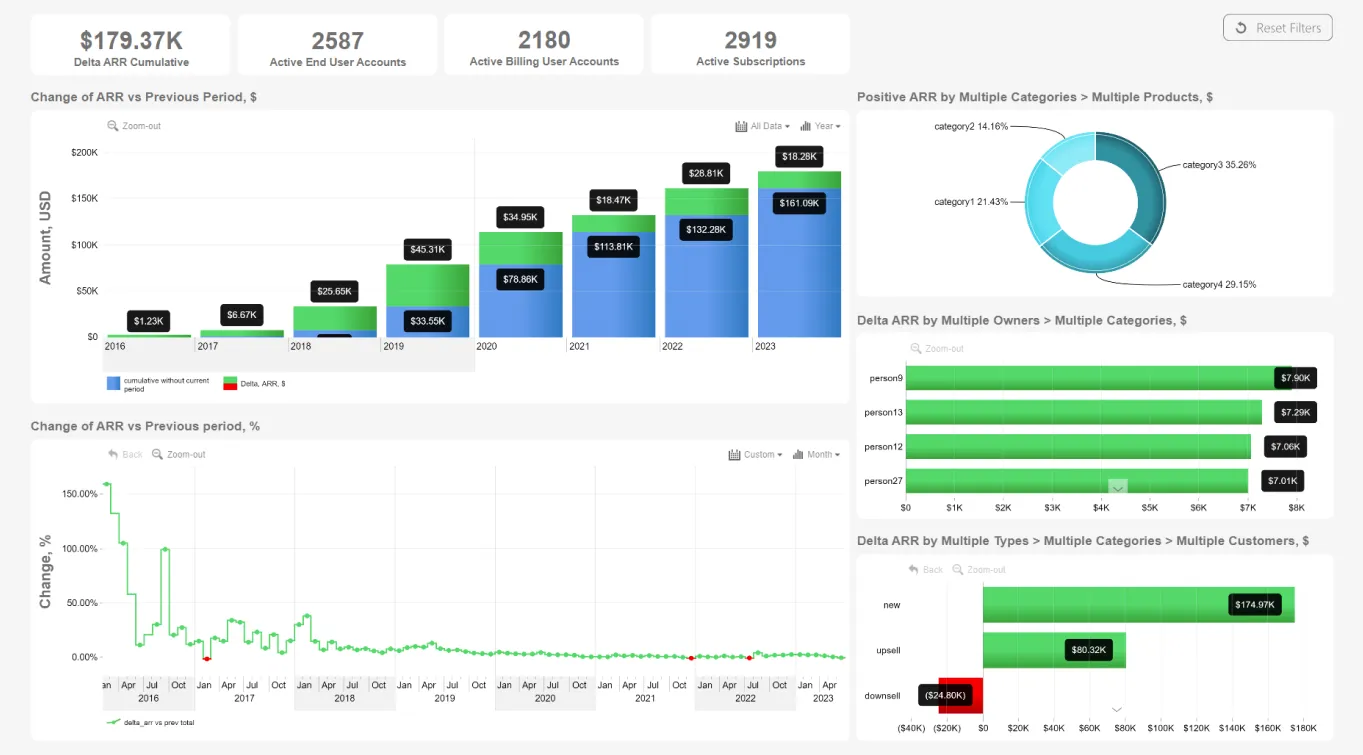
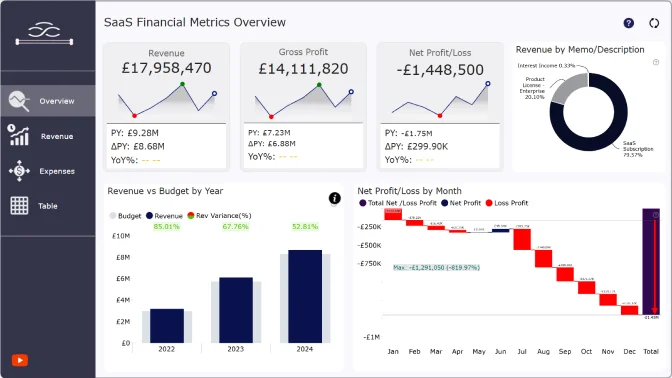
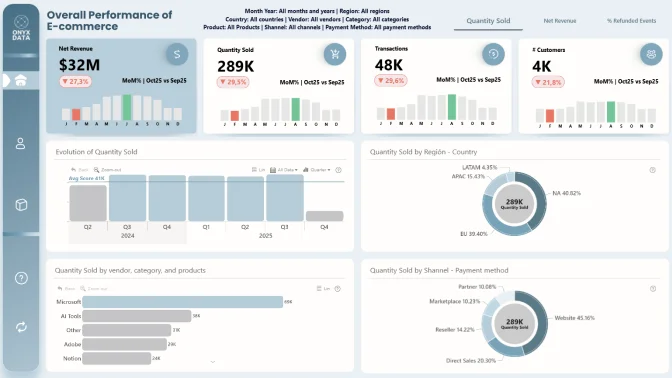
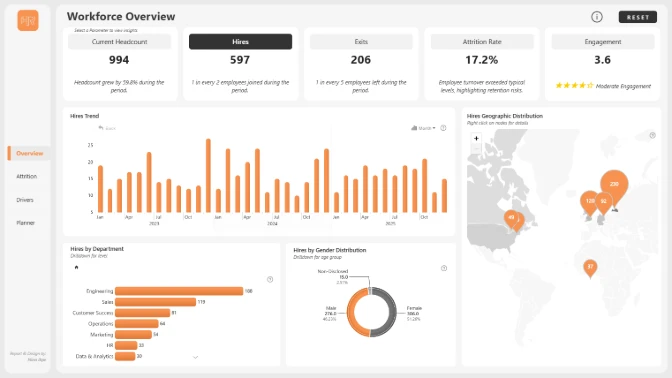
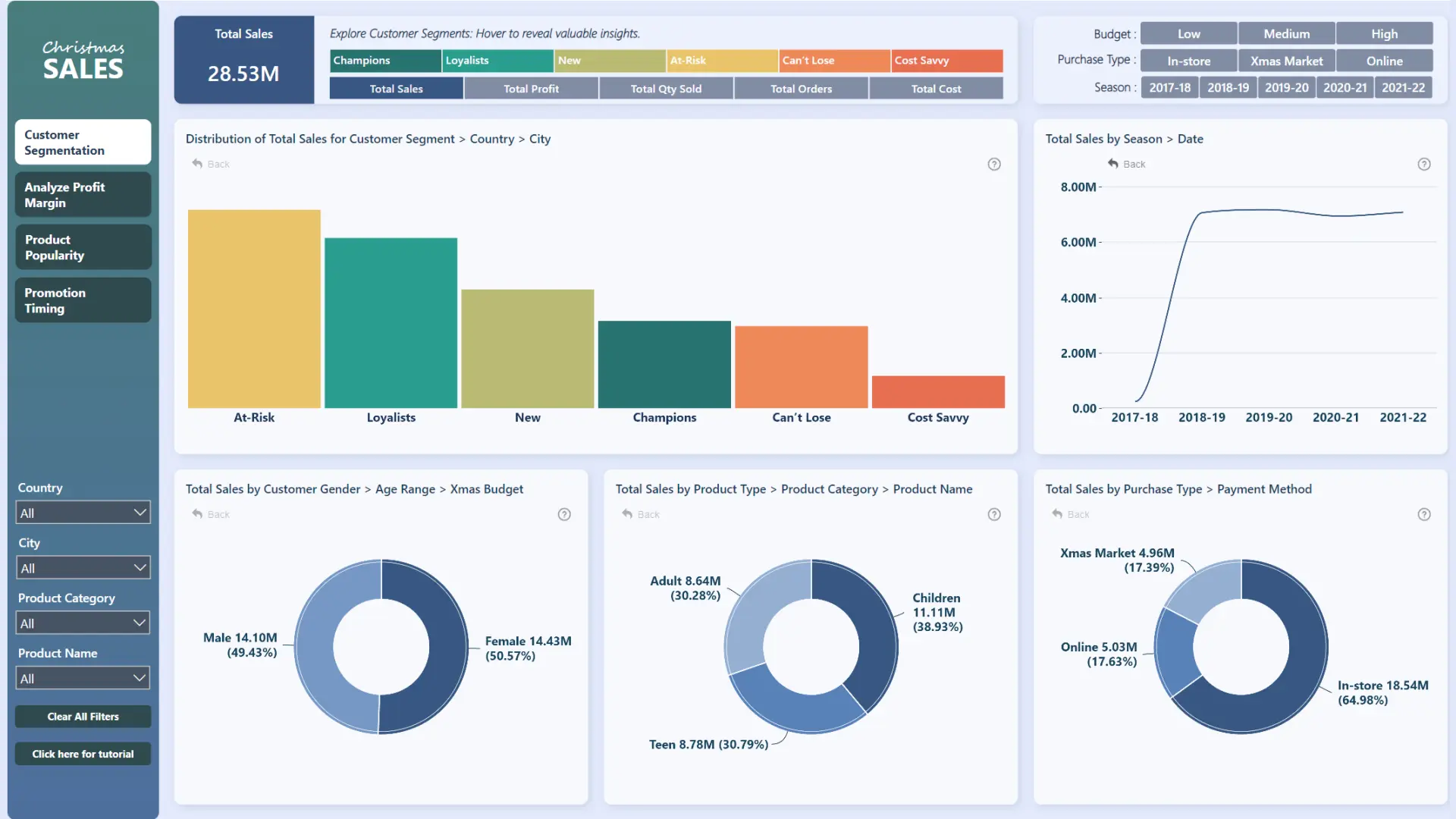
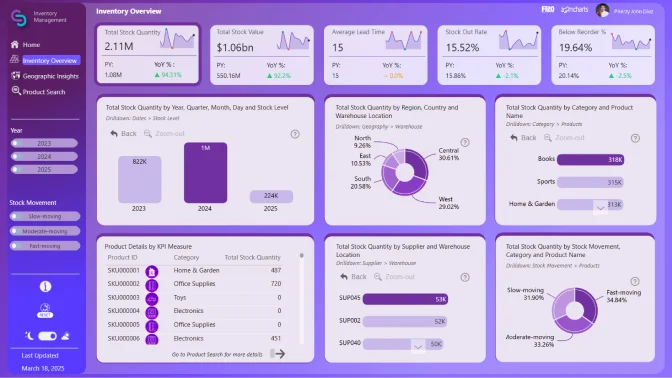
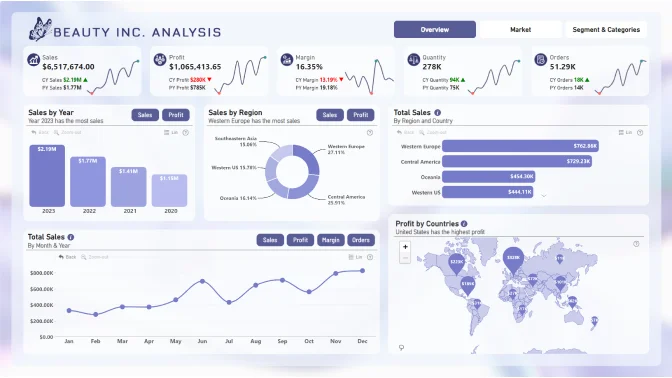
See our Power BI templates for new ideas to implement within your own reports. Explore interactive report examples of sales, banking, HR and other kinds of data. Click on each template to view in more detail. Download pbix and start interacting.
Free Templates for the Community
Free to preview & interact
Download PBIX Files
2700+
Power BI Templates
1000+
Report creators
100+
New reports monthly
1M+
Report views
Free to preview & interact
Showing:
4U Reports
Reports that earn attention, built on four user-centered qualities: Unique, User-friendly, Uncovering, and Understandable.
Designed to be opened, explored, understood, and acted upon.
No records
How to use a PBIX template
Preview the interactive report, download the PBIX file, open it in Power BI Desktop, and replace the same data connection with your own dataset.
Preview and download
Explore the report online and download the PBIX template file.
Open in Power BI Desktop
Open the downloaded PBIX file in Power BI Desktop.
Connect your data
Replace the sample data source with your own dataset.
Refresh and adjust
Refresh the model and update fields or visual were needed.
Save and share
Save your report and publish it for your audience.
A Power BI report template is a ready-made PBIX report that includes a designed layout, visuals, measures, and sample data that you can adapt to your own reporting needs.
Yes. Open the PBIX file in Power BI Desktop, replace the sample data source, and map your fields to the existing report structure.
Yes. The gallery lets visitors preview and interact with published reports before deciding which PBIX file to download.
Template downloads are provided as PBIX files that can be opened in Power BI Desktop.
Choose a template that matches your business area, required KPIs, and preferred report structure. Category filters can help narrow down the best fit.
Absolutely. Every template is fully editable in Power BI Desktop. You can replace the sample data with your own, modify the layout, add or remove pages, customize KPIs, and adapt the report to your business requirements.
The templates are built with ZoomCharts custom visuals to deliver advanced interactivity, drill-down, and data exploration. To publish or share reports that use ZoomCharts visuals, you'll need a ZoomCharts license. Learn more about available licensing options on our Power BI Visuals Pricing page.
After editing the PBIX file in Power BI Desktop, you can publish it to Power BI Service if your environment and licensing allow it.