48744
Power BI Market Research Report: Mobile Game Analysis
Power BI Market Research Report: Mobile Game Analysis
More Report pages
Report Author: Overhauled by ZoomCharts
48744
Share template with others
Summary
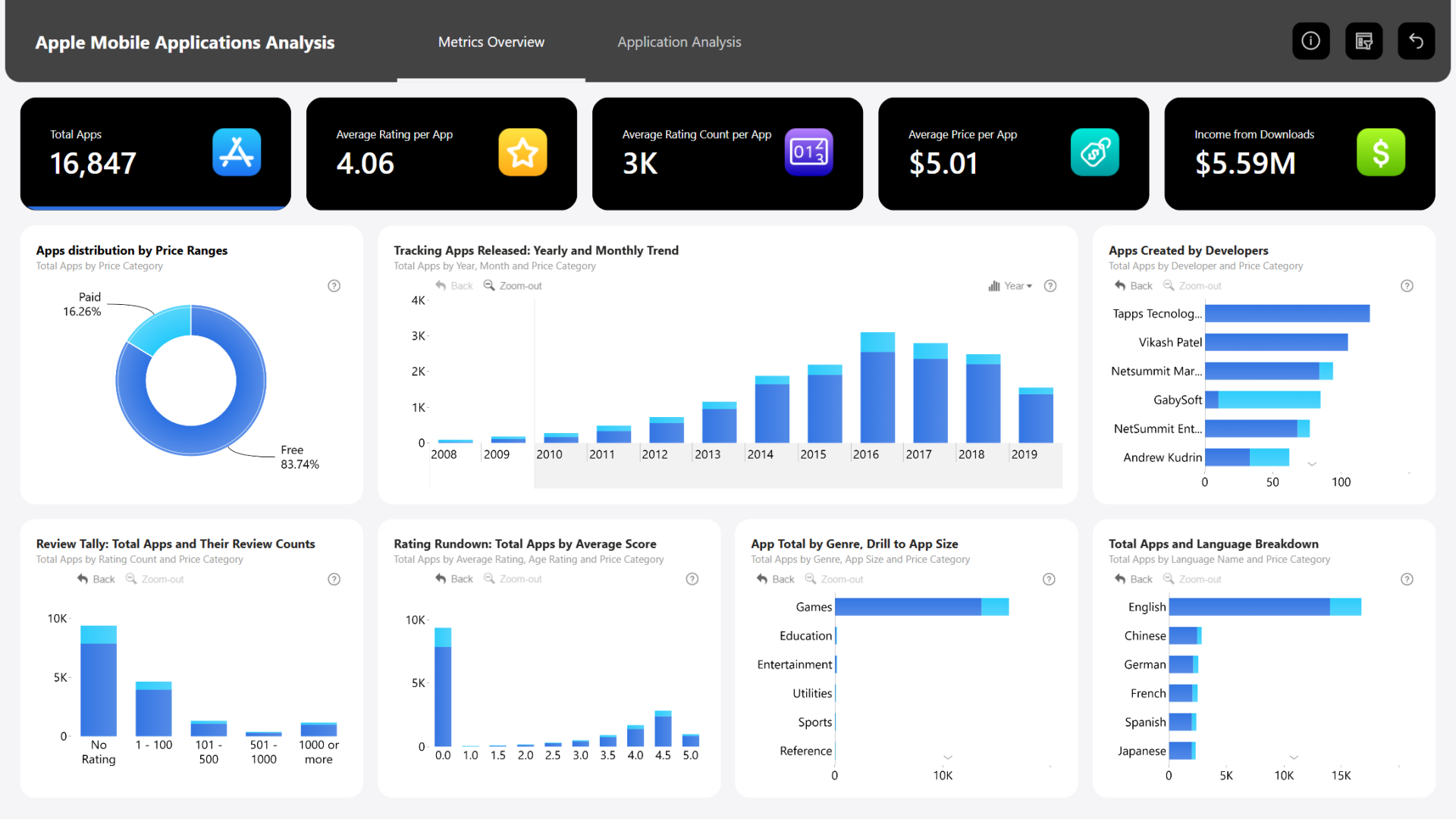
Market research is an important step that allows you to identify your main competitors, find your target audiences and determine the best monetization strategy. This Power BI market research report template will provide inspiration on how to gain valuable market insights before developing a new mobile app or game.
This Power BI market research report is the winning entry for the FP20 Analytics August 2024 ZoomCharts Challenge, where participants were tasked with visualizing an example dataset with data about App Store mobile games.
Key Insights of this Power BI Market Research Report
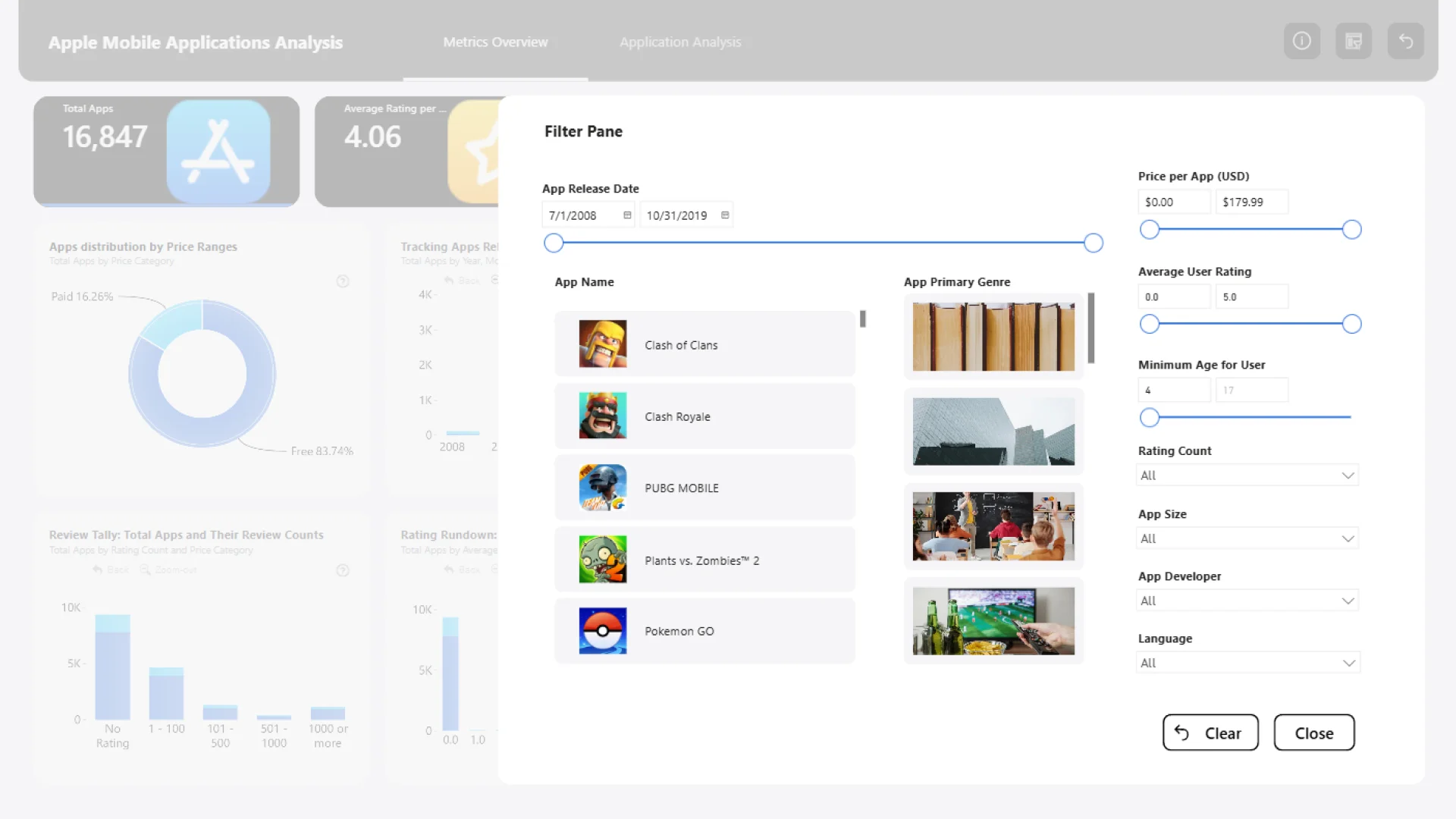
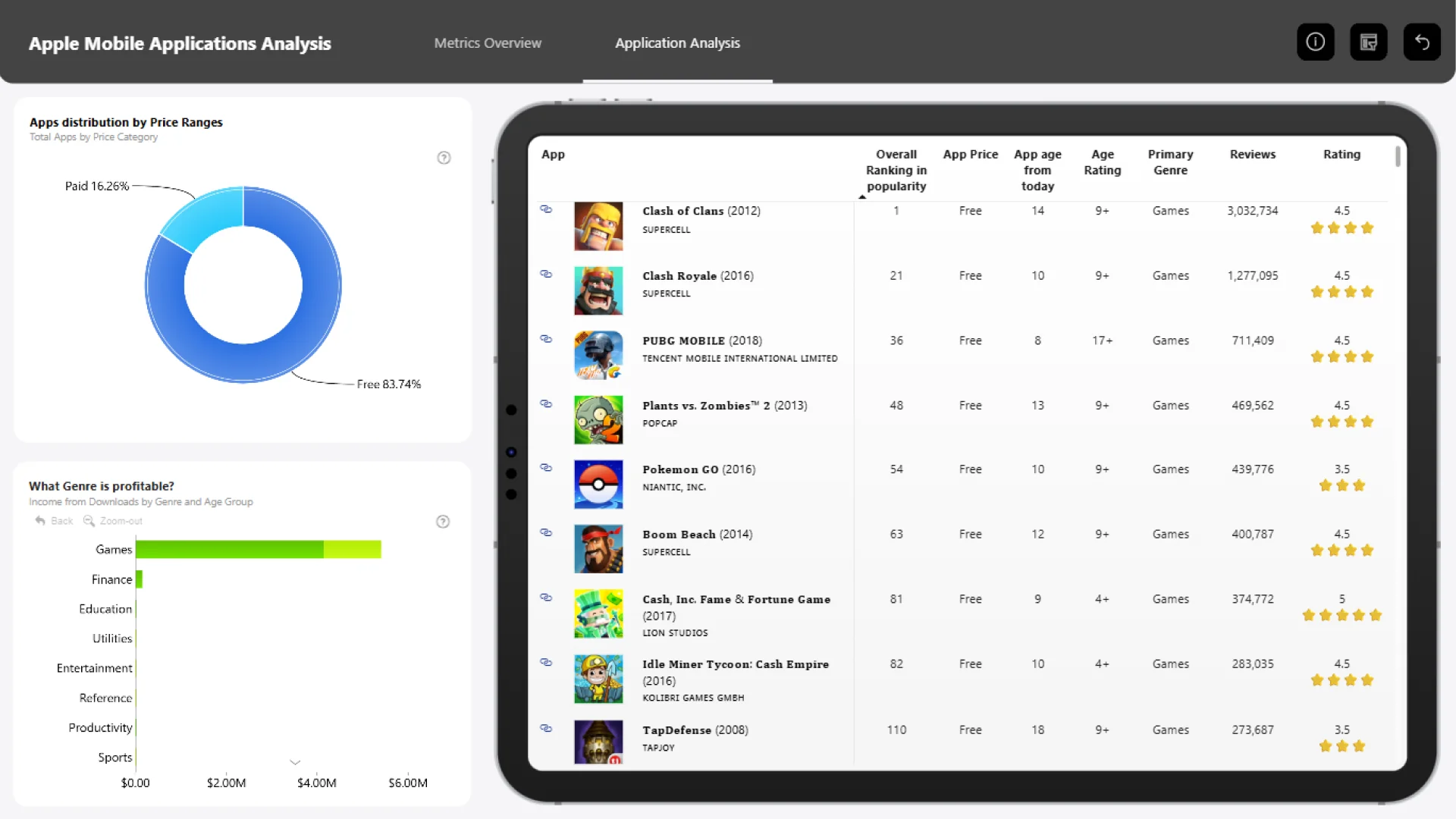
This report visualizes App Store data about mobile games, allowing users to easily gain valuable market insights using a slick and intuitive report UI, including:
- Average rating
- Rating count
- Genres
- Monetization: paid vs. free
- Price
- Age rating
- Language
- …and more.
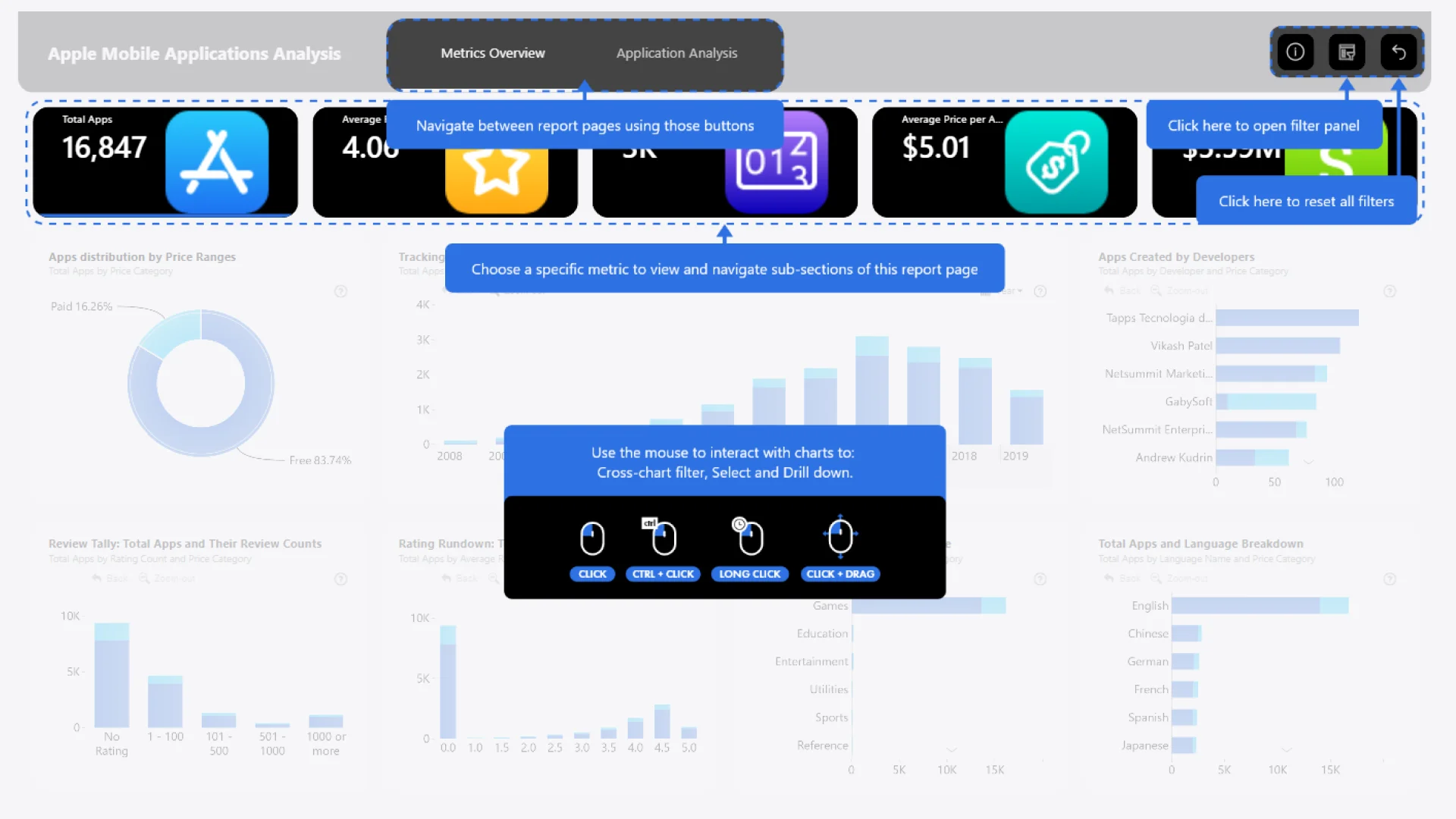
The report seamlessly cross-filters across charts, allowing you to instantly analyze each metric across multiple dimensions and identify possible correlations between them. Simply click on each KPI card to see more detailed insights.
This report is based on the challenge submission with design refinements by the ZoomCharts team. See the original submission here.
How To Use This Report Template
To interact with this Power BI market research report, simply click any active element directly on the chart. Download the report file to see all the settings, formulas, and calculations. Try it out with your own data by making a few adjustments.
ZoomCharts visuals used




4U Report Challenges
Participate in data challenges, build and submit reports to get free template downloads.
Join CommunityMobile view allows you to interact with the report. To Download the template please switch to desktop view.
How to use a PBIX template
Preview the interactive report, download the PBIX file, open it in Power BI Desktop, and replace the same data connection with your own dataset.
Preview and download
Explore the report online and download the PBIX template file.
Open in Power BI Desktop
Open the downloaded PBIX file in Power BI Desktop.
Connect your data
Replace the sample data source with your own dataset.
Refresh and adjust
Refresh the model and update fields or visual were needed.
Save and share
Save your report and publish it for your audience.


