Registration Open
Registration Open
30 April | 17:30
-

Reset your password
We'll email you instructions on how to reset your password

Build a powerful supply chain report in Power BI for executive management. Sharpen your data visualization skills and showcase your professional credibility within the community.
Workshop | Build a High-Impact Supply Chain Dashboard in Power BI
Workshop | Build a High-Impact Supply Chain Dashboard in Power BI
07 May | 07:00
-
Improve your Power BI data visualization skills and demonstrate strong professional credibility by building 4U Reports.
In this challenge, you’ll be provided with a business case dataset to analyze and visualize in Power BI. Each month, a new dataset is released, allowing you to build high-demand Power BI reports and dashboards for your portfolio, gain recognition within a community of 20k+ BI professionals, and win amazing prizes from ZoomCharts.
🏆 The best 3 overall reports will receive a $300 / $200 / $100 Amazon gift card.
Being selected in the Top 5 will grant you +10 free downloads from the Power BI Report Gallery.
On May 29, the top 5 reports and prize winners will be announced during the Live Webinar “Top 5 Supply Chain Dashboards from 4U Report Challenge”.

Follow these steps to register, build your Power BI report, submit your entry, and compete for prizes.
Upload your report in .pbix format using the submission form on this page.
If your report does not meet the challenge requirements:
You will receive an email explaining what needs to be fixed. You can update your report and submit it again.
Validation timeline:
Note: You can resubmit your entry as many times as needed before the final deadline.
The ZoomCharts team present the Top 5 Challenge entries during the live webinar. You will learn best practices, improvement tips, and see how participants solved the challenge. Winners will be announced during the live webinar and afterward on the ZoomCharts LinkedIn page.
ZoomCharts 4U Report Challenge May 2026
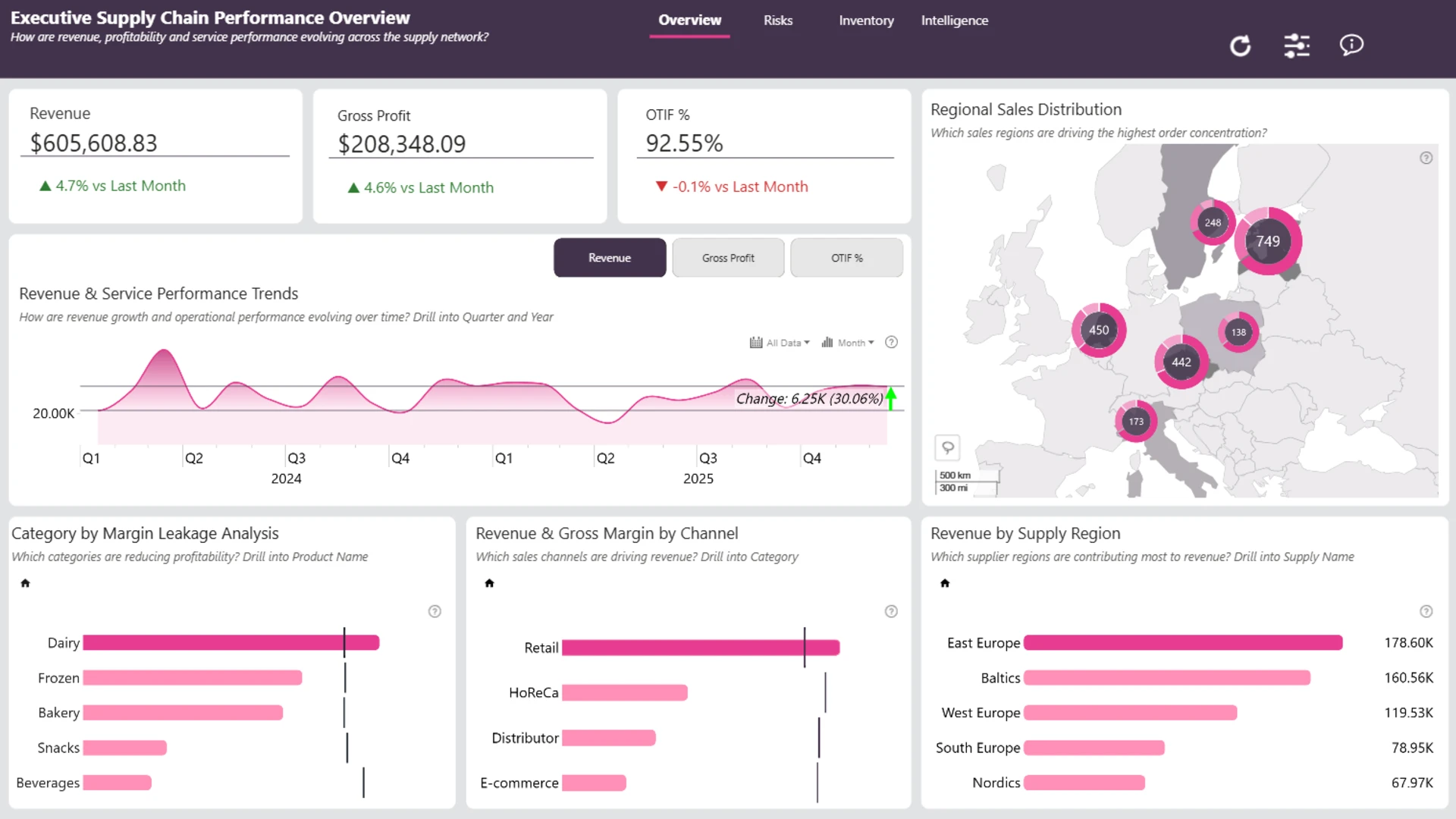
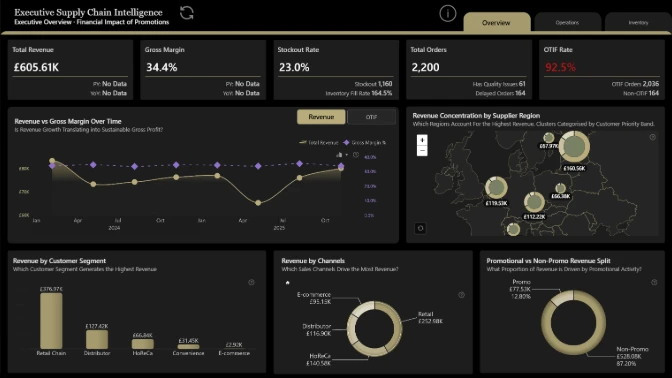
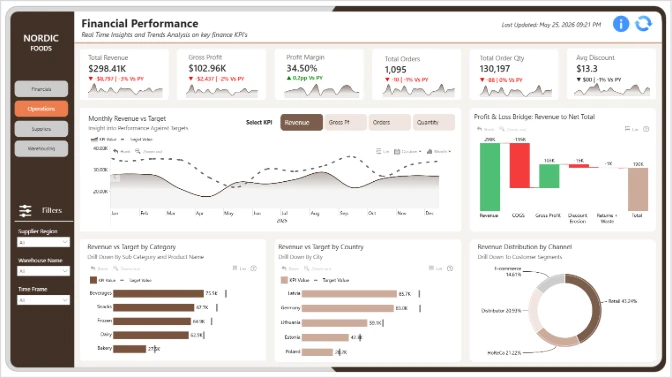
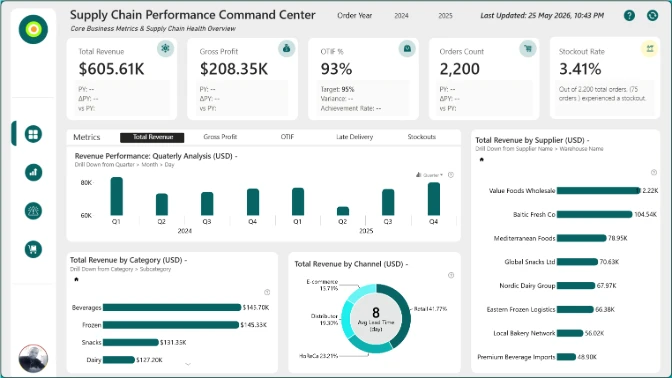
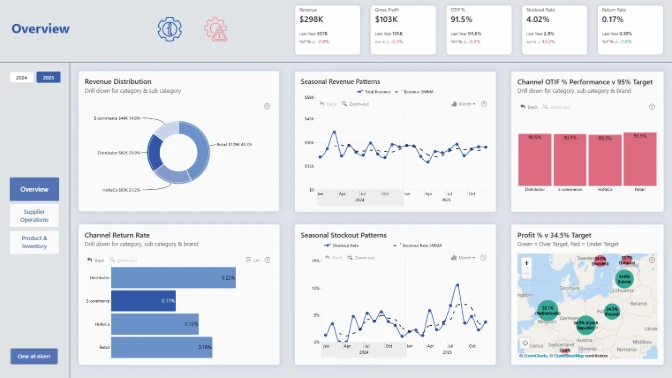
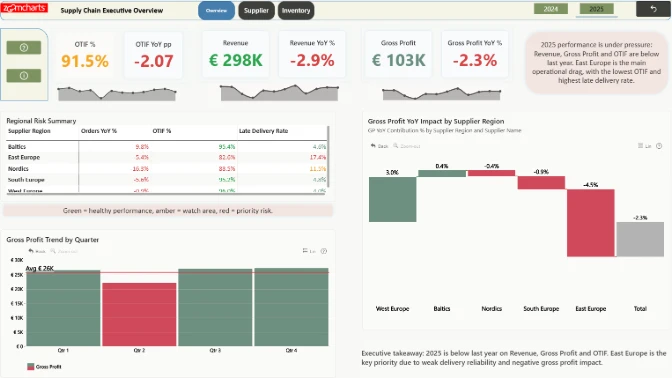
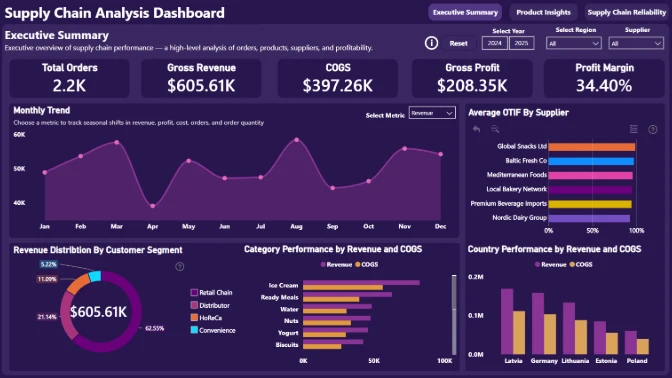
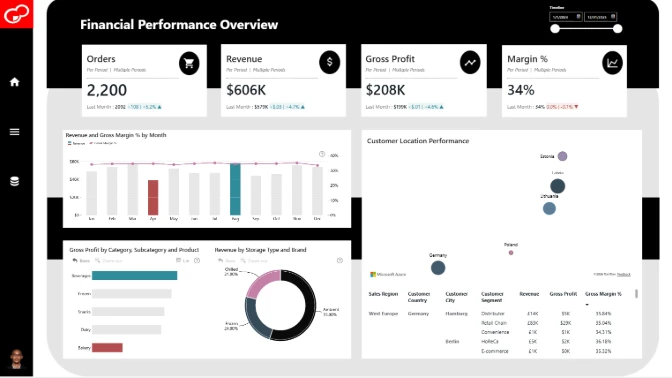
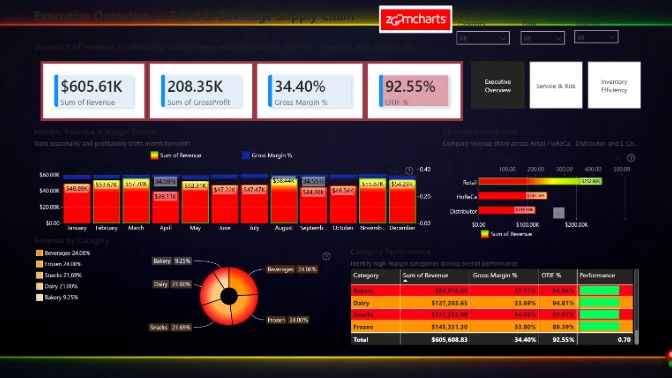
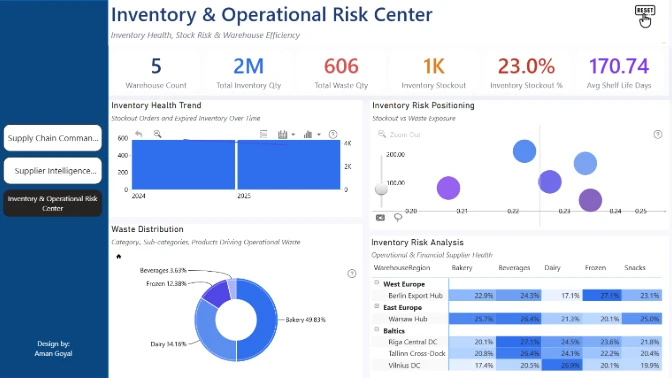
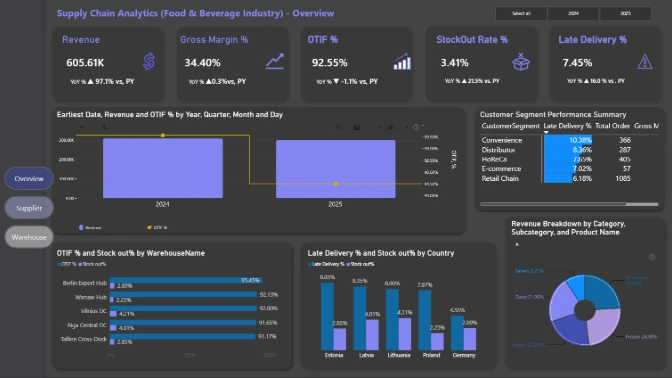
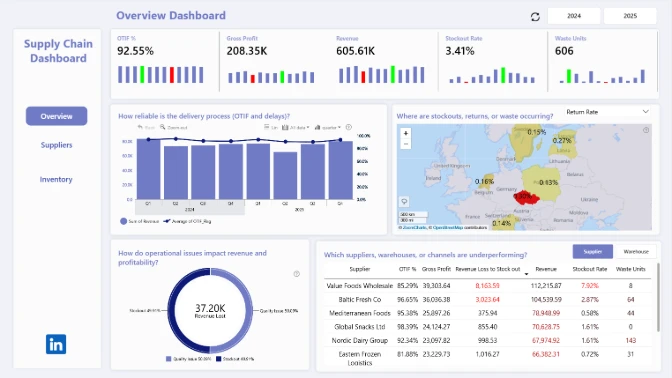
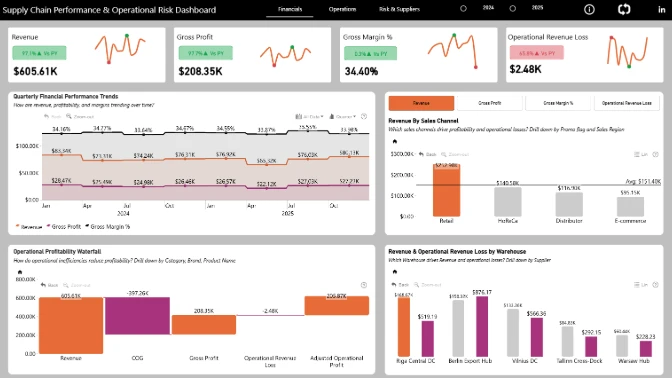
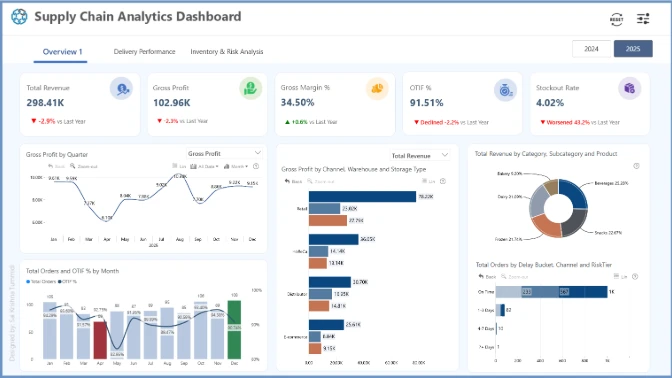
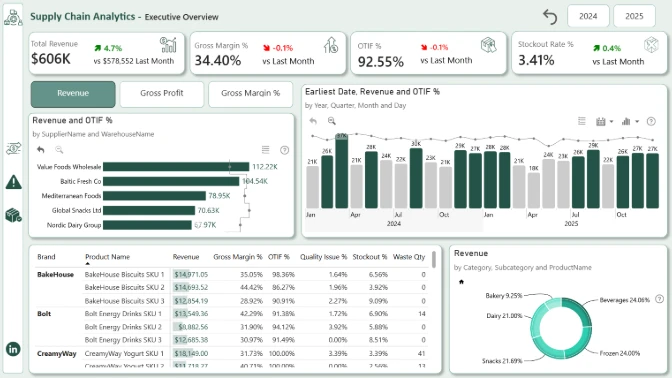
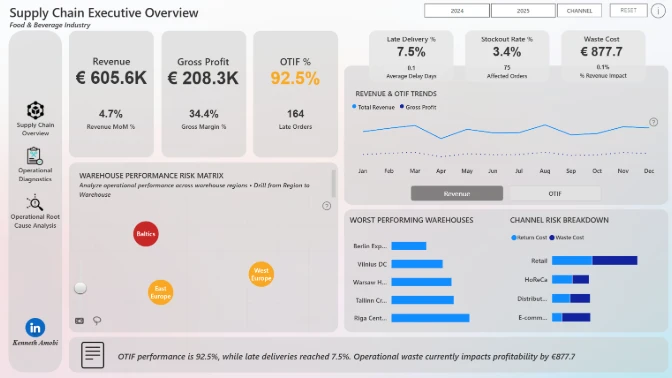
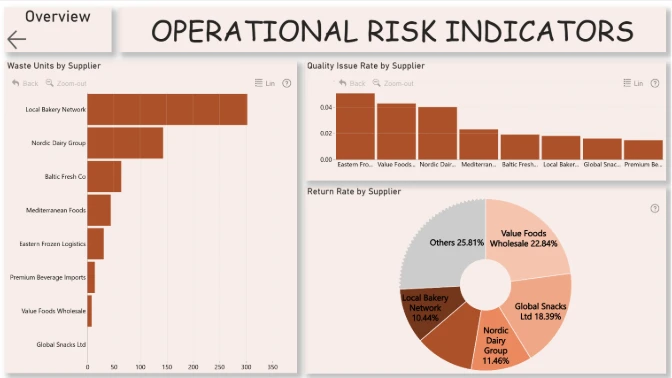
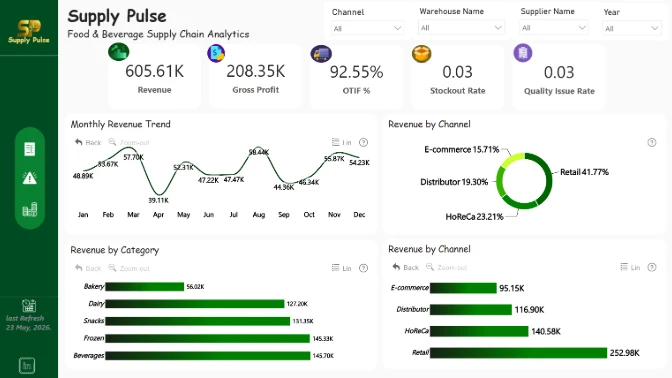
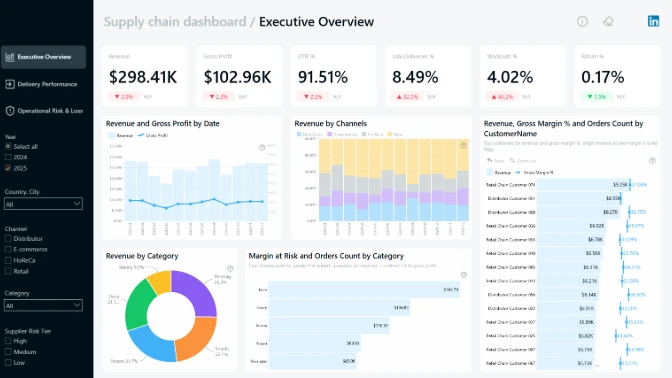
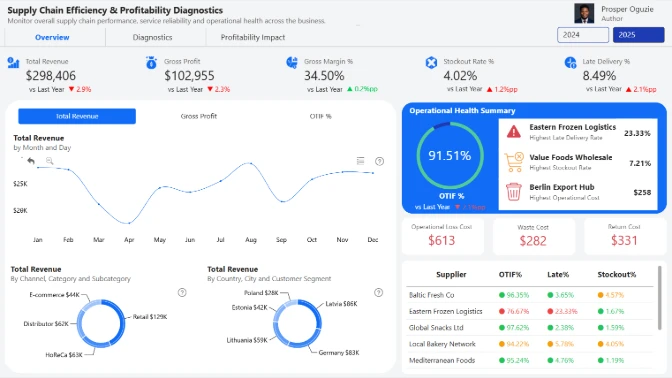
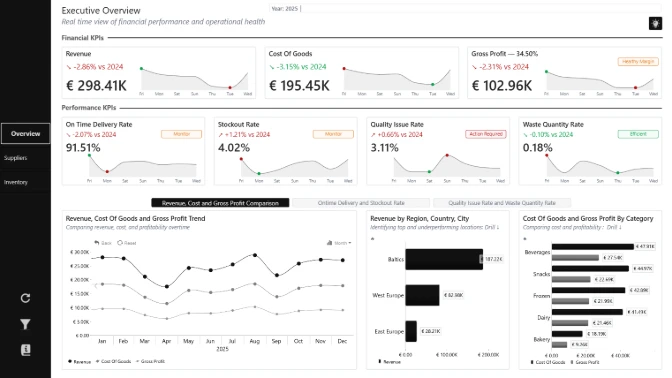
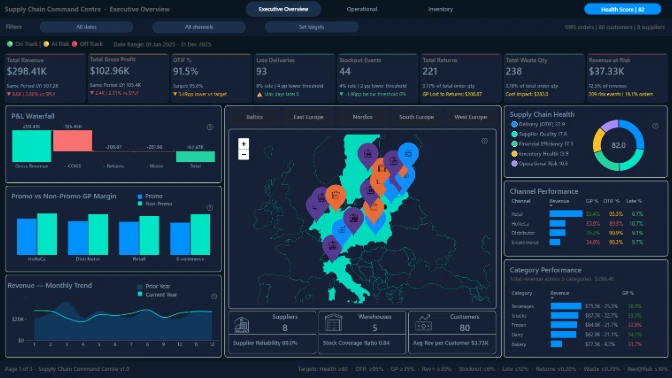
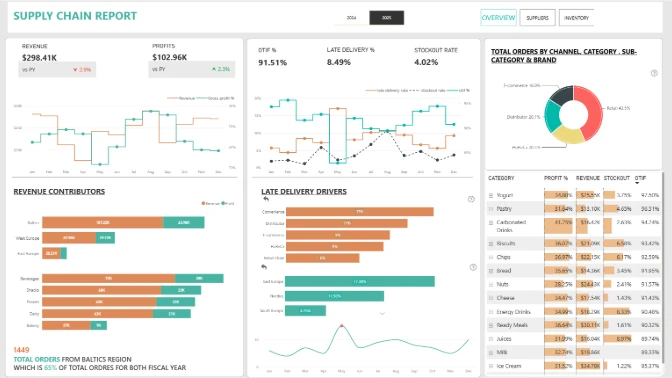
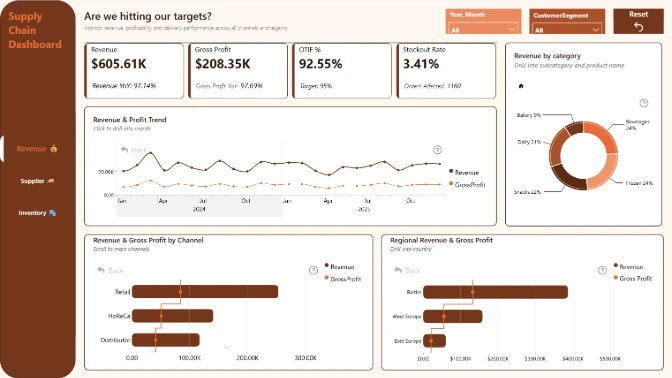
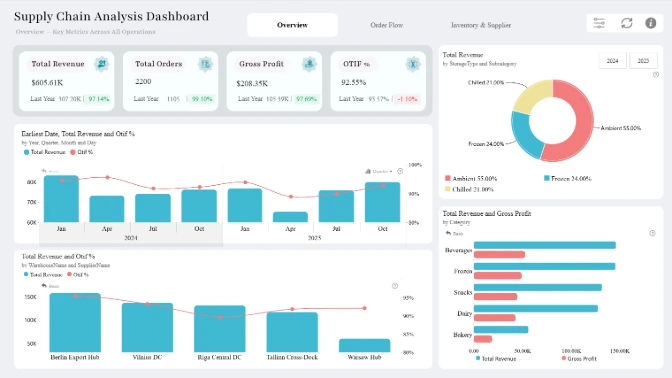
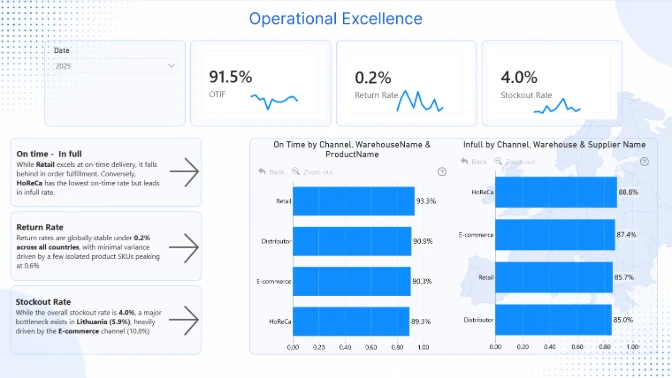
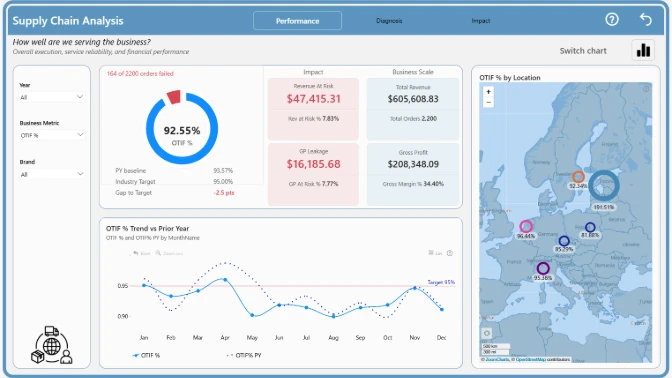
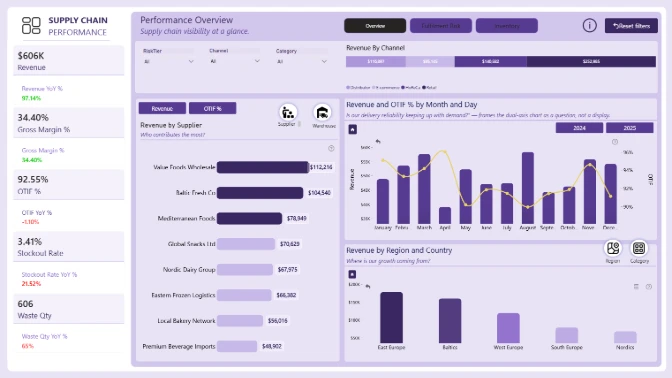
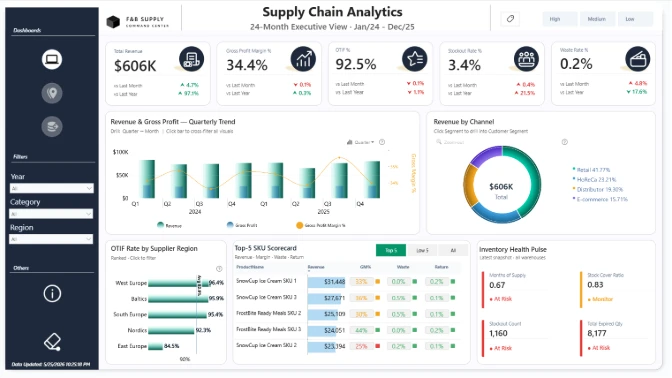
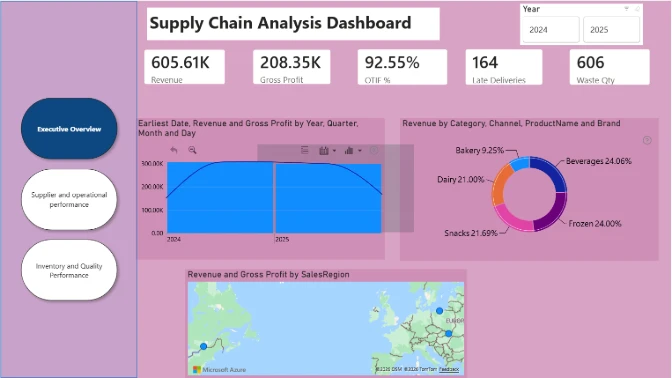
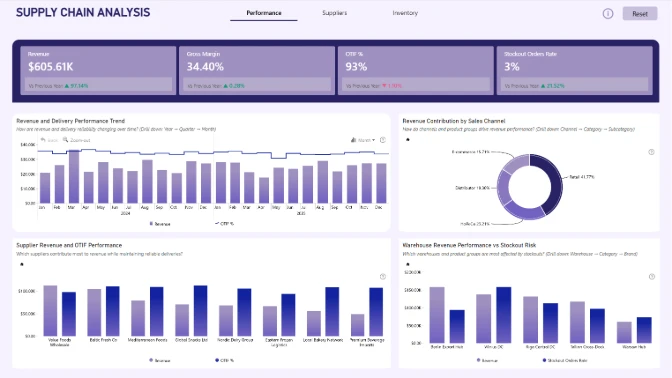
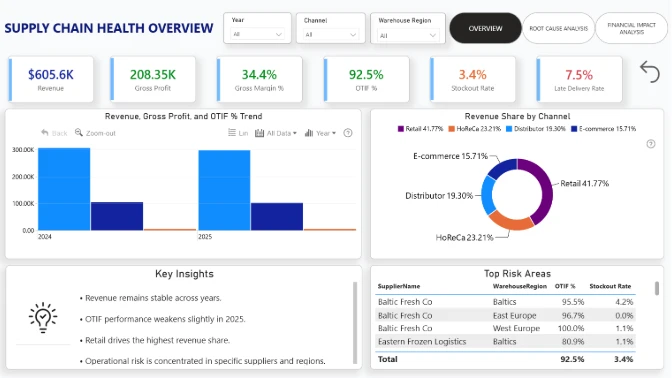
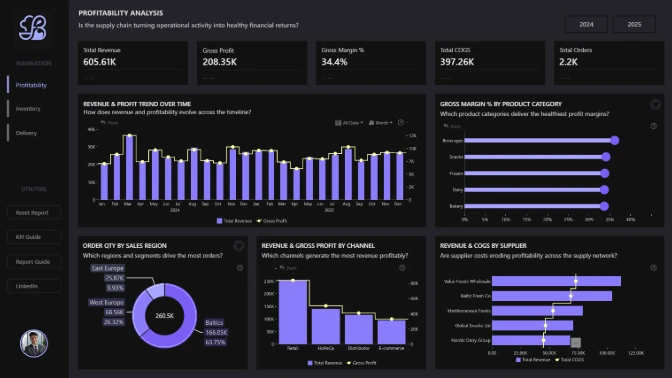
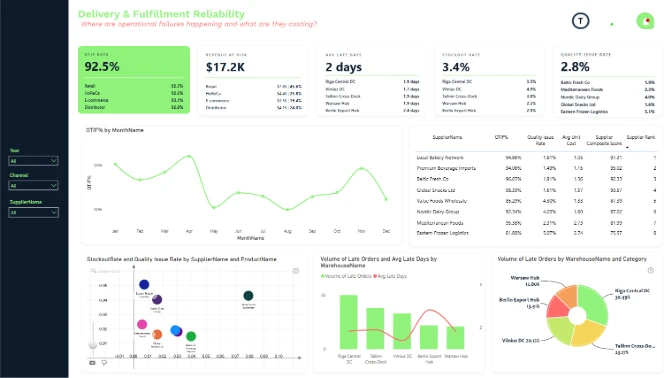
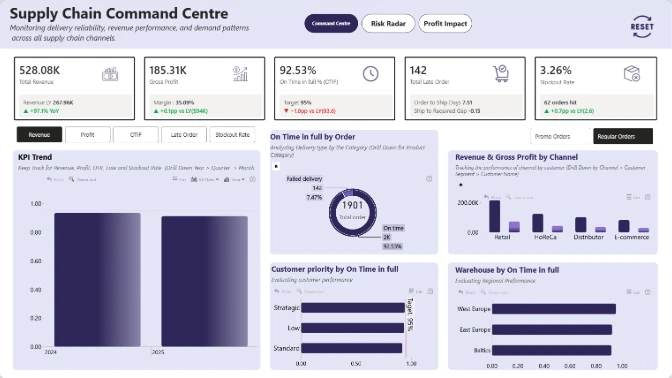
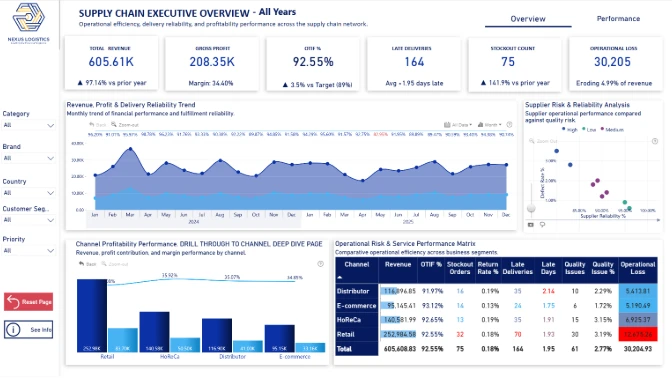
Build a Power BI report for a food and beverage supply chain dataset covering the full journey from order placement to delivery.
Tool
Power BI
Recommended length
Up to 3 pages
Including drill-through pages
Canvas size
16:9 or 1920 x 1080
ZoomCharts visuals
Use a minimum of 2 Drill Down Visuals
Within a single report page
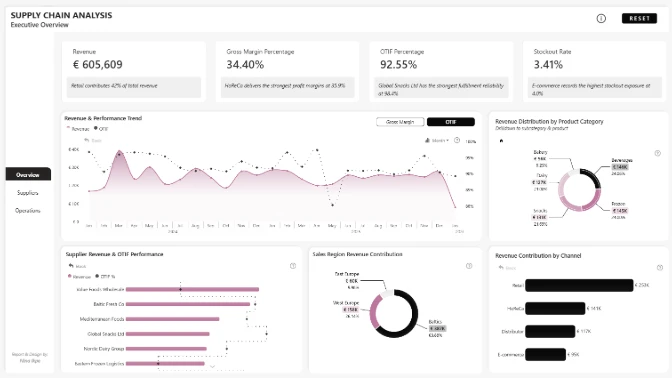
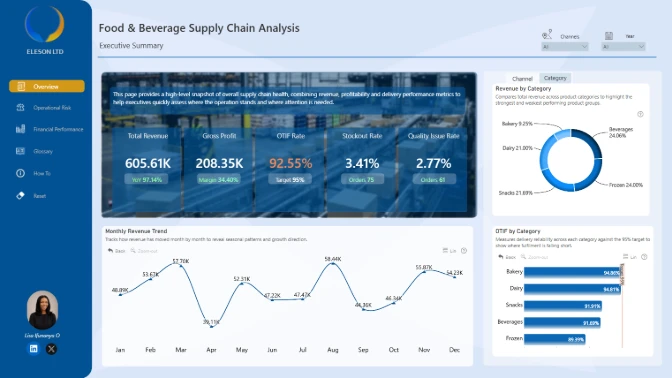
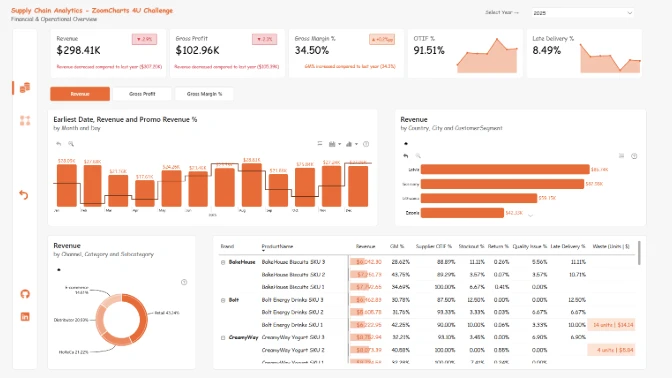
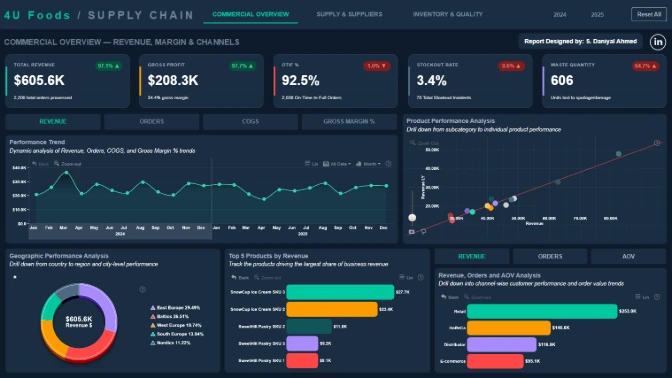
This challenge is based on a food and beverage supply chain dataset covering transactional data across orders, shipments, suppliers, warehouses, and customer channels, including Retail, E-commerce, HoReCa, and Distributors.
The dataset includes real-world operational scenarios such as delivery performance, OTIF, delays, stockouts, returns, waste, quality issues, Revenue, COGS, and Gross Profit.
Design a Power BI report that helps supply chain managers and executives monitor performance, identify inefficiencies, and make better operational decisions.
How reliable is the delivery process?
Analyze OTIF performance and delivery delays.
Where are operational issues happening?
Identify stockouts, returns, waste, and quality problems.
Who or what is underperforming?
Compare suppliers, warehouses, and customer channels.
How do issues affect profit?
Connect operational problems with revenue and profitability.
Focus on building a report that is:
Each submission is evaluated based on four main criteria: Inspiring, Intuitive, Interactive, and Insightful. These dimensions ensure that the solution is visually compelling, easy to understand, engaging to use, and capable of delivering valuable insights.
How visually clear, modern, and purposeful the report looks.
How clear and easy it is to understand the report at a glance.
How engaging and seamless the report exploration and interaction with data feels.
How accurate, complete, and meaningful the data is in driving decisions.
Workshop | Build a High-Impact Supply Chain Dashboard in Power BI
Workshop | Build a High-Impact Supply Chain Dashboard in Power BI
07 May | 07:00
-