Choose the action that is performed when a user right-clicks on the chart.
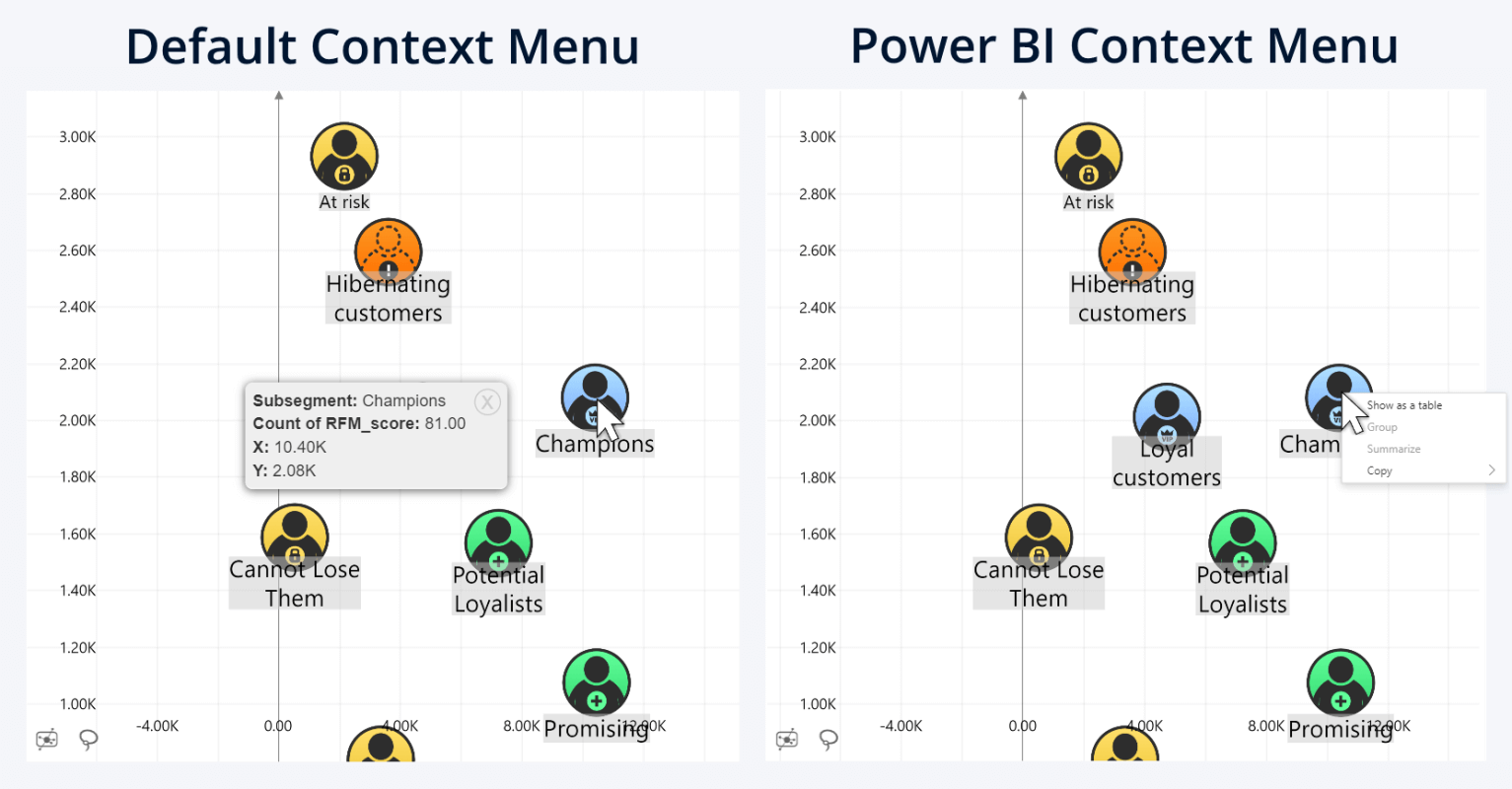
- Default Context Menu: When a user right-clicks a data point, the visual displays a context menu containing the values from the X-Axis, Y-Axis, Categories, and/or Legend fields, along with any content from the Tooltips field. The menu remains open until the user closes it using the X button or clicks elsewhere on the visual. If multiple data points share the same coordinates, the menu becomes paginated, allowing users to view information for each data point separately.
- Power BI Context Menu: When a user right-clicks anywhere on the chart, the visual displays the native Power BI context menu, providing access to standard Power BI actions such as Show as Table, Copy, and other available options.
Was this helpful? Thank you for your feedback!
Sorry about that.
How can we improve it?