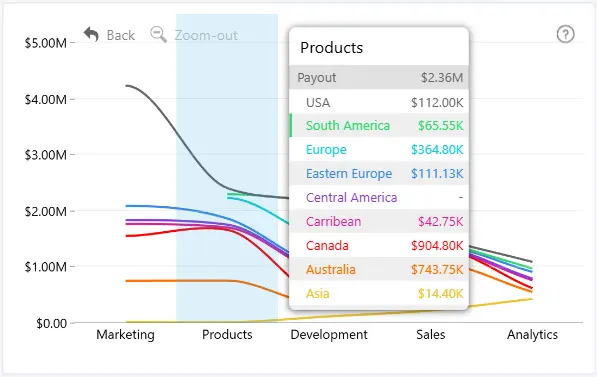
Enable Tooltip to display additional information when users hover over data points in Drill Down Line PRO.
Use the following settings to configure the tooltip:
- Type - choose the tooltip type and enable custom tooltip styling.
- Value - configure how numerical values and percentages are displayed.
- Content - control which values and rows are displayed in the tooltip.
- Container - customize the tooltip container appearance (available when Customize Tooltip Style is enabled).
- Header - customize the appearance of the tooltip header (available when Customize Tooltip Style is enabled).
- Series - customize how series information is displayed in the tooltip (available when Customize Tooltip Style is enabled).
- Series Total - customize how series total information is displayed in the tooltip (available when Customize Tooltip Style is enabled).
- Shadow - customize the tooltip shadow (available when Customize Tooltip Style is enabled).
Was this helpful? Thank you for your feedback!
Sorry about that.
How can we improve it?