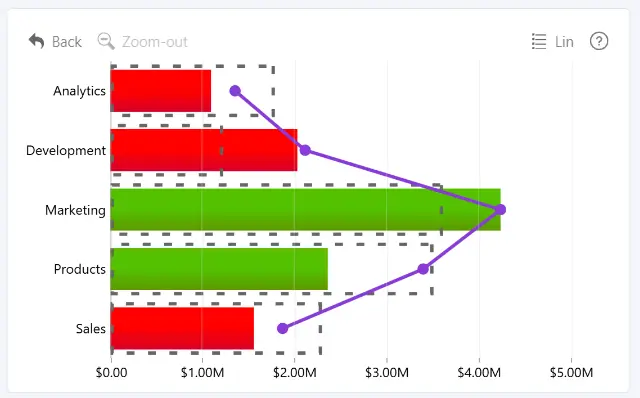
The Fill Conditional Formatting group controls how colors are applied to a series based on its values and configured conditions.
- General – enable conditional formatting and select the color mode.
- Lower – configure the lower color point and its value source.
- Middle – configure the optional middle color point and its value source.
- Upper – configure the upper color point and its value source.
- Tooltip Effects – configure dynamic tooltip colors and conditional shadows.
These settings are available when customizing an individual series under Apply Settings To.
Was this helpful? Thank you for your feedback!
Sorry about that.
How can we improve it?