873
HR Data Driven Decision
HR Data Driven Decision
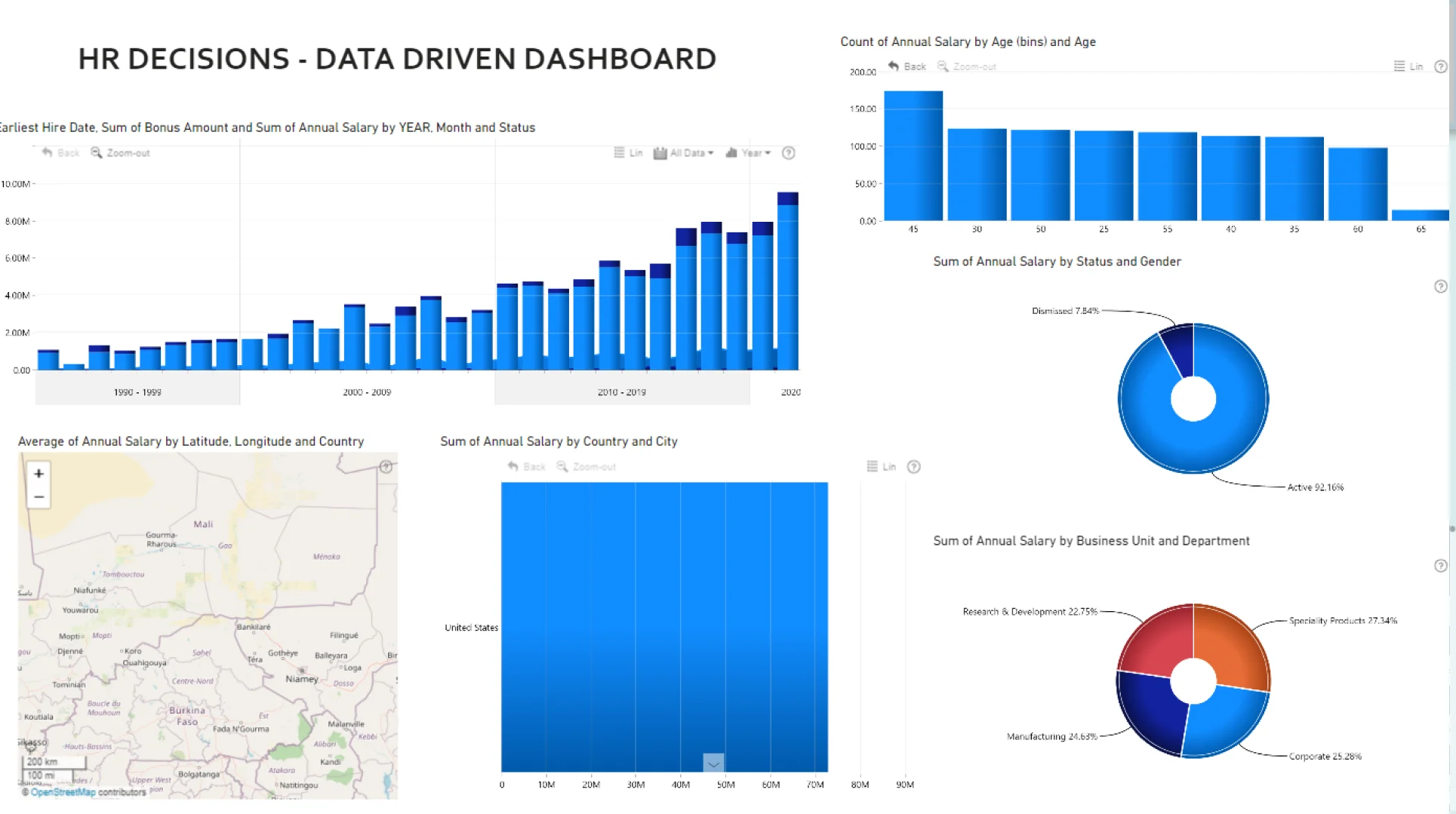
Report Author: Rizal Dicky
873
Share template with others
Report submitted for FP20 Analytics ZoomCharts Challenge 15 (April 2024). The report was built with the HR Analysis dataset and includes ZoomCharts custom Drill Down PRO visuals for Power BI.
Author's description:
When it comes to enabling HR professionals to fully utilize the potential of their HR data, ZoomCharts is the ultimate solution. They may go deeply into their data reservoir with it, drawing out insightful information that helps them make well-informed decisions, optimize workforce tactics, and lead the company to great success.
ZoomCharts' intuitive interface encourages exploration and discovery, making it easy to navigate through complex data. HR teams may use ZoomCharts' powerful visualization features to turn raw data into eye-catching visual narratives that reveal hidden trends, patterns, and connections. These dynamic visuals enable decision-makers to act decisively and confidently while also streamlining the comprehension of data. Additionally, ZoomCharts easily connects with Power BI, enhancing its functionality and improving HR.
ZoomCharts visuals used





4U Report Challenges
Participate in data challenges, build and submit reports to get free template downloads.
Join CommunityMobile view allows you to interact with the report. To Download the template please switch to desktop view.
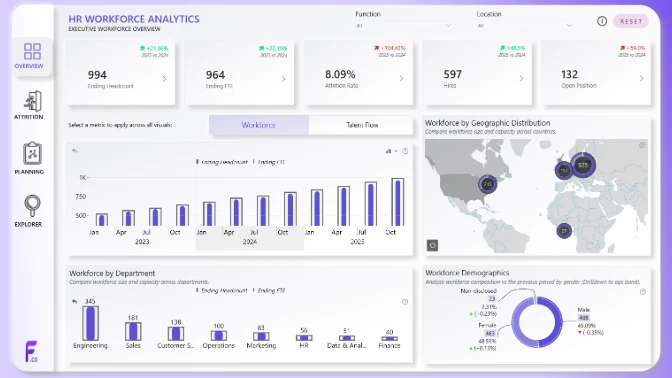
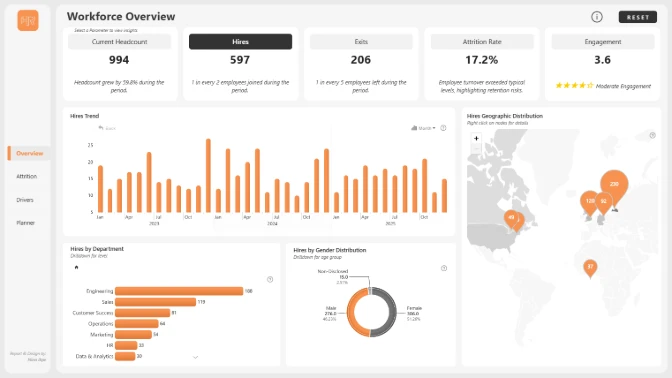
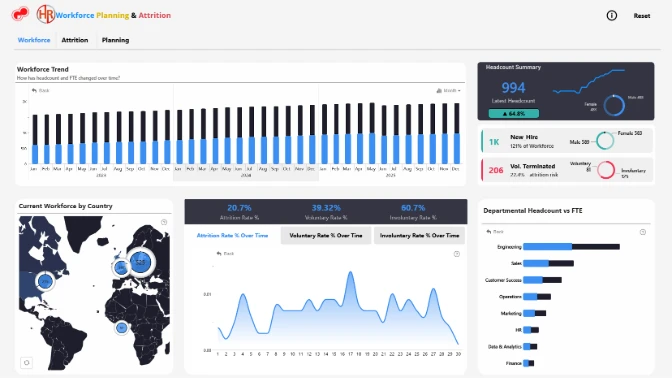
How to use a PBIX template
Preview the interactive report, download the PBIX file, open it in Power BI Desktop, and replace the same data connection with your own dataset.
Preview and download
Explore the report online and download the PBIX template file.
Open in Power BI Desktop
Open the downloaded PBIX file in Power BI Desktop.
Connect your data
Replace the sample data source with your own dataset.
Refresh and adjust
Refresh the model and update fields or visual were needed.
Save and share
Save your report and publish it for your audience.


