776
FP20 HR Data Challenge
FP20 HR Data Challenge
Report Author: Bimal Subhasis
776
Share template with others
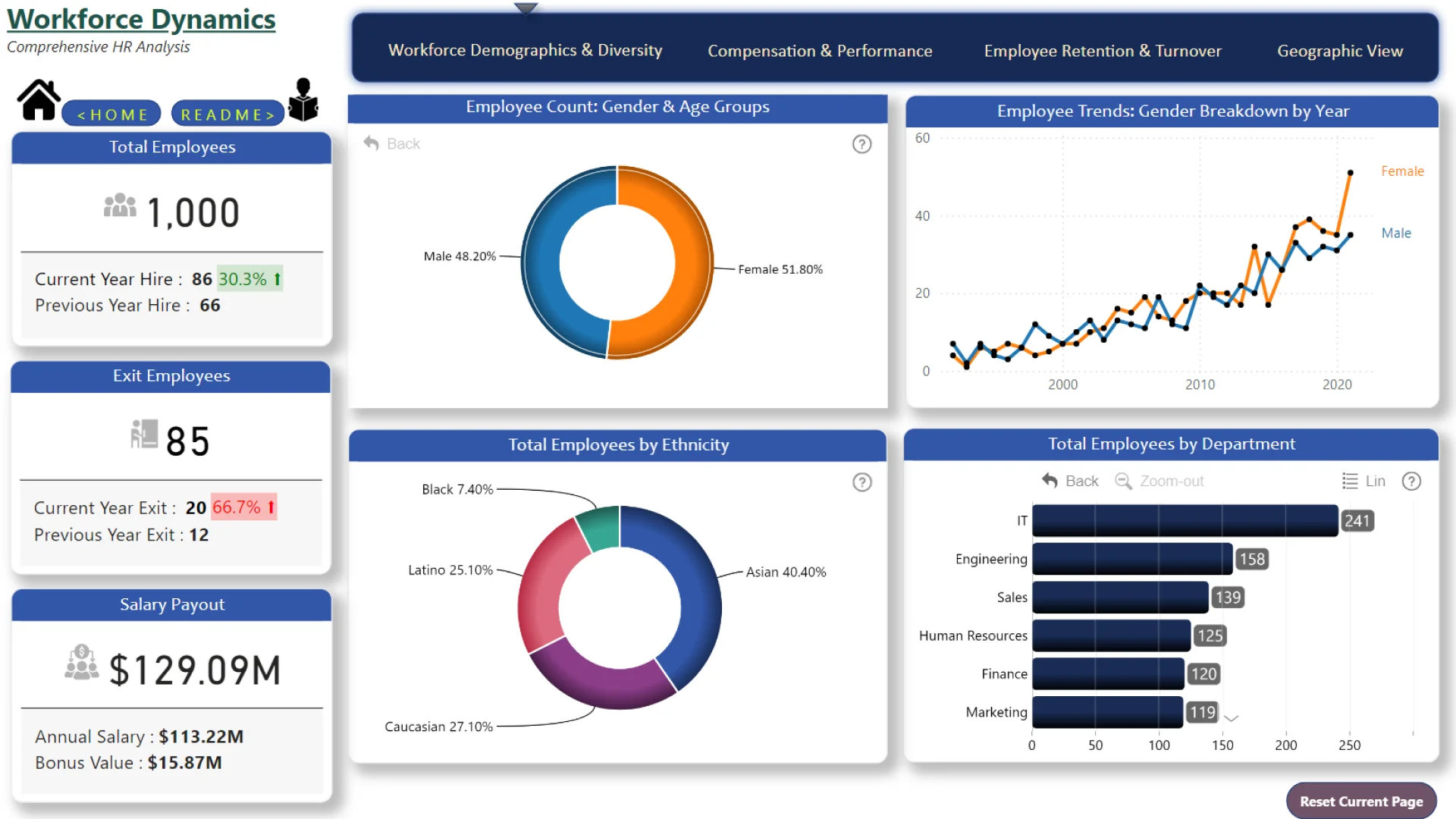
Report submitted for FP20 Analytics ZoomCharts Challenge 15 (April 2024). The report was built with the HR Analysis dataset and includes ZoomCharts custom Drill Down PRO visuals for Power BI.
Author's description:
Welcome to your guide to this comprehensive report!
Dive into the FP20 Data Challenge as we explore four main topics: Workforce Demographics & Diversity, Compensation & Performance, Employee Retention & Turnover, and Geographic Workforce Distribution. Navigate seamlessly between sections using the title headers and immerse yourself in interactive visuals. Adjust as needed, and when you’re done, click “Reset Current Page” to restore default views. Use the home icon to clear filters and return to the main page. Happy exploring!
ZoomCharts visuals used





4U Report Challenges
Participate in data challenges, build and submit reports to get free template downloads.
Join CommunityMobile view allows you to interact with the report. To Download the template please switch to desktop view.
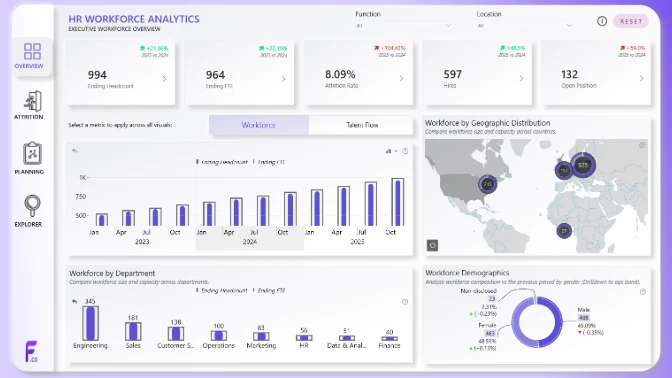
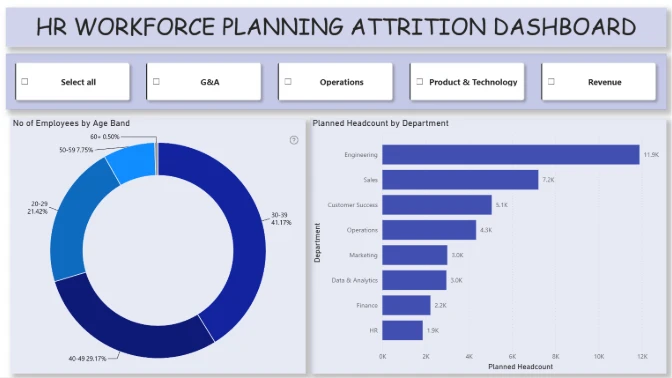
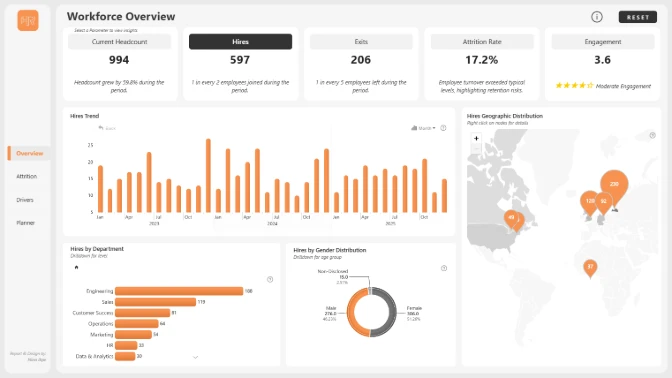
How to use a PBIX template
Preview the interactive report, download the PBIX file, open it in Power BI Desktop, and replace the same data connection with your own dataset.
Preview and download
Explore the report online and download the PBIX template file.
Open in Power BI Desktop
Open the downloaded PBIX file in Power BI Desktop.
Connect your data
Replace the sample data source with your own dataset.
Refresh and adjust
Refresh the model and update fields or visual were needed.
Save and share
Save your report and publish it for your audience.


