Enable or disable outline smoothing.
- On (default): The path between values will be curved to give a smooth, refined appearance.
- Off: The path between values will use straight and direct lines, giving a ‘rough’ appearance.
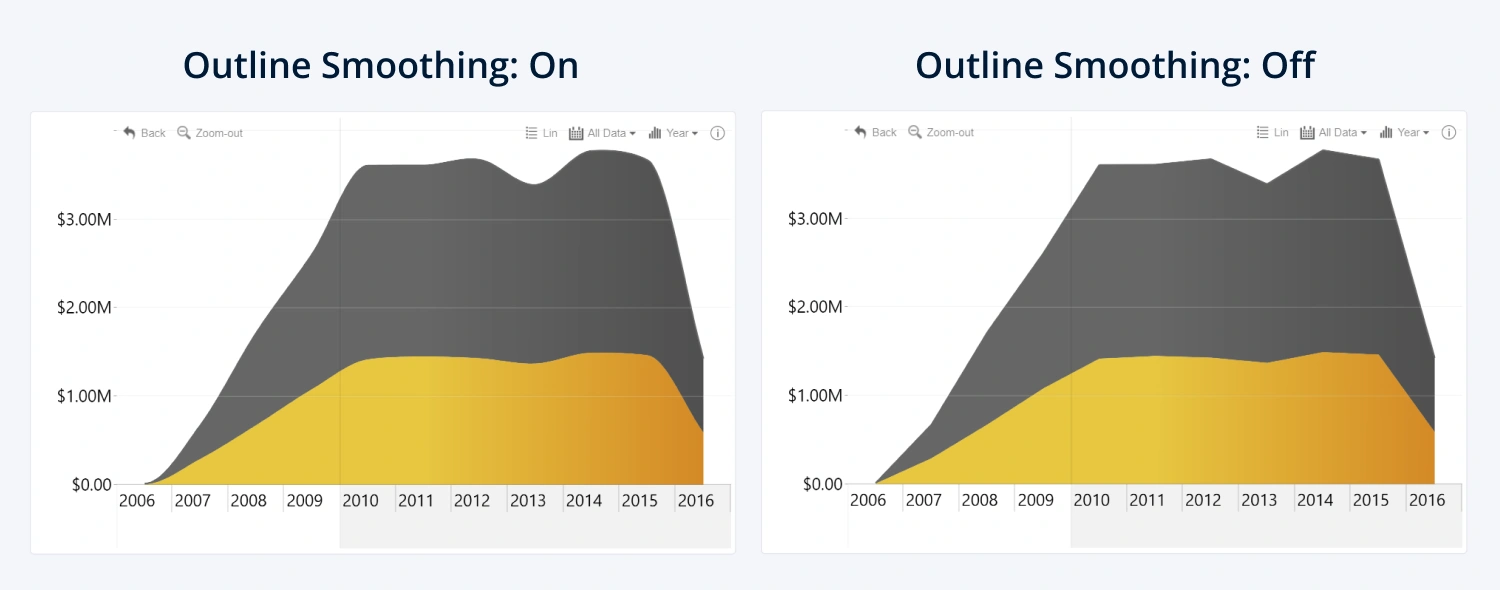
This setting is available if the selected Type is Line or Area.
Was this helpful? Thank you for your feedback!
Sorry about that.
How can we improve it?