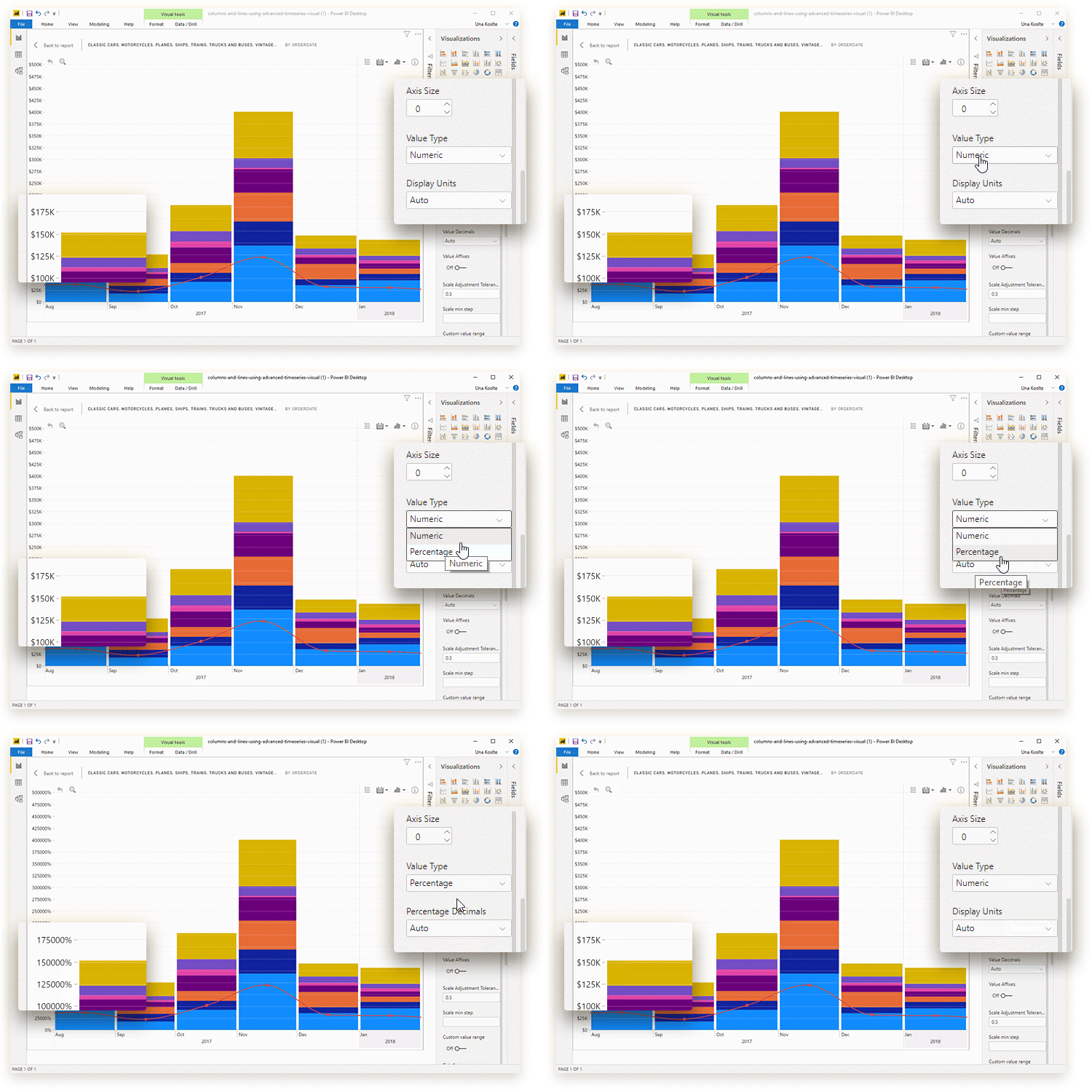
This setting determines how the values on the Primary Y-axis
are displayed. You can choose between the following options:
- Numeric: the value labels will be displayed as numbers. You can adjust this value type further with the Display Units and Value Decimals settings.
- Percentage: the value labels will be
displayed with the percent sign (%). You can adjust this value type further
with the Percentage Decimals setting. Note: this setting is suitable
for datasets where 1.0 = 100%.
- Timestamp: the value labels will be displayed as dates in your selected Timestamp Format. Note: series values must be provided as Unix timestamps to properly display this Value Type.
Was this helpful? Thank you for your feedback!
Sorry about that.
How can we improve it?