Value labels display the numerical values from the Value Label field for each data point. With this setting, you can select
the position of value labels in relation to data point markers.
- Inside: The values will be displayed inside the data point markers. Their appearance can be customized in the Inside Labels section.
- Outside: The values will be displayed below the data point markers. Their appearance can be customized in the Outside Labels section.
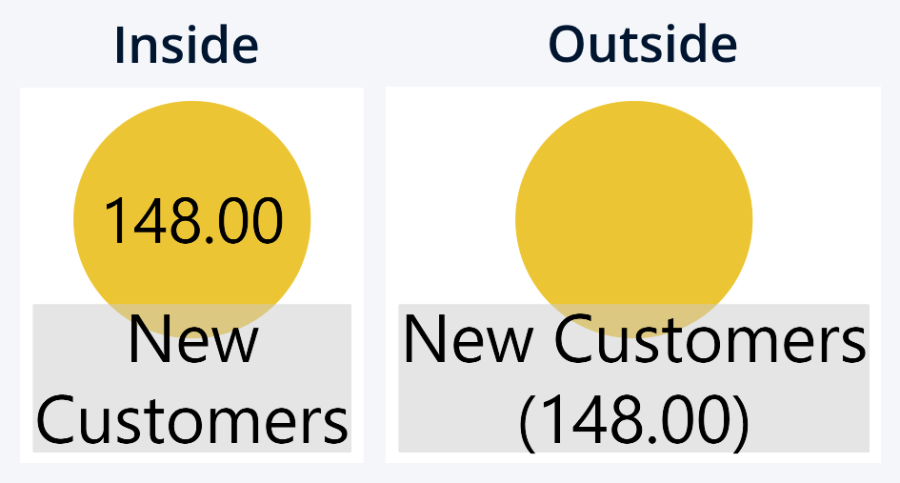
You can select the label location for data point names separately with the Label Position setting.
Was this helpful? Thank you for your feedback!
Sorry about that.
How can we improve it?