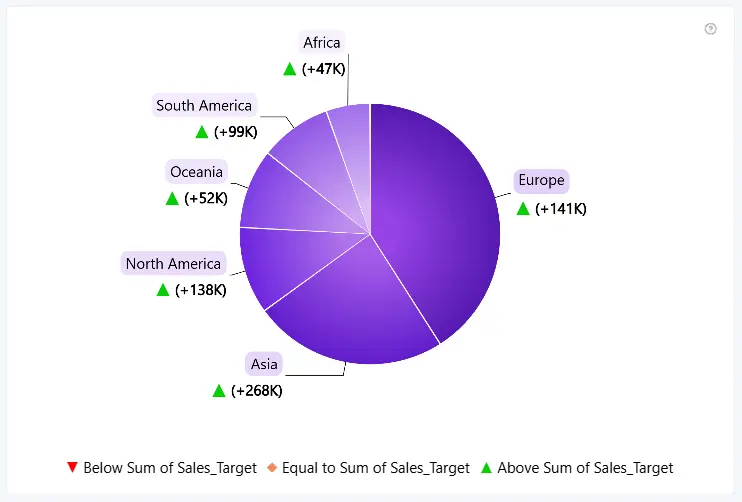
The Indicator Legend explains the meaning of change indicators by displaying customizable markers and text for positive, unchanged, and negative changes. It helps users understand how category values compare to their reference values directly within the chart.
The Indicator Legend can be enabled or disabled using the toggle in the formatting settings. To use this feature, the Reference Value field must be populated.
You can customize its appearance with the following settings:
- Layout - adjust the position and alignment of the Indicator Legend within the visual.
- Text - customize the font, color, and explanatory text displayed next to each change-indicator marker.
- Markers - configure the size, colors, and symbols used to represent positive, unchanged, and negative changes.
Marker settings are shared between the Indicator Legend and the change indicators in chart labels. Updating these settings in either location automatically applies the changes to both.
Was this helpful? Thank you for your feedback!
Sorry about that.
How can we improve it?