Use the Enabled Thresholds settings to choose which thresholds are displayed on the chart.
Drill Down Line PRO supports up to four thresholds. Enable or disable individual thresholds using their respective toggles.
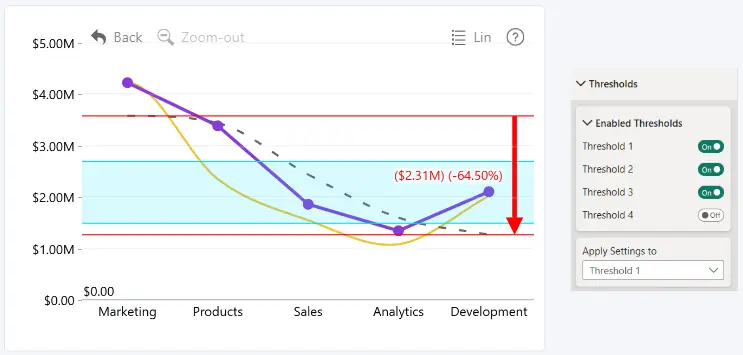
Each enabled threshold can be customized independently using the General, Style, Label and Change Arrows sections.
To customize an individual threshold, select it under Apply Settings To option within the relevant section.
Was this helpful? Thank you for your feedback!
Sorry about that.
How can we improve it?