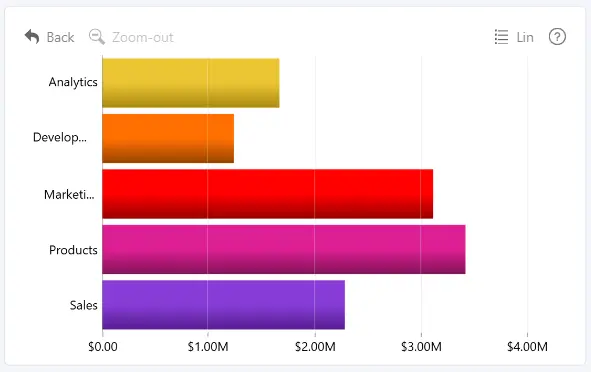
Select Gradient to a derived color to apply a linear gradient between each chart element's original fill color and an automatically derived color.
Customize the gradient using the following options:
- Gradient Direction – choose whether the gradient runs horizontally or vertically.
- Outer Opacity – adjust the transparency at the outer end of the gradient.
- Gradient Start Location – set where the gradient transition begins.
- Lightness Adjustment – adjust the lightness of the derived color.
- Hue Adjustment – shift the hue of the derived color.
- Saturation Adjustment – increase or decrease the saturation of the derived color.
Was this helpful? Thank you for your feedback!
Sorry about that.
How can we improve it?