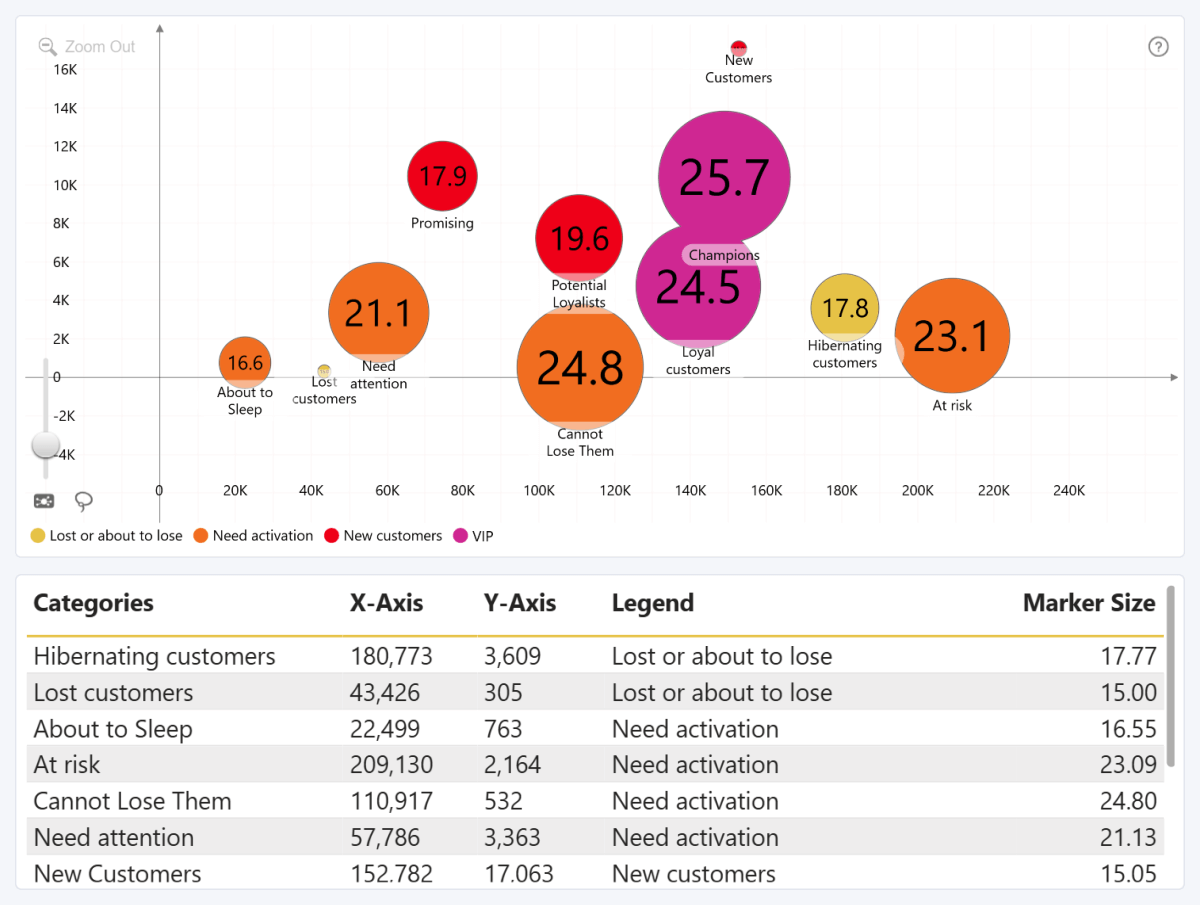
Drill Down Bubble PRO visualizes numerical values as data points on a Cartesian coordinate plane. You can create drill-down hierarchies, group data points, and customize marker colors, shapes, sizes, and images.
Unlike Scatter PRO, Drill Down Bubble PRO includes the Marker Size, which adjusts marker sizes based on numerical values.
Before you begin
To create a bubble chart, add numerical data to the X-Axis and Y-Axis fields. These values determine the horizontal and vertical position of each data point.
To display multiple data points, add a field to Categories. Each unique category creates a data point whose position is determined by the values in X-Axis and Y-Axis.
Add multiple fields from the broadest category to the most detailed category to create a drill-down hierarchy. For example, add Product Category before Product Subcategory and Product.
You can also use Legend to create data points when Categories is empty.
All other fields are optional. They can be used to control marker size and appearance, provide custom labels, group data points, or add tooltip information. For more information, see the Data Fieldspage.
Inital Setup
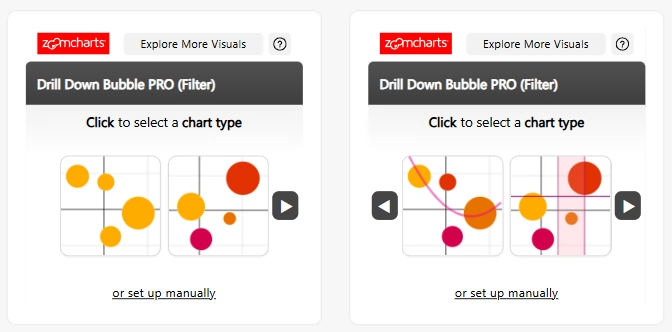
Drill Down Bubble PRO includes a guided setup experience that helps you start with a common chart configuration.
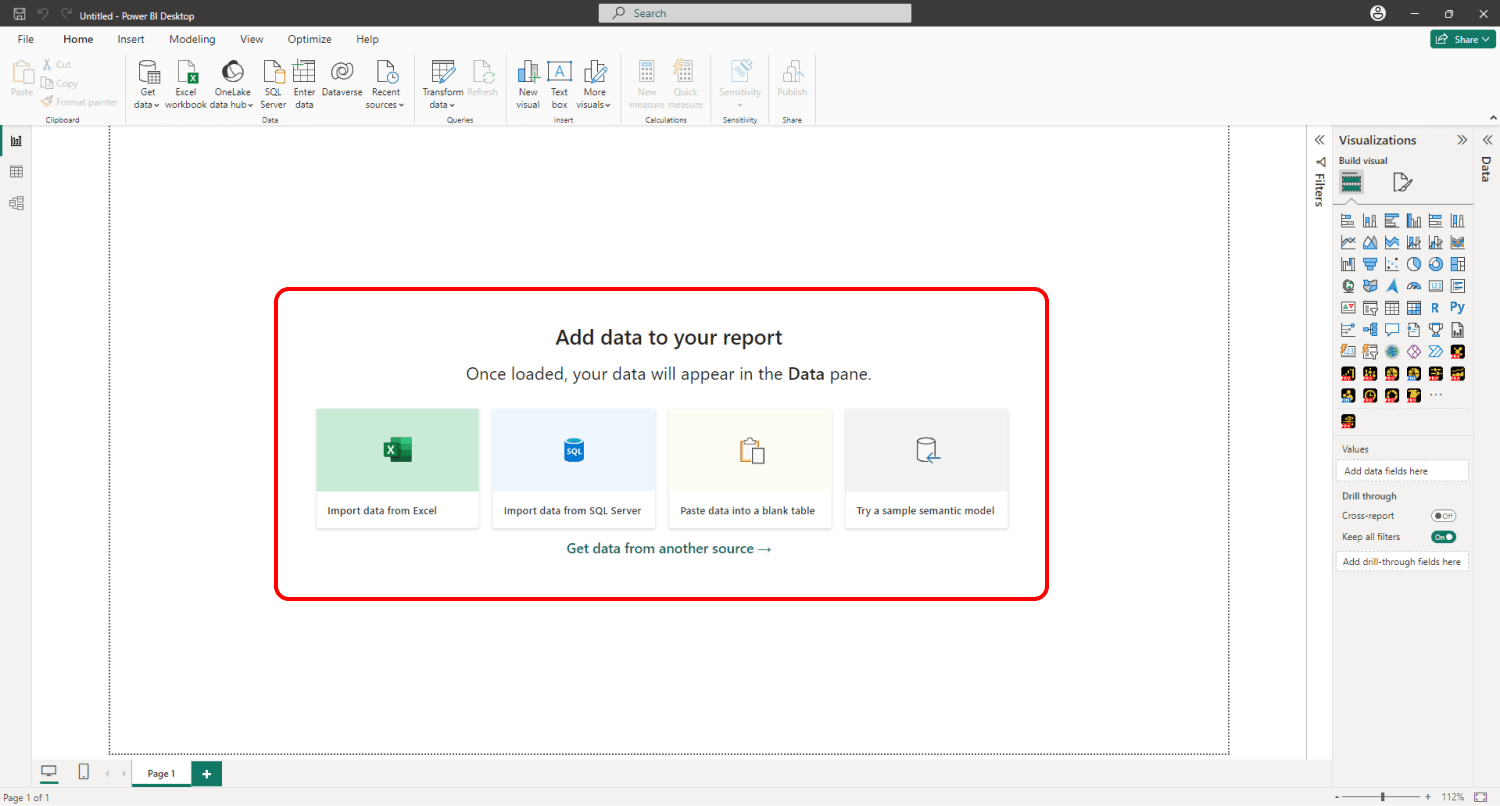
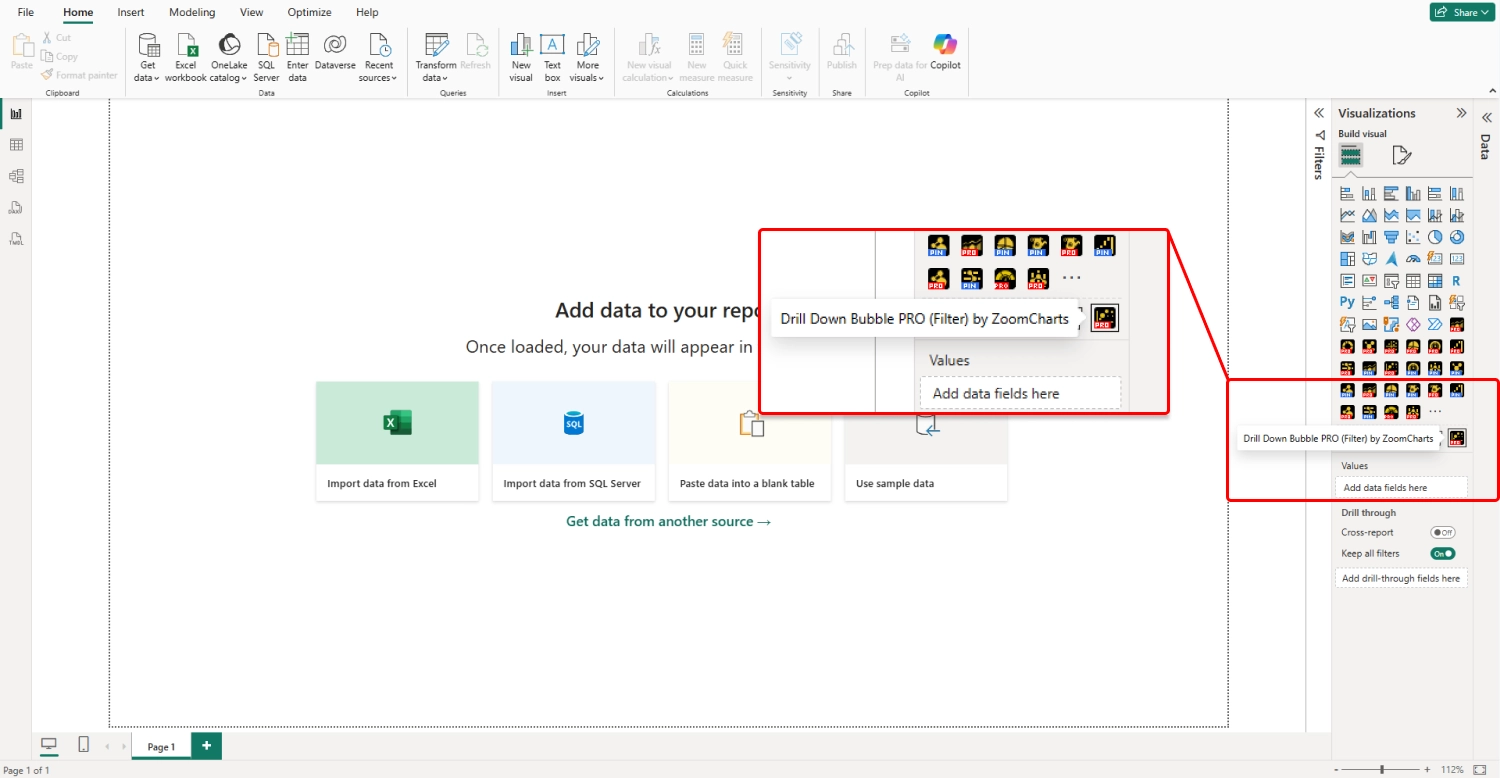
To add Drill Down Bubble PRO to your Power BI report, select the visual in the Visualizations pane.
You will be presented with several chart configurations. Select the configuration you want to create.
Required Fields Guidance
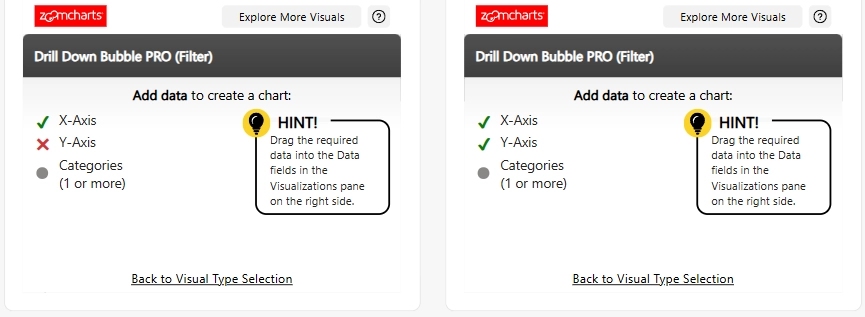
After you select a configuration, the visual displays the data fields required to create it.
Field Validation and Visual Generation
As you add data, the visual indicates which required fields have been provided and whether the assigned data is valid.Once all required fields contain valid data, the chart is generated. You can then customize it further in the Format visual pane.
Manual Setup
To configure the visual without selecting a predefined configuration, select Manual Setup at the bottom of the initial setup window.
Was this helpful? Thank you for your feedback!
Sorry about that.
How can we improve it?