Use Apply Settings to to select which regression line to customize. You can configure the overall regression line, set default options for legend regression lines, or customize individual legend groups separately.
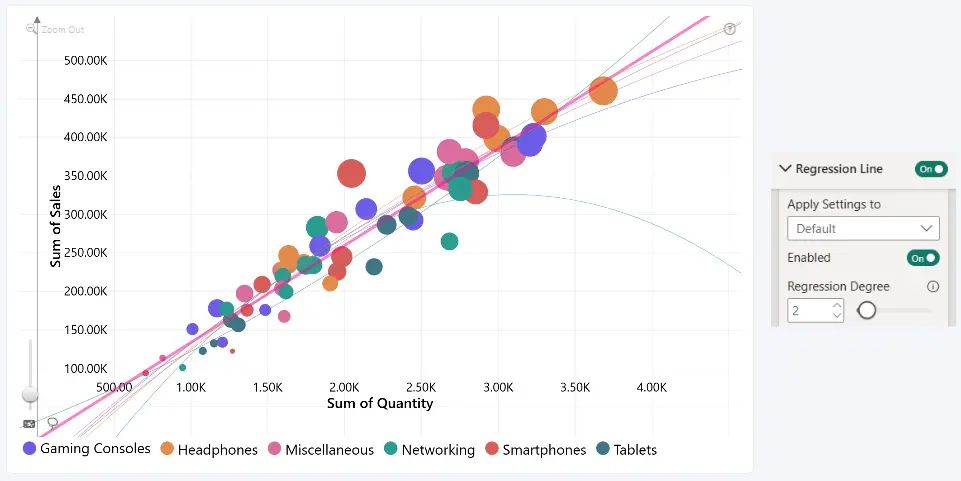
The available options depend on the selected Line Scope:
- Overall – selects the regression line calculated using all visible data points.
- Default – sets the default configuration for regression lines of legend groups.
- Individual legend groups – selects a specific legend group to customize its regression line independently.
The selected configuration determines which regression line is affected by the settings below, as well as its appearance, displayed values, and tooltip options.
Enabled
Show or hide the selected regression line without disabling the entire Regression Line feature.
Regression Degree
Set the degree of the regression function for the selected regression line.
Was this helpful? Thank you for your feedback!
Sorry about that.
How can we improve it?