863
Sales Pipeline Dashboard 6
Sales Pipeline Dashboard 6
Report Author: Durvesh Patil
863
Share template with others
This interactive Power BI report explores the Global B2B Sales Pipeline & Deals Analytics dataset using ZoomCharts Drill Down PRO custom visuals for Power BI. It highlights pipeline value, deal progression, sales activity, and client engagement across regions and industries, helping teams monitor pipeline health and identify stalled or high-risk deals.
The report was submitted to the FP20 Analytics ZoomCharts Data Challenge #35 (February – March 2026).
Author’s Description:
A three-page Power BI report analyzing 11,750 deals across 55 sales representatives, 6 product categories, and 4 global regions.
Page 1 - Pipeline Overview
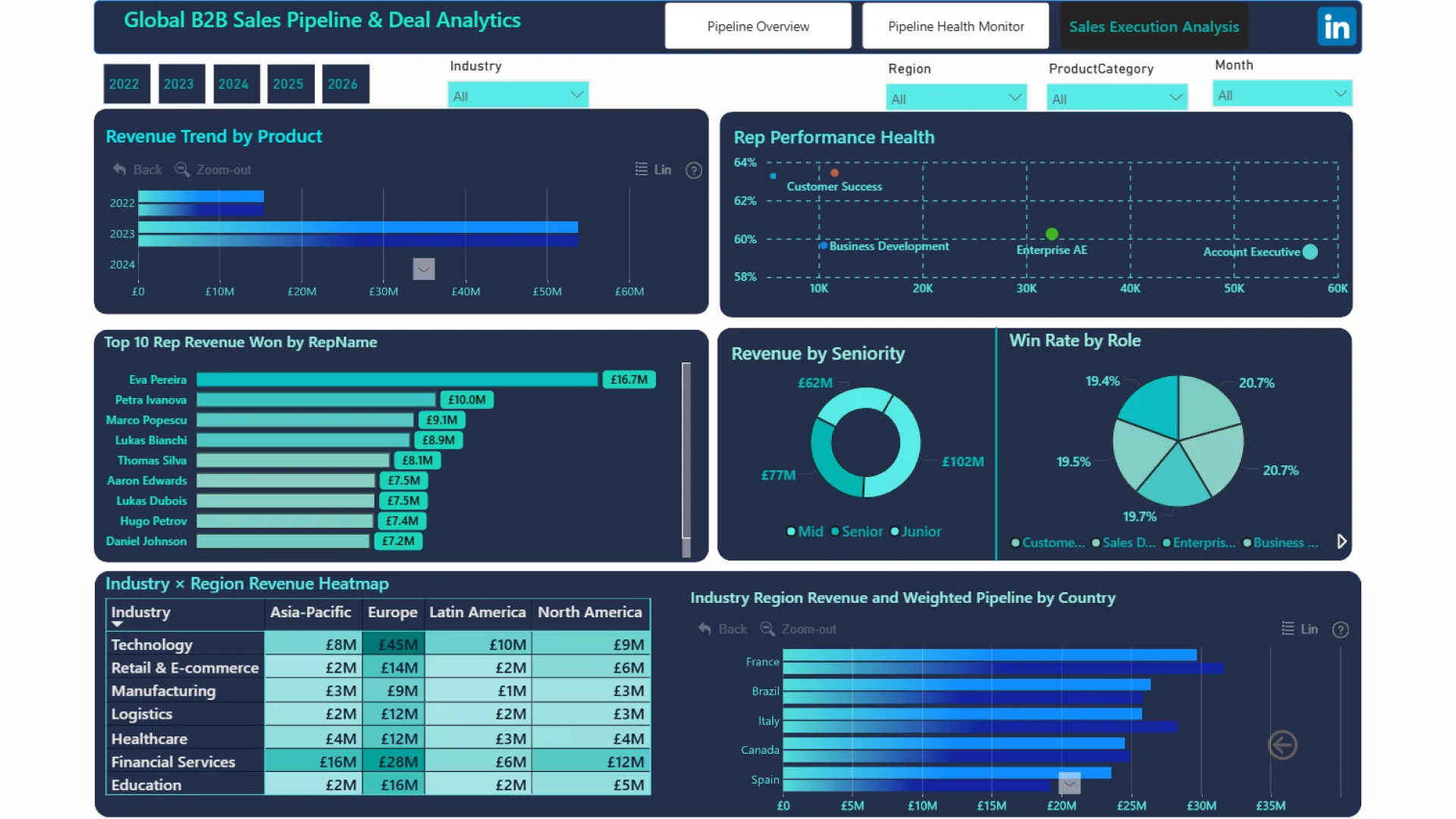
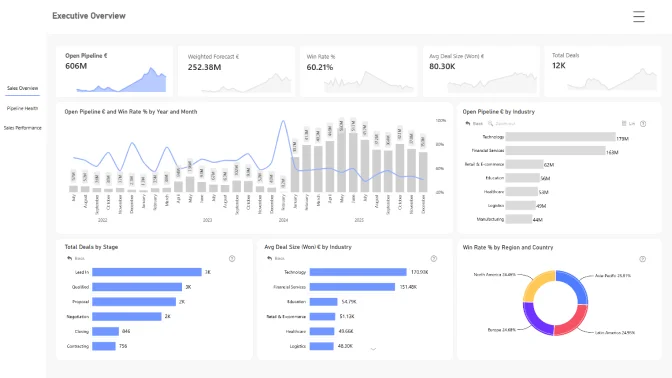
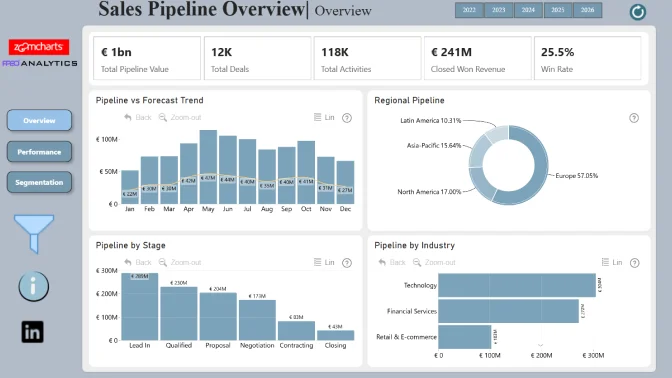
Provides end-to-end pipeline visibility with five key KPIs tracking £606M total pipeline value, £241M closed revenue, a 60.2% win rate, and weighted pipeline trends across products, stages, and geographic regions.
Page 2 - Pipeline Health Monitor
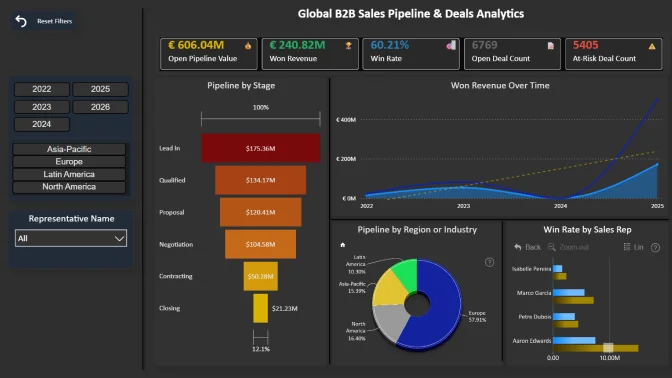
An operational risk dashboard featuring a four-tier deal risk classification system (Critical, High, Medium, Active). It includes stage conversion rates, deal velocity trends, and activity volume analysis to help identify stalled deals before they are lost.
Page 3 - Sales Execution Analysis
Includes a sales representative performance scatter plot (Activity vs. Win Rate), pipeline ownership by representative with an average reference line, an Industry × Region revenue heatmap, and geographic deal distribution. These insights enable managers to identify top performers, coach underperforming representatives, and discover untapped regional opportunities.
The report is built using advanced DAX functions, including USERELATIONSHIP, DATEADD, and AVERAGEX, along with dynamic toggles and conditional formatting to enhance analytical capabilities and interactivity.
ZoomCharts visuals used

4U Report Challenges
Participate in data challenges, build and submit reports to get free template downloads.
Join CommunityMobile view allows you to interact with the report. To Download the template please switch to desktop view.
How to use a PBIX template
Preview the interactive report, download the PBIX file, open it in Power BI Desktop, and replace the same data connection with your own dataset.
Preview and download
Explore the report online and download the PBIX template file.
Open in Power BI Desktop
Open the downloaded PBIX file in Power BI Desktop.
Connect your data
Replace the sample data source with your own dataset.
Refresh and adjust
Refresh the model and update fields or visual were needed.
Save and share
Save your report and publish it for your audience.