1046
Electronic Products Report
Electronic Products Report
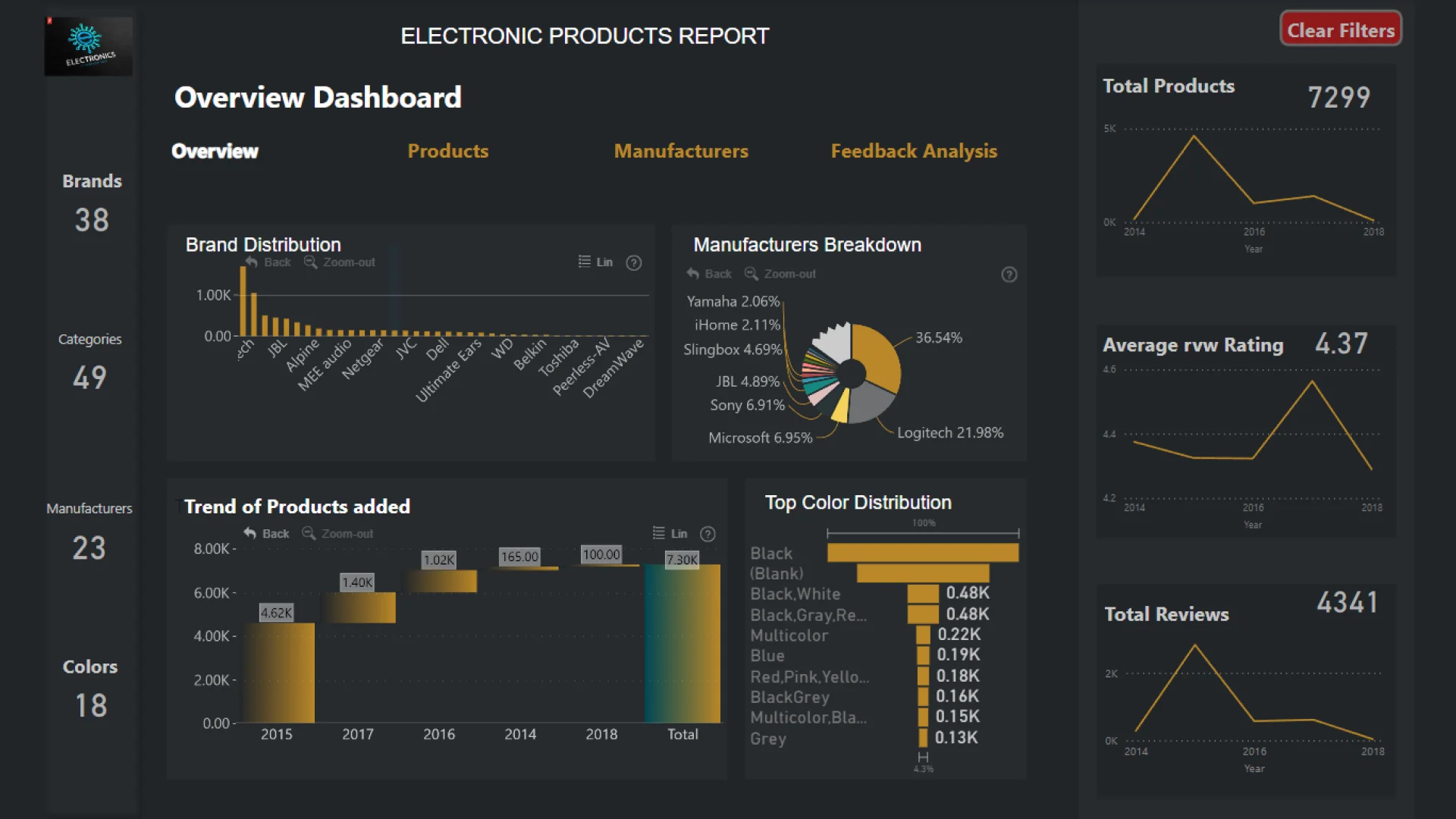
Report Author: Mackdonald Shiwani
1046
Share template with others
Report submitted for Onyx Data DataDNA ZoomCharts Mini Challenge, February 2024. The report was built based on Electronics Product Data Ratings dataset and includes ZoomCharts custom Drill Down PRO visuals for Power BI.
Author's description:
This report on electronic products offered a detailed analysis of market trends, sales performance, and customer insights. Through intuitive visualizations and data-driven analysis, it provided stakeholders with valuable information to optimize inventory management, enhance product offerings, and tailor marketing strategies to meet consumer demands effectively. Leveraging data from multiple sources, including sales figures and customer feedback, the report facilitated informed decision-making, driving strategic growth within the electronics industry.
ZoomCharts visuals used






4U Report Challenges
Participate in data challenges, build and submit reports to get free template downloads.
Join CommunityMobile view allows you to interact with the report. To Download the template please switch to desktop view.
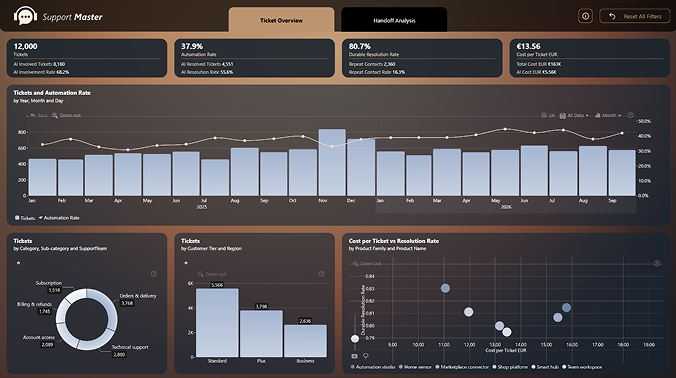
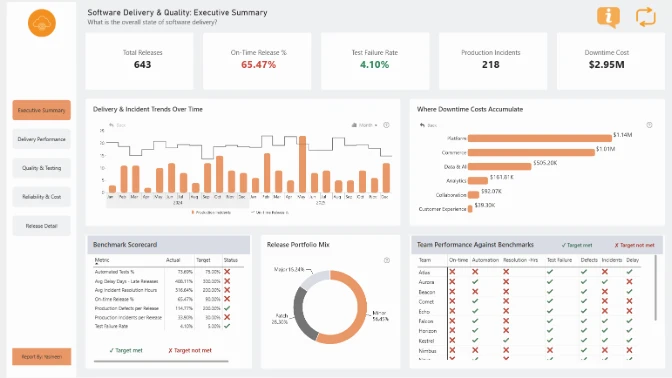
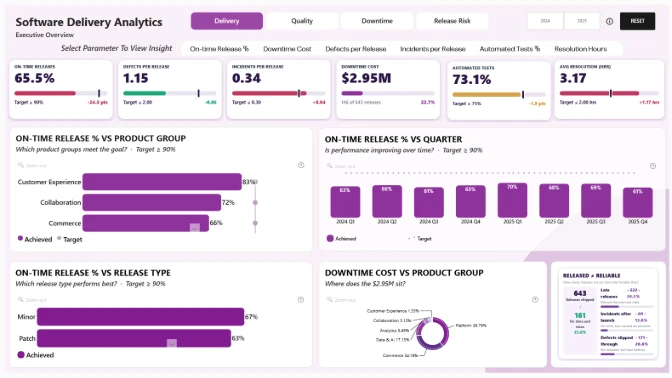
How to use a PBIX template
Preview the interactive report, download the PBIX file, open it in Power BI Desktop, and replace the same data connection with your own dataset.
Preview and download
Explore the report online and download the PBIX template file.
Open in Power BI Desktop
Open the downloaded PBIX file in Power BI Desktop.
Connect your data
Replace the sample data source with your own dataset.
Refresh and adjust
Refresh the model and update fields or visual were needed.
Save and share
Save your report and publish it for your audience.


