This field, together with the Comment field, can be used to display on-chart annotations and provide additional context to the user.
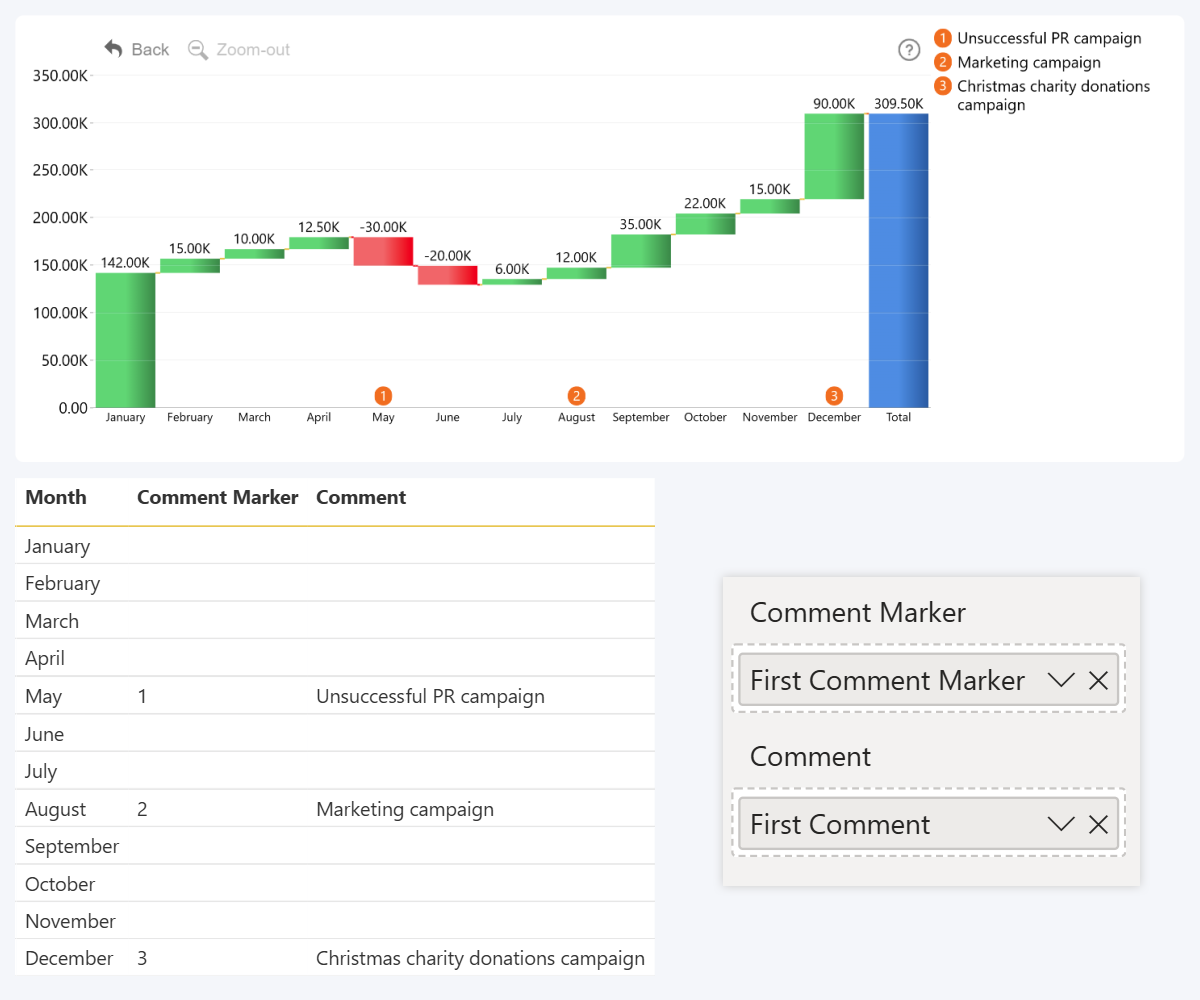
Each comment consists of two parts – marker, which will be displayed directly on the chart, and comment text, which will be displayed in a panel next to the chart. With this field, you can identify each comment. Use values like 1, 2, 3…. or A, B, C…. and they will be displayed in the marker.
Once Comment Marker and Comment fields are populated, a new section will be revealed in the Format Visual tab - Comments, which will allow you to further customize the appearance of on-chart comments.
Was this helpful? Thank you for your feedback!
Sorry about that.
How can we improve it?