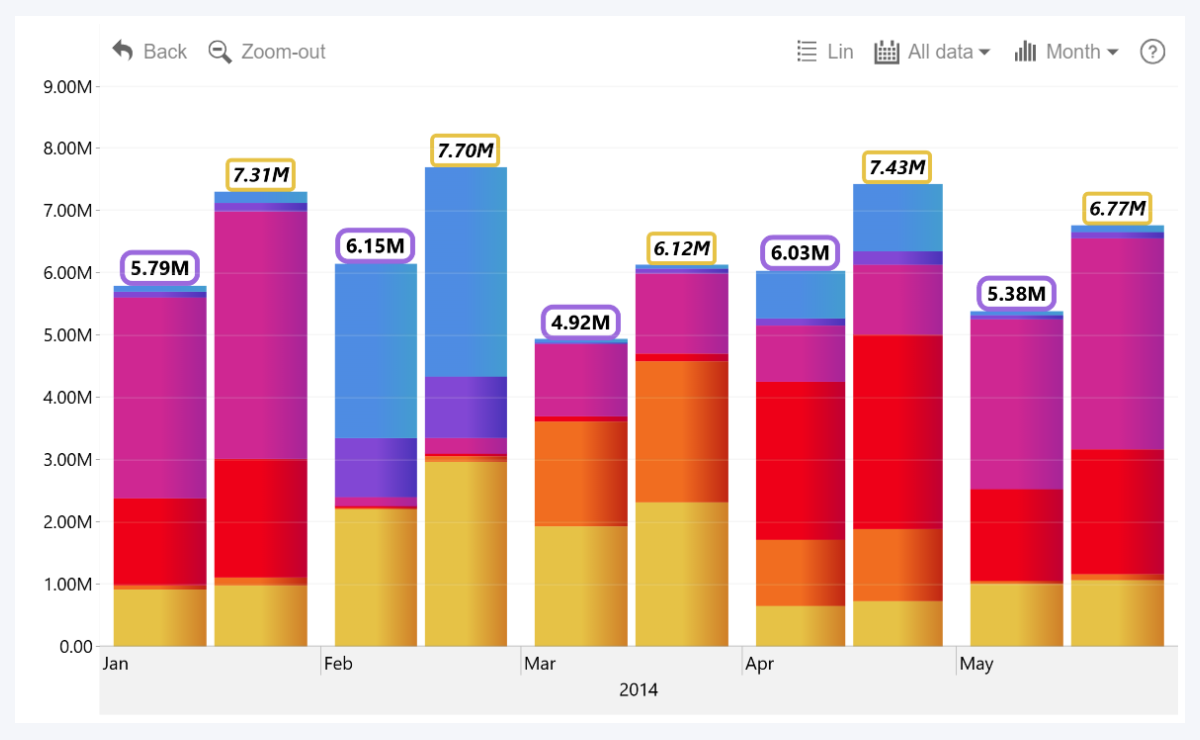
This section will be available if Customize Series Total Value Labels has been enabled for this series within Series X Configuration. With these settings, you can customize the total value label appearance – labels that display the cumulative stack value, instead of individual series or Legend segment values. For individual series or segment value labels, use Series X Value Labels instead.
Settings here will override Series Total Value Labels Defaults. Keep in mind that total value labels will be displayed only for the top series within a Stack (determined by the Series field order). For example, if you have assigned Series 1, 2, and 3 to the same Stack, you must use Series 3 Configuration to enable and configure total value labels.
- Label Position
- Label X Position
- Label Angle
- Label Border Radius
- Label Padding
- Font Color
- Font Size
- Font Family
- Font Style
- Background Color
- Background Opacity
- Background Line Color
- Background Line Opacity
- Background Line Width
- Background Shadow Color
- Background Shadow Color Opacity
- Background Shadow Blur
- Shadow Placement (reveals additional settings once enabled)
- Display Units
- Value Decimals
- Font Conditional Formatting (reveals additional settings once enabled)
- Background Conditional Formatting (reveals additional settings once enabled)
Was this helpful? Thank you for your feedback!
Sorry about that.
How can we improve it?