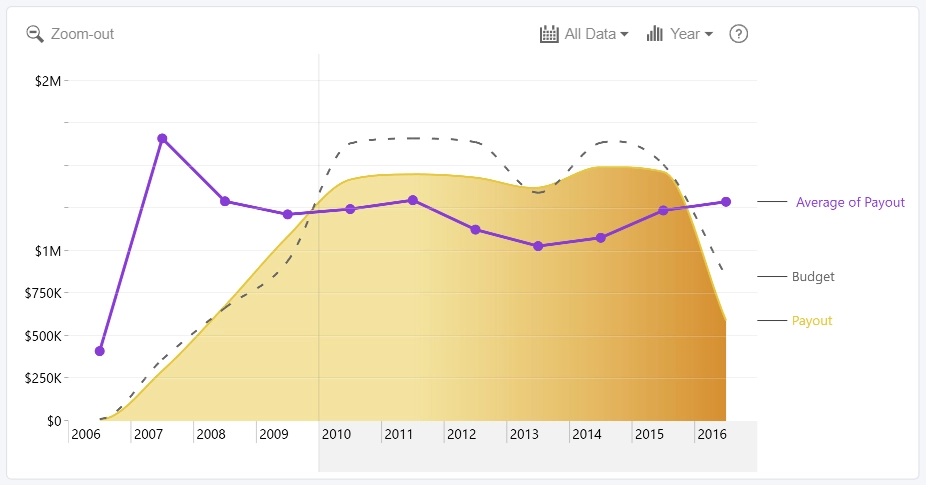
Use the Series Label settings to display the series name next to the chart and connect the label to the corresponding line or area series.
Series labels are available when the following conditions are met:
- The series uses the Primary Y-axis.
- The Secondary Y-axis is not enabled.
- At least one Series is displayed as a line or area.
When the Series Label toggle is enabled, additional settings become available:
- Width: set how much horizontal space is reserved for series labels next to the chart.
- Connector: customize the connector line between the series and the series label.
- Text: customize the appearance of series label text.
- Label Color Mode: choose how the label text color is applied.
- Background: show or hide the label background and customize its appearance.
- Marker: show or hide the marker next to the series label and customize its appearance.
Was this helpful? Thank you for your feedback!
Sorry about that.
How can we improve it?