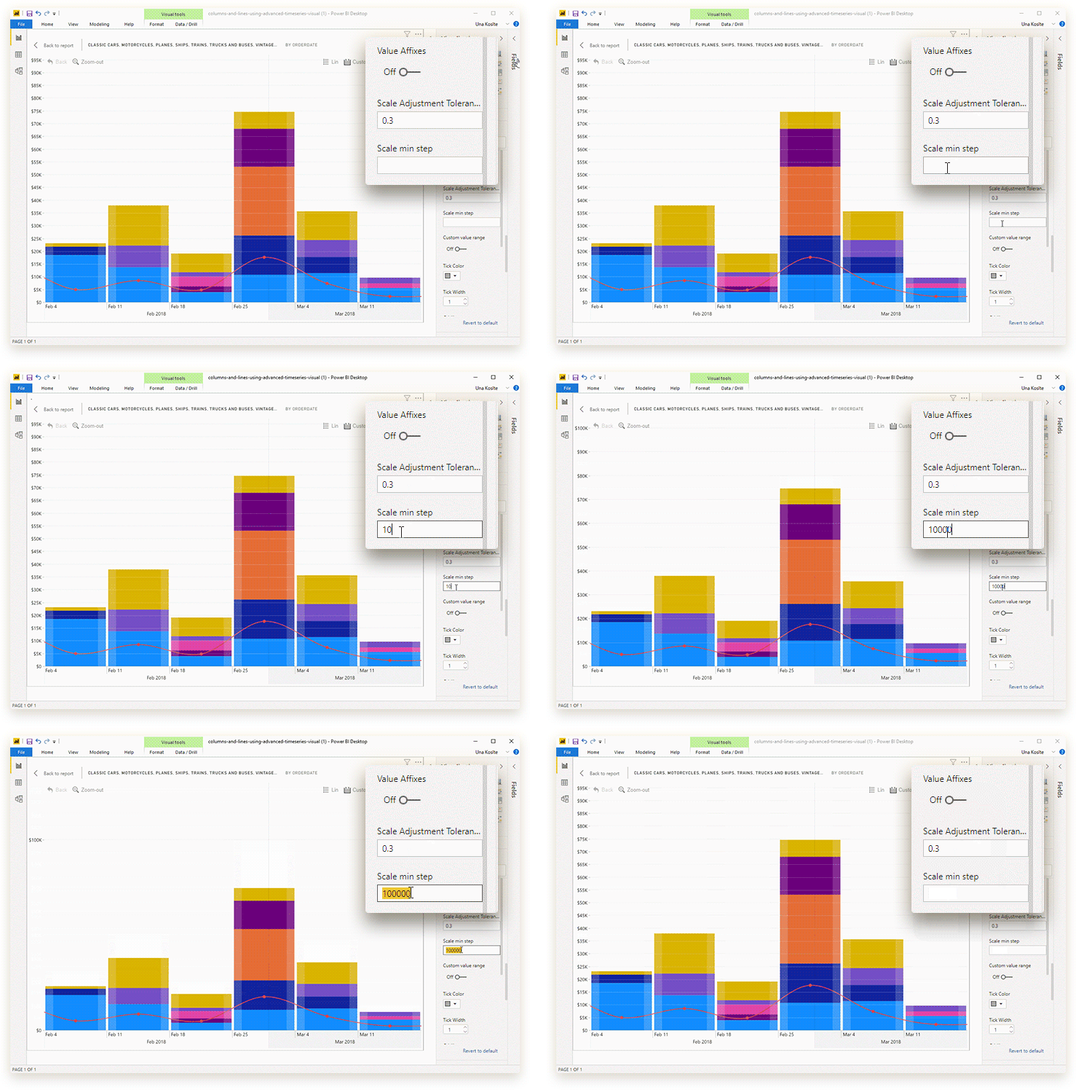
This setting determines the minimum step size for the Primary
Y-axis. Enter a numerical value and the visual will use it as an interval
between each tick on the Primary Y-axis scale. Example – If the y-axis ends at
1000, then:
- Setting 100 as the step size will place the ticks on 0, 100, 200, 300, 400, 500, 600, 700, 800, 900, 1000.
- Setting 200 as the step size will place the ticks on 0, 200, 400, 600, 800, 1000.
- Setting 500 as the step size will place the ticks on 0, 500, 1000.
If you leave this field blank, the visual will automatically
choose the step size.
This setting can also be used to avoid fractions on the label values – set 1 as the step size.
Was this helpful? Thank you for your feedback!
Sorry about that.
How can we improve it?