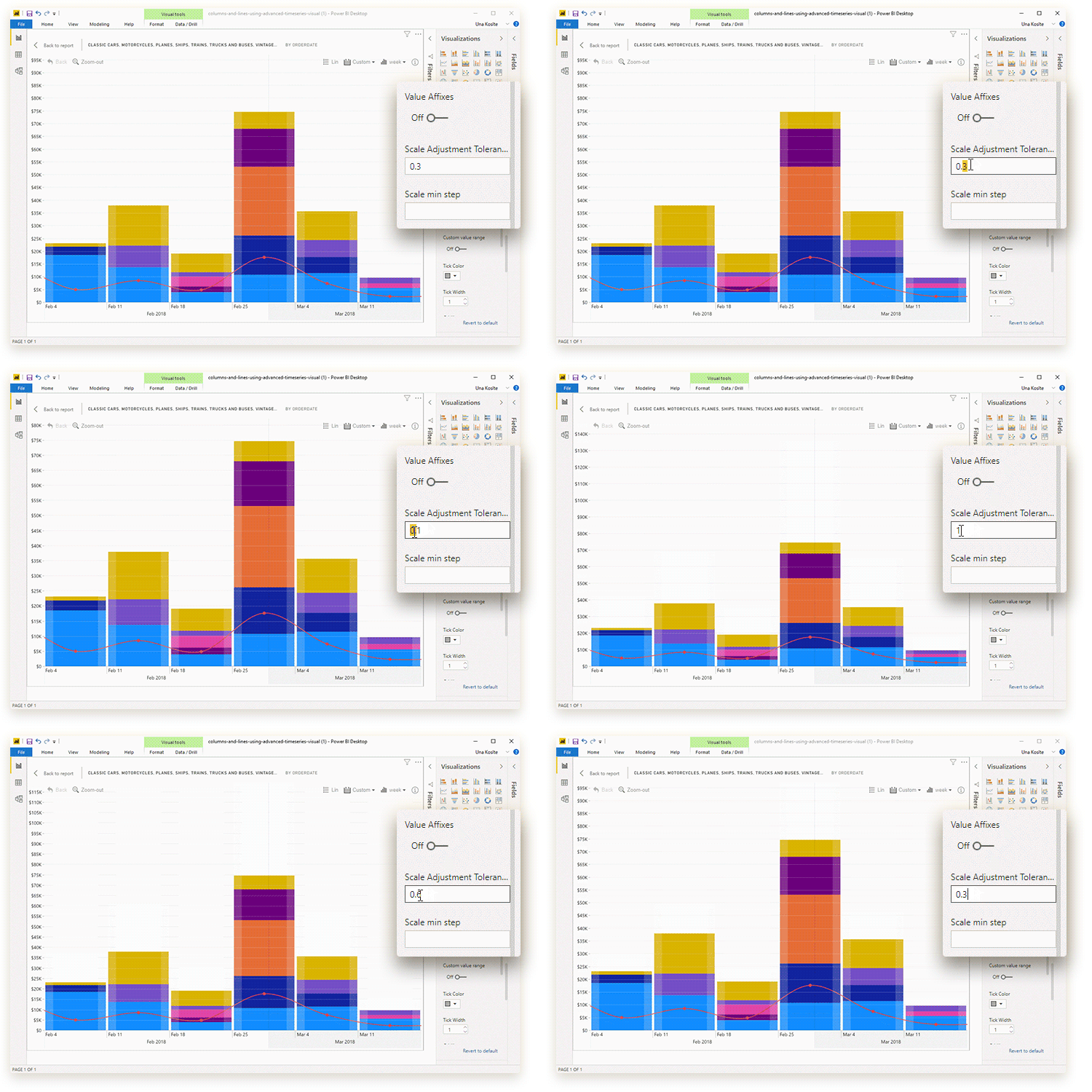
Use this setting to adjust how much extra space is left at
the end of the Primary Y-axis beyond the max value. Enter a decimal value
between 0 and 1. Examples:
- 0: The y-axis will end at the max value of the series, e.g., if the max value in the series is 500, the y-axis will end at 500.
- 0.25: The y-axis will leave extra space that’s equivalent to 25% of the max value in the series, e.g., if the max value is 500, the y-axis will end at 625.
- 1: The y-axis will leave extra space that’s equivalent to 100% of the max value in the series, e.g., if the max value is 500, the y-axis will end at 1000.
Was this helpful? Thank you for your feedback!
Sorry about that.
How can we improve it?