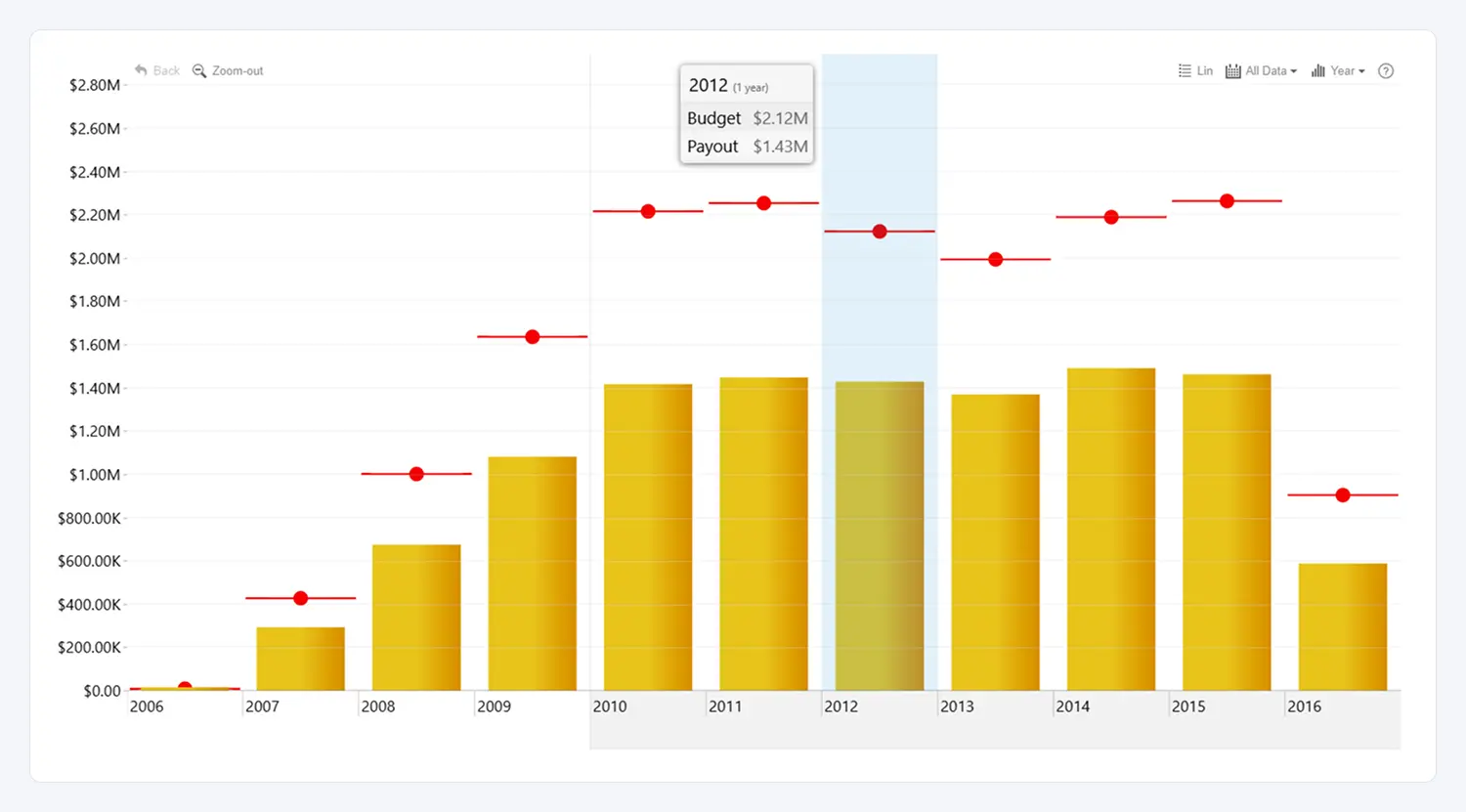
Add a reference line to your visual to highlight important values such as targets, averages, benchmarks, or thresholds. This feature allows you to draw a horizontal line for each category at a specified value, providing clear context for how your data compares to key performance indicators.
Reference lines help users quickly identify whether values are above, below, or meeting expectations. You can customize the line’s widths, color, style (solid, dashed or dotted), marker and label to ensure it aligns with your reporting needs and visual design.
Use reference lines to emphasize goals, mark limits, display statistical measures (like averages or medians), or draw attention to critical thresholds within your data.
Was this helpful? Thank you for your feedback!
Sorry about that.
How can we improve it?