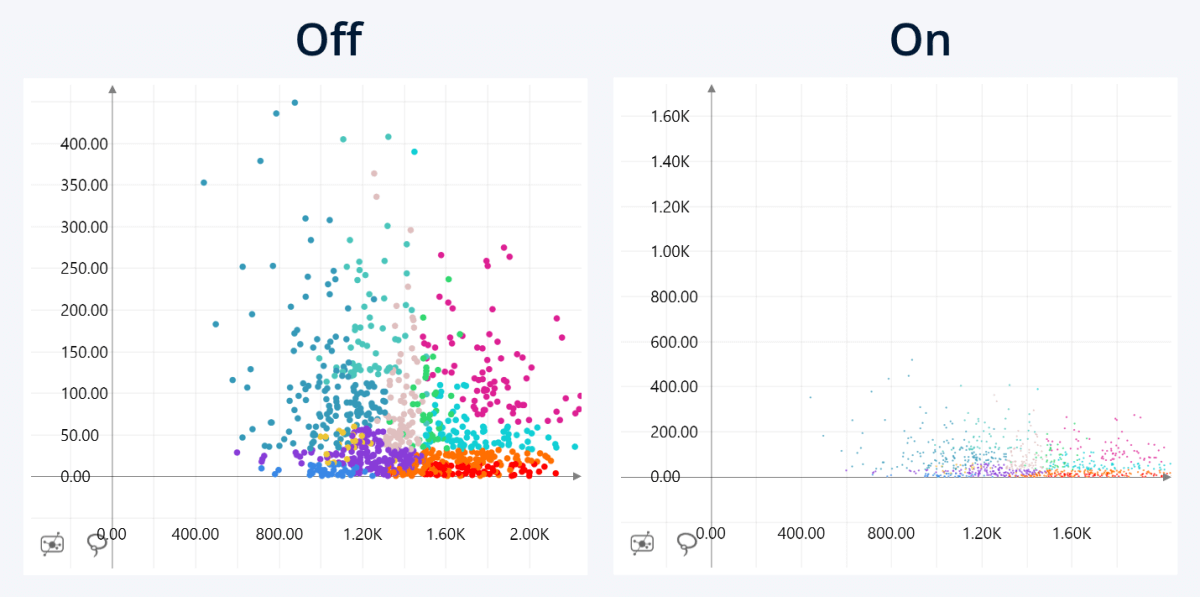
Control how the X-axis and Y-axis scales are calculated.
- Off (default): each axis is scaled independently based on the range of values it contains, improving readability when the X and Y value ranges differ significantly.
- On: both axes use a fixed 1:1 scale, ensuring equal distances represent equal values on both axes for more accurate visual comparison.
This setting is available when Grid is enabled.
Was this helpful? Thank you for your feedback!
Sorry about that.
How can we improve it?