Category field defines the list and order of levels that the chart will display automatically. It supports four different types of columns:
- Text
- Numbers
- Date
- Symbols
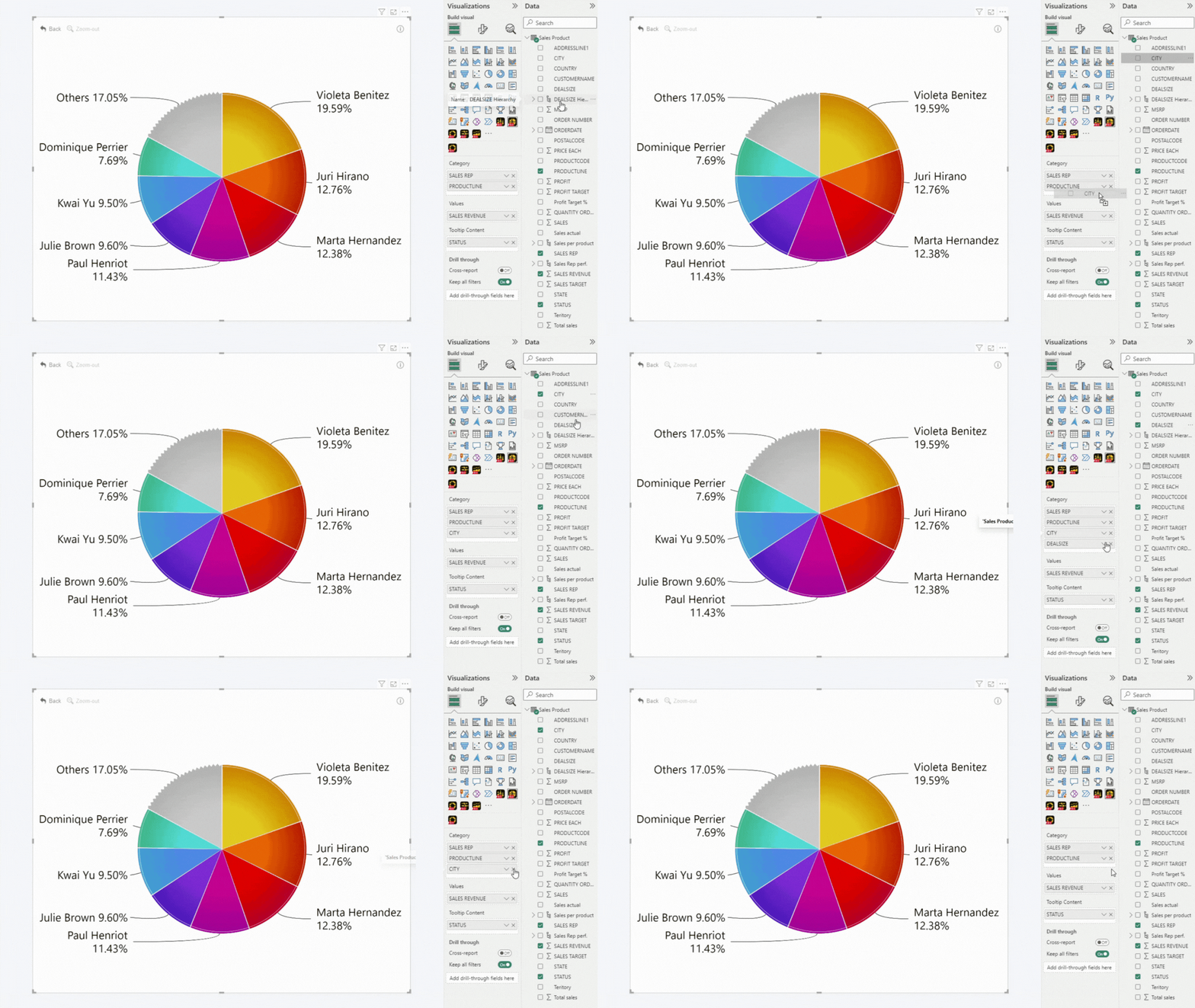
Adding columns to the field is easy: simply check the box next to the column in the Fields pane; or drag-and-drop them in the desired order.
Note: All categories can be rearranged by a simple drag and drop motion.
The below example shows a pie chart with five different categories. The chart will use these categories to create five levels of drill down. The order will be the same as specified in the Category field.
Was this helpful? Thank you for your feedback!
Sorry about that.
How can we improve it?