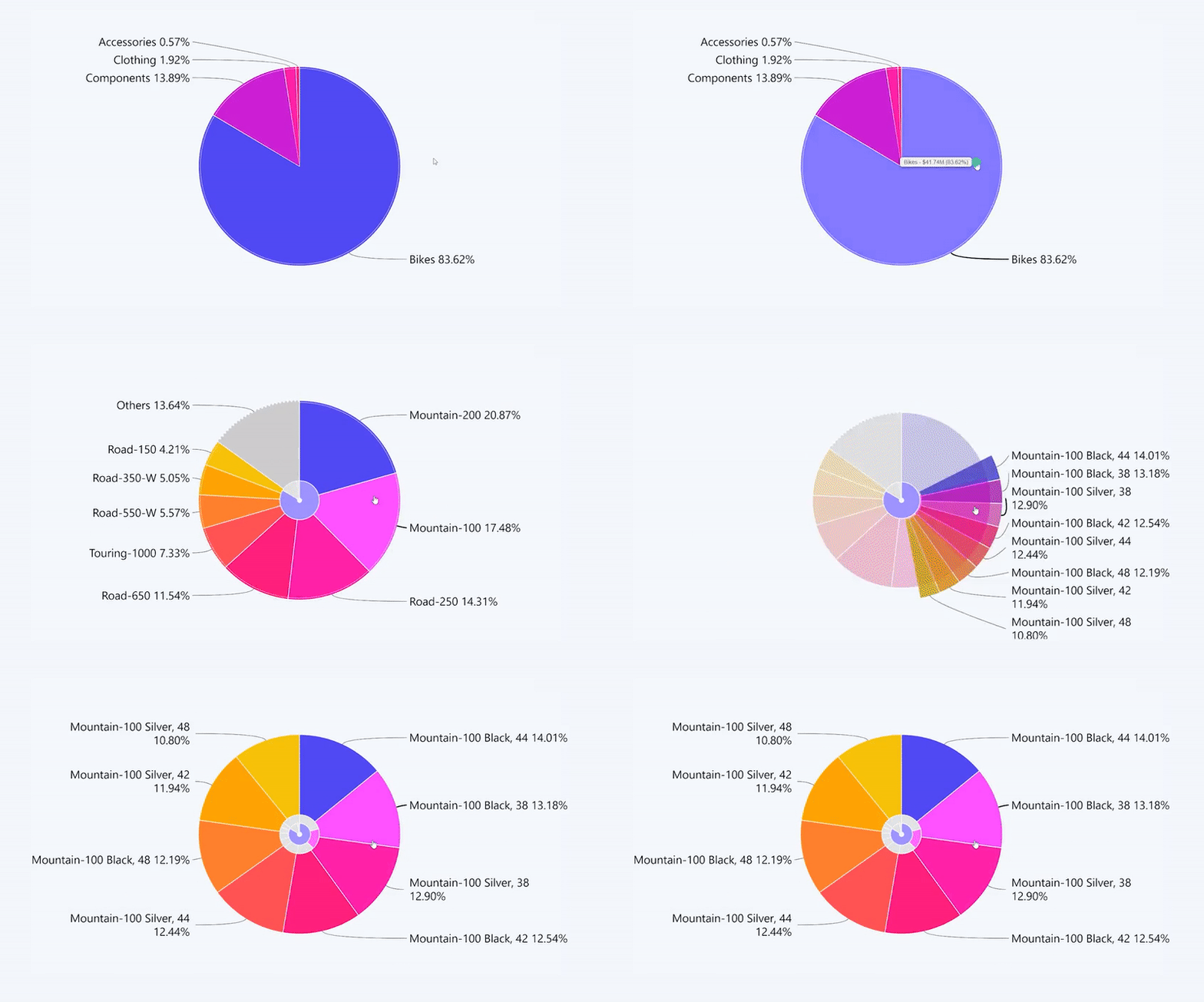
Drill down to next sub-category of data
Click on a slice or on the label.
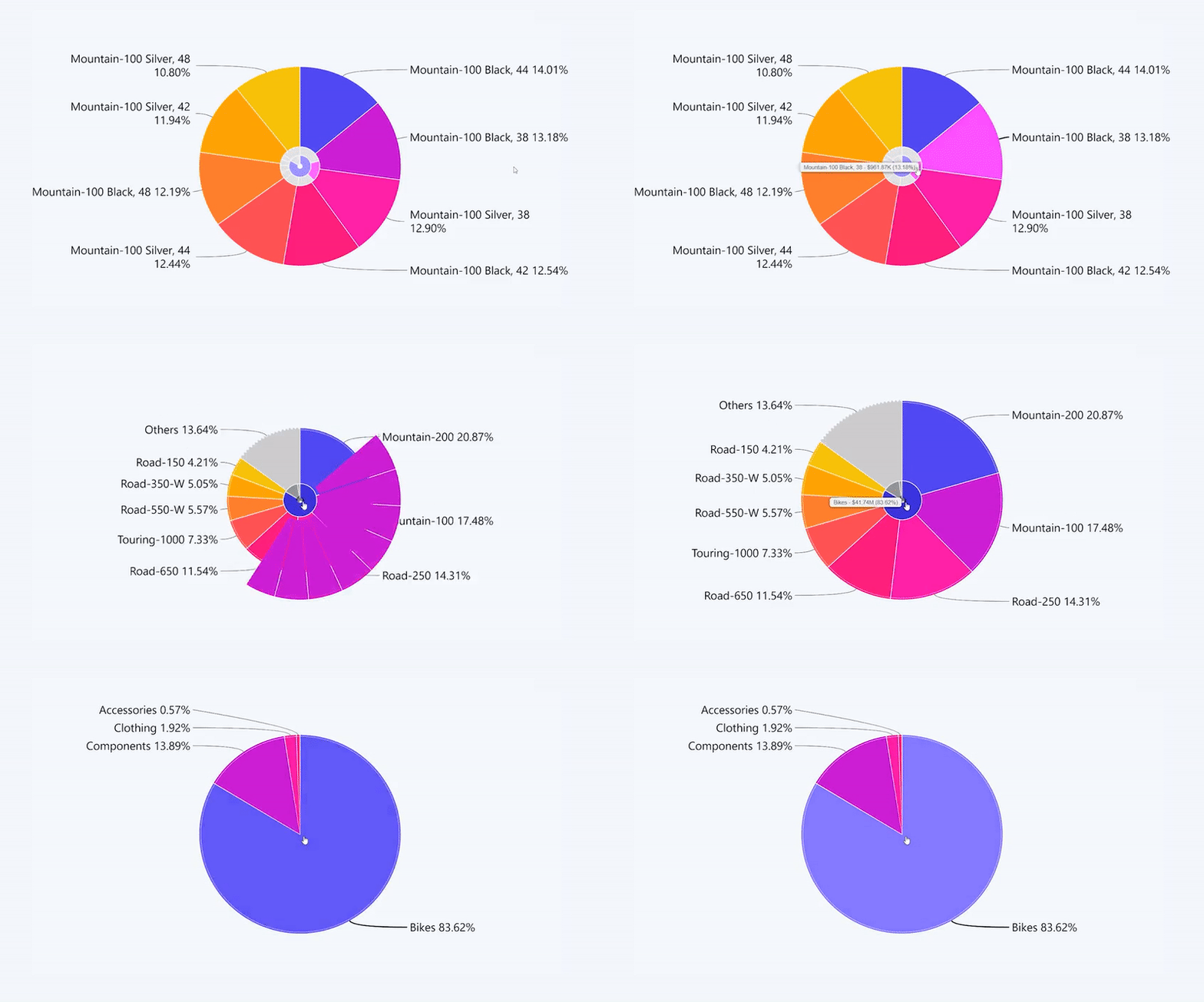
Drill up
Click on the center of the pie chart to go back a level.
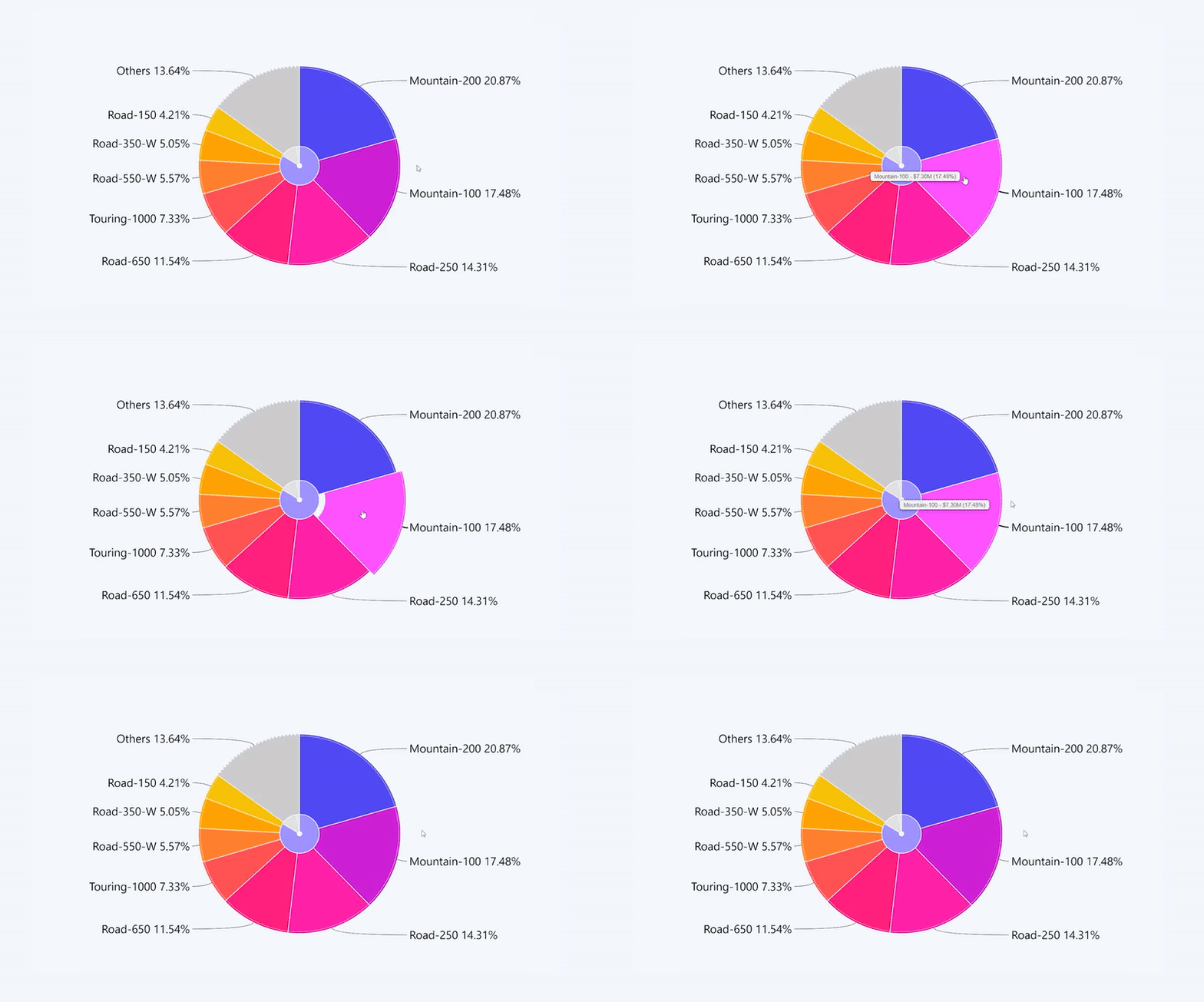
Select a slice
Click on a slice or on the label.
If you have a multilevel drill down setup – use long press instead of a click.
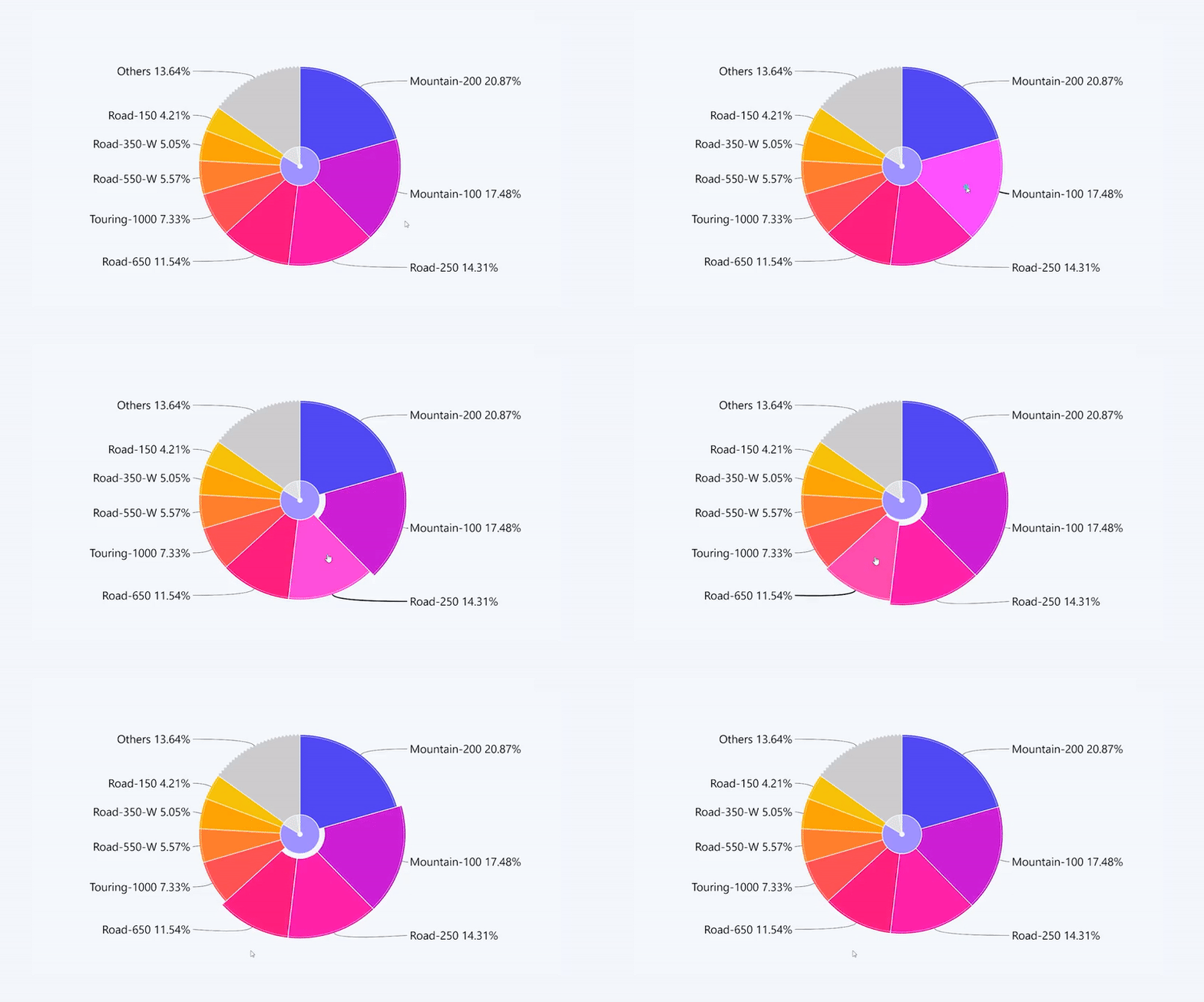
Select multiple slices
Use Ctrl + click to select multiple slices
Invert selection
Triple click anywhere on the pie chart to invert your selection. This interaction will deselect all slices that were previously selected and instead select all slices that were not selected.
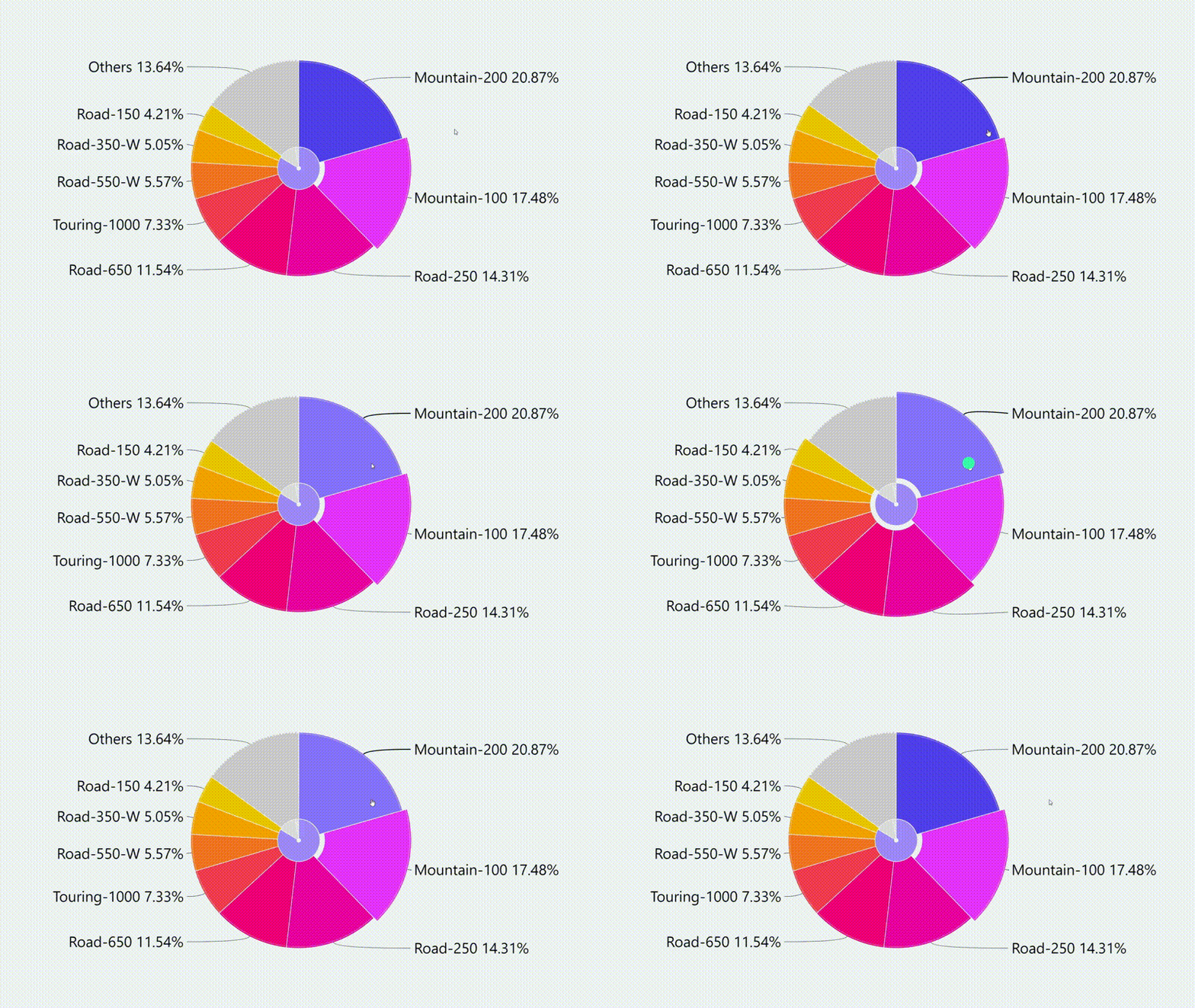
Inverse Selection
You can use CTRL + Shift + Left click combination on any slice to create an inverted selection / filter.
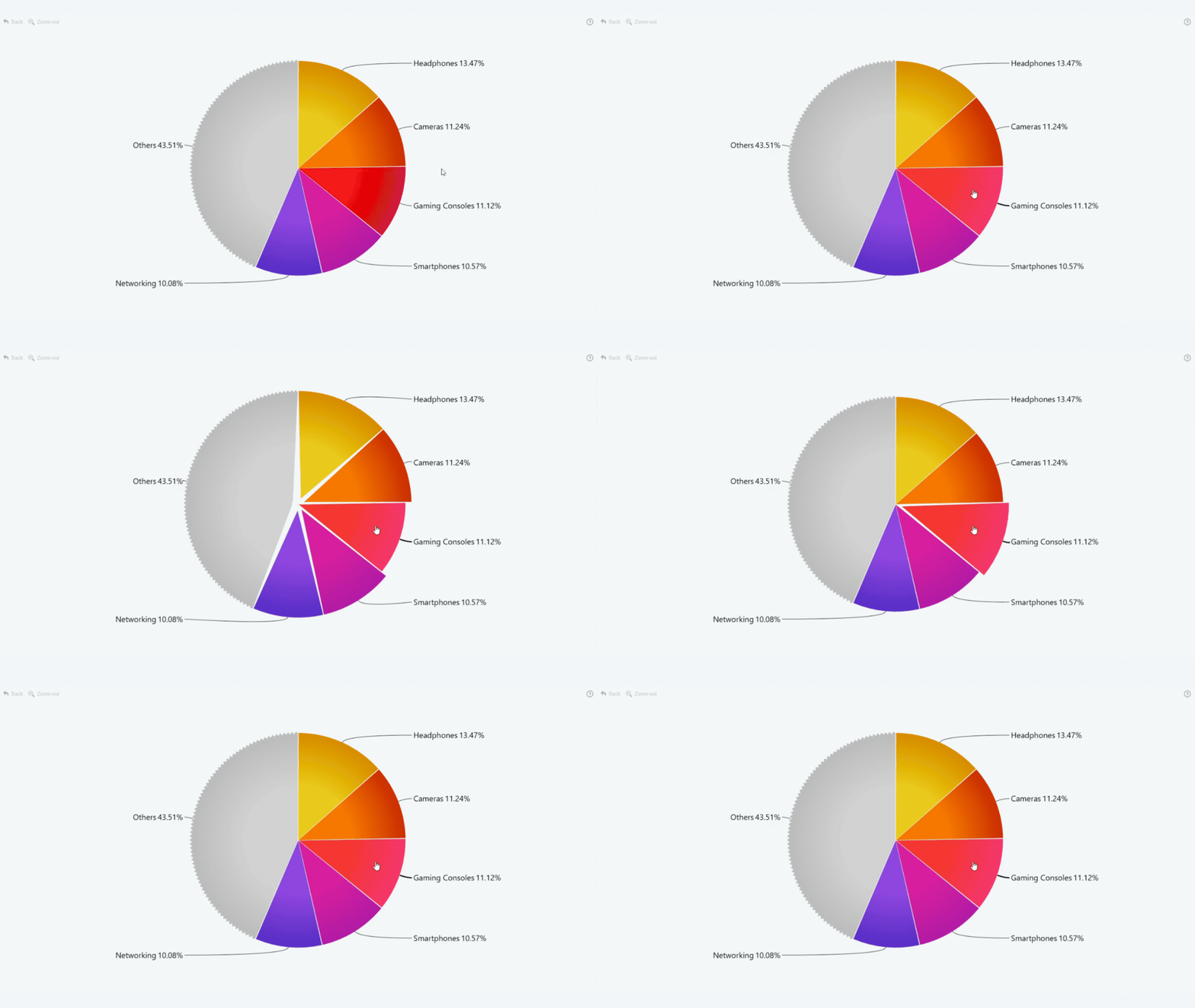
Expand “Others” slice
Click on the "Others" slice to see more data.
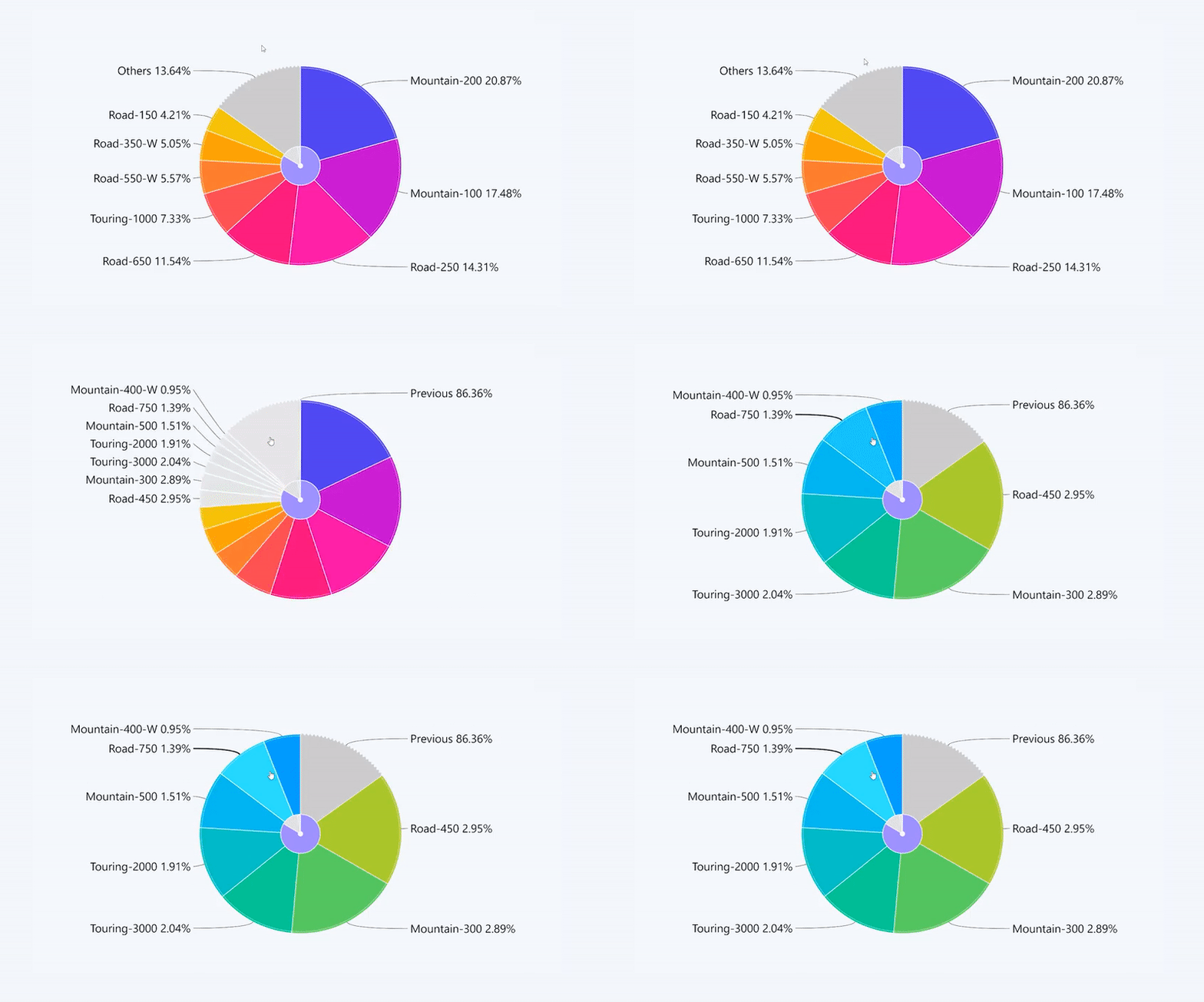
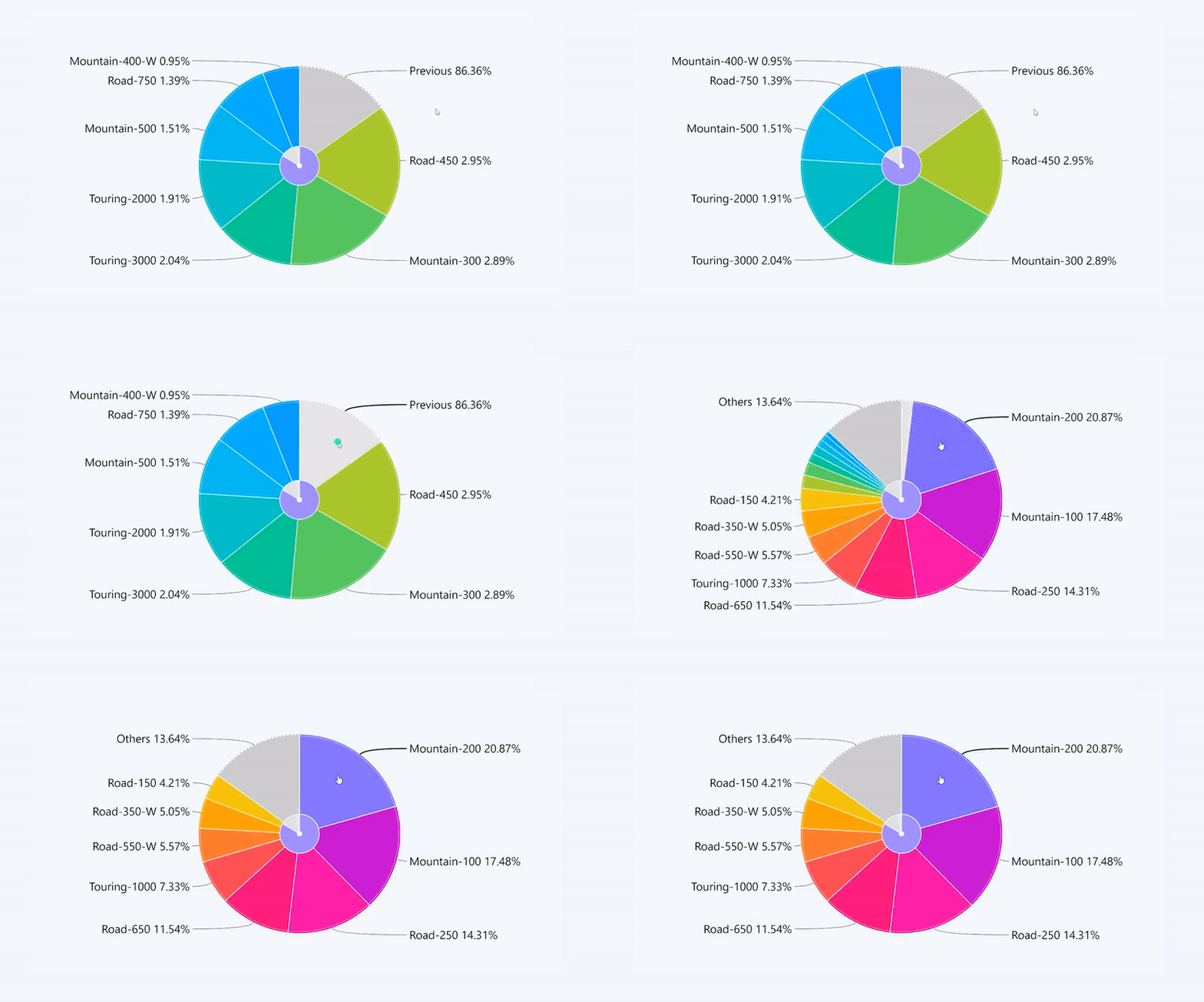
Expand “Previous” slice
Click on the "Previous" slice to go back to the main view.
Was this helpful? Thank you for your feedback!
Sorry about that.
How can we improve it?