Use the Base Fill Color setting to quickly create a consistent color scheme for your pie chart. The visual automatically generates and applies color variations based on the selected base color.
This setting is available for all Fill Modes. You can select a color using the color picker or enter a custom HEX color code for precise color matching.
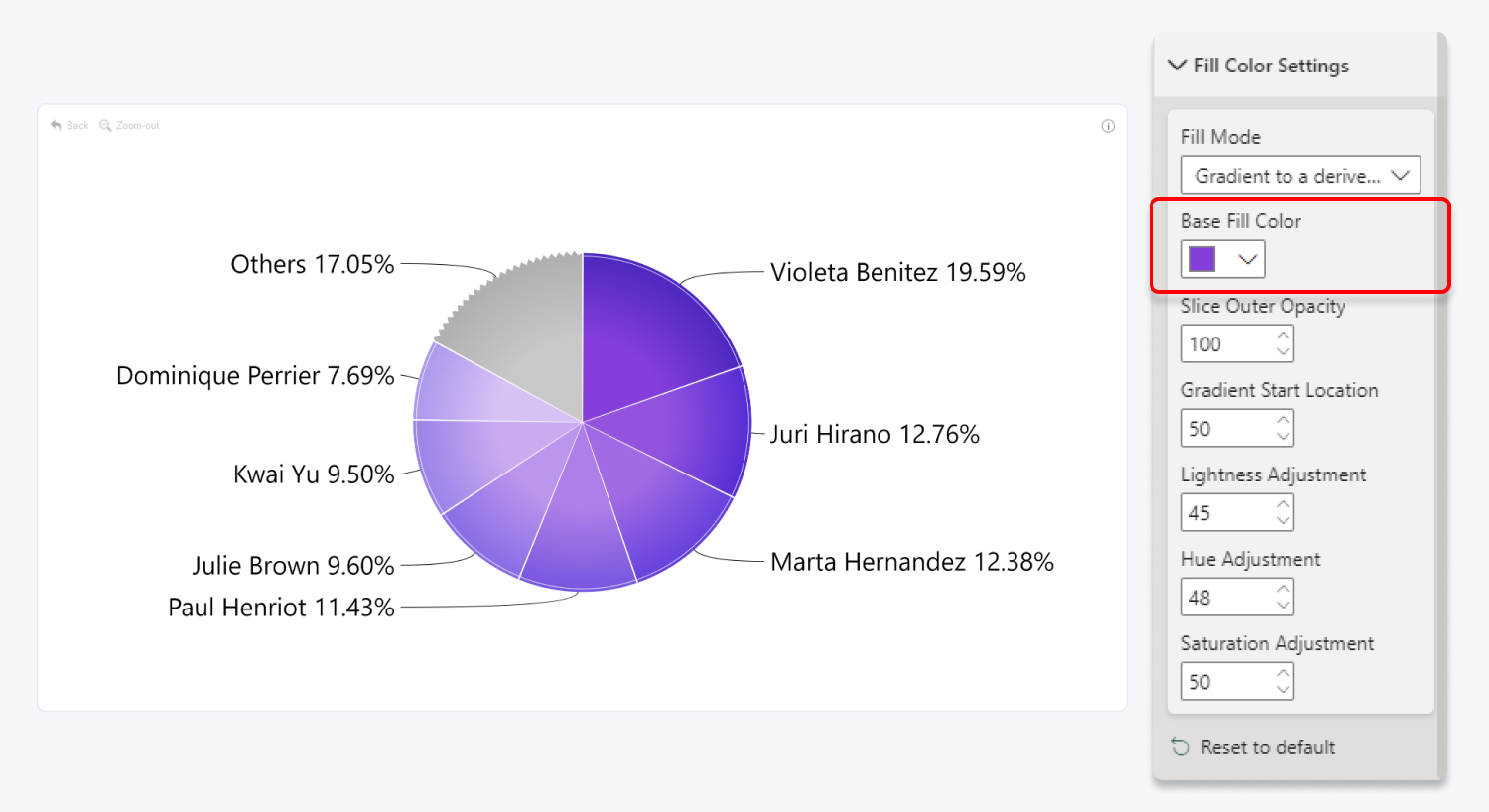
Once applied, Base Fill Color will override the Category X Colors settings. If you do not see the category color options in the Visualizations pane, try pressing “Reset to default” in the Fill Color Settings menu.
Was this helpful? Thank you for your feedback!
Sorry about that.
How can we improve it?