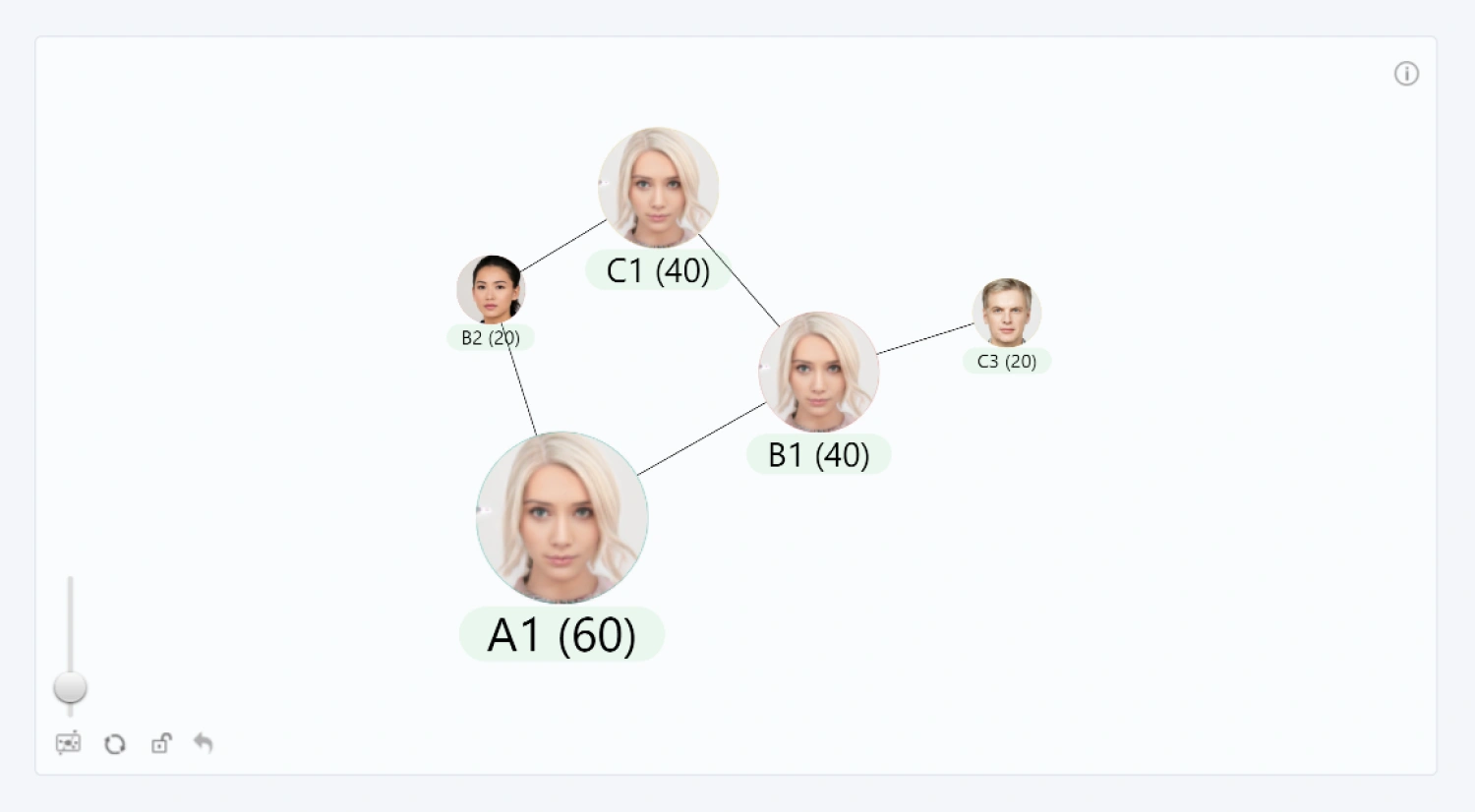
In Network PRO, each node can show custom images to provide visual information to the user like country flags, company logos, clip art, employee portraits and more - the possibilities are endless!
Simply create a column or measure that contains image data in base64 format, and add it to the Image field. Then, enable the Show Images [Nodes (Default Category)] or Show Images (Category-Specific) toggle. Any node with valid image data will display the image inside the node.
Was this helpful? Thank you for your feedback!
Sorry about that.
How can we improve it?