Drill-down
To drill-down to the next sub-category, click on a desired column to perform the drill action.
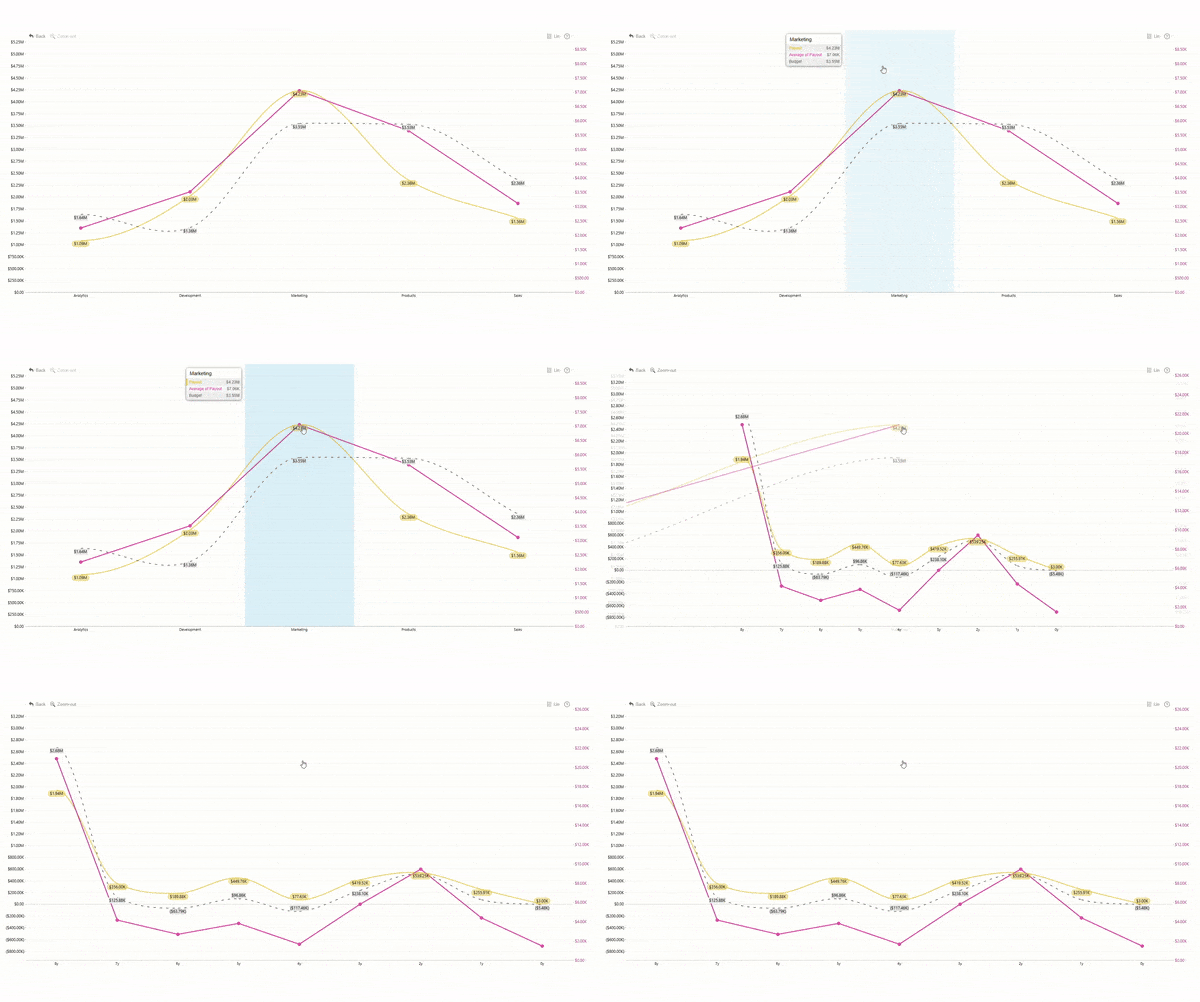
Drill Up
To go back one level, click anywhere on the chart and drag up until you see drill-up animation. You can also drill-up by using the Zoom-out button on the toolbar of the visual.
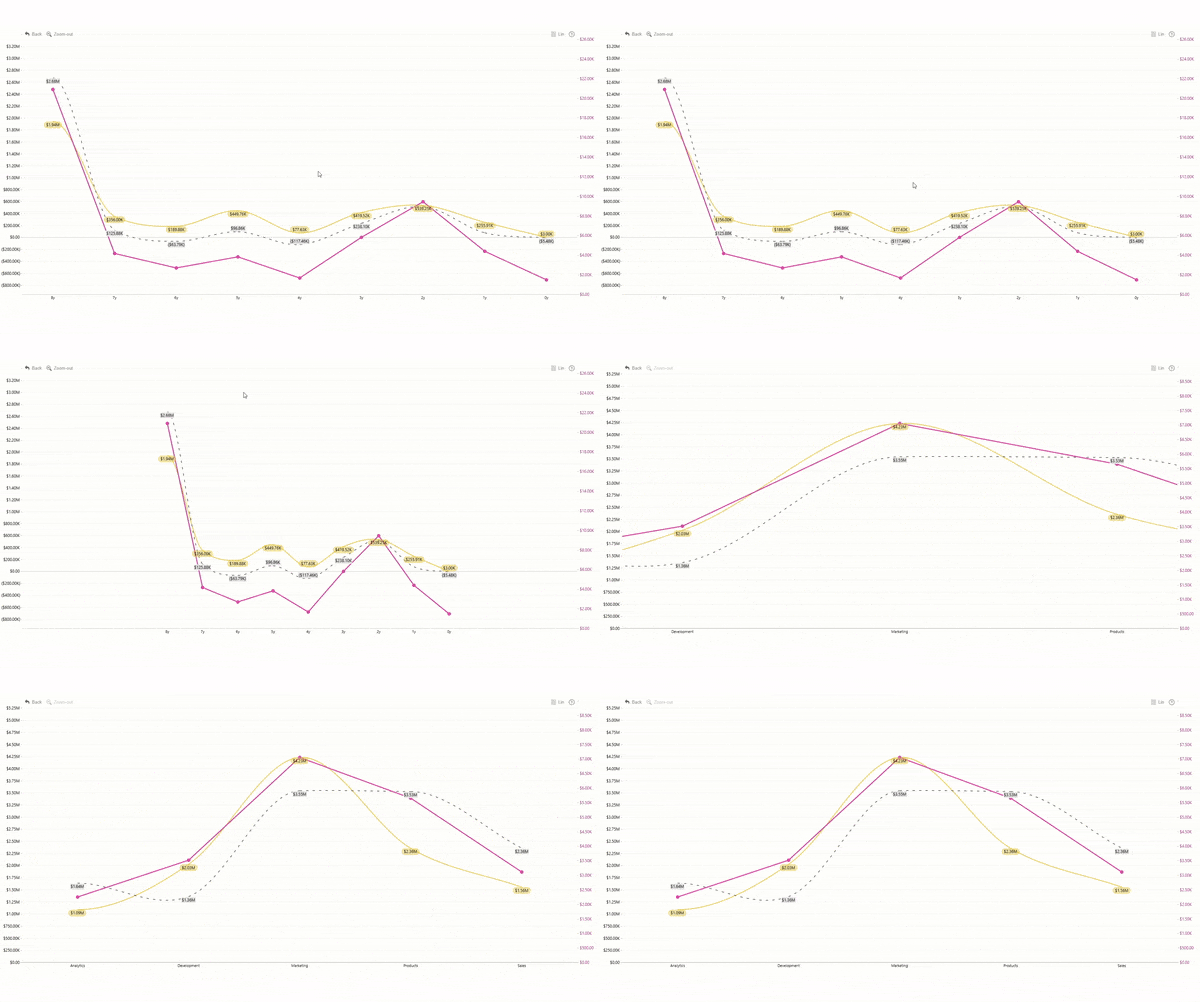
Go back
Use the "Back" button on the toolbar (top-left corner by default), which will undo the last interaction with the chart.
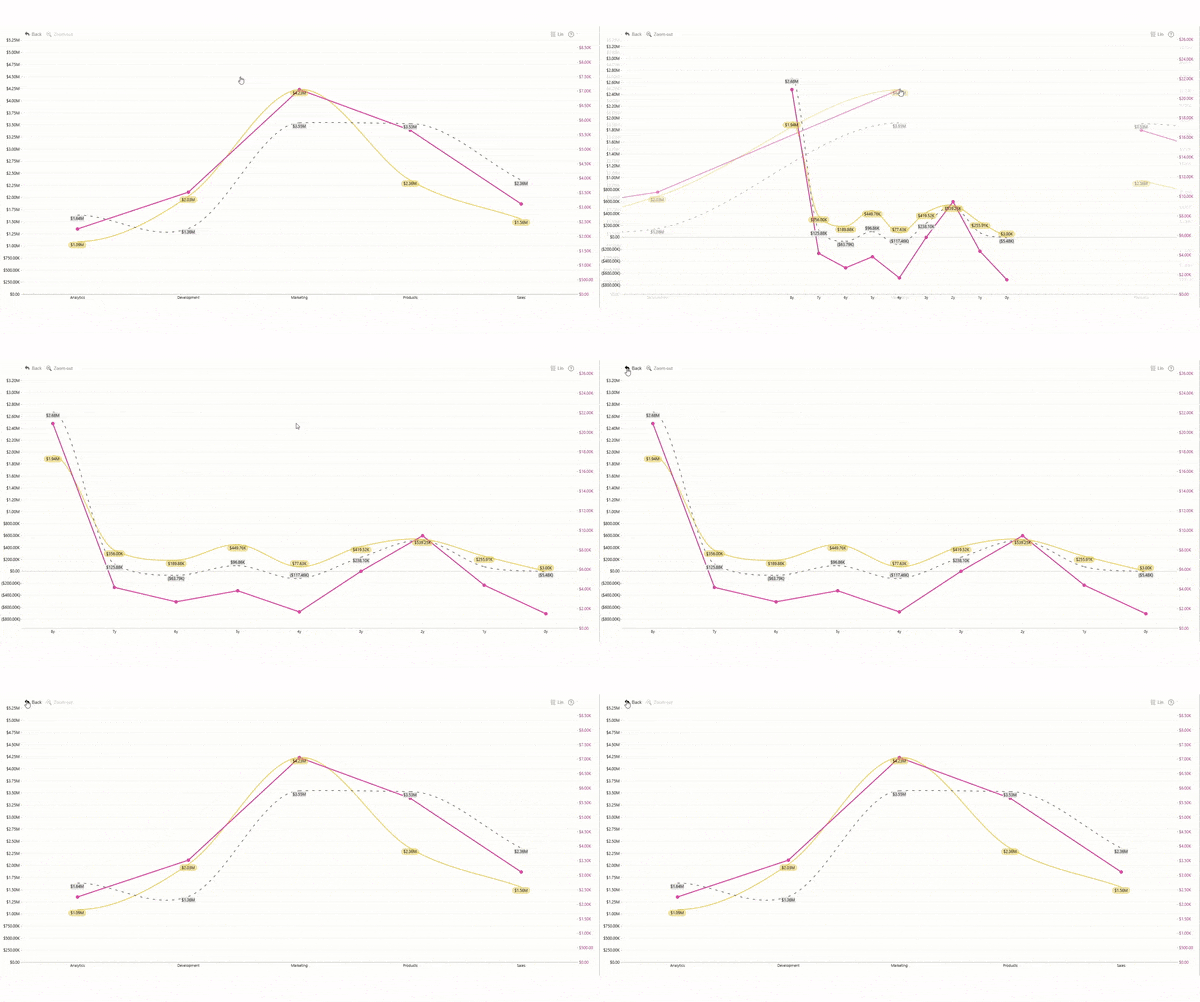
Finetune zoom
You may finetune your chart appearance by dragging up/down and left/right. Dragging it up will zoom in. Dragging it down will zoom out. Left or right drag will move x-axis to left or right revealing more data. Click on the chart and drag to any direction. You may use dedicated "left" and/or "right" buttons which become visible if there is more data available in the particular direction.
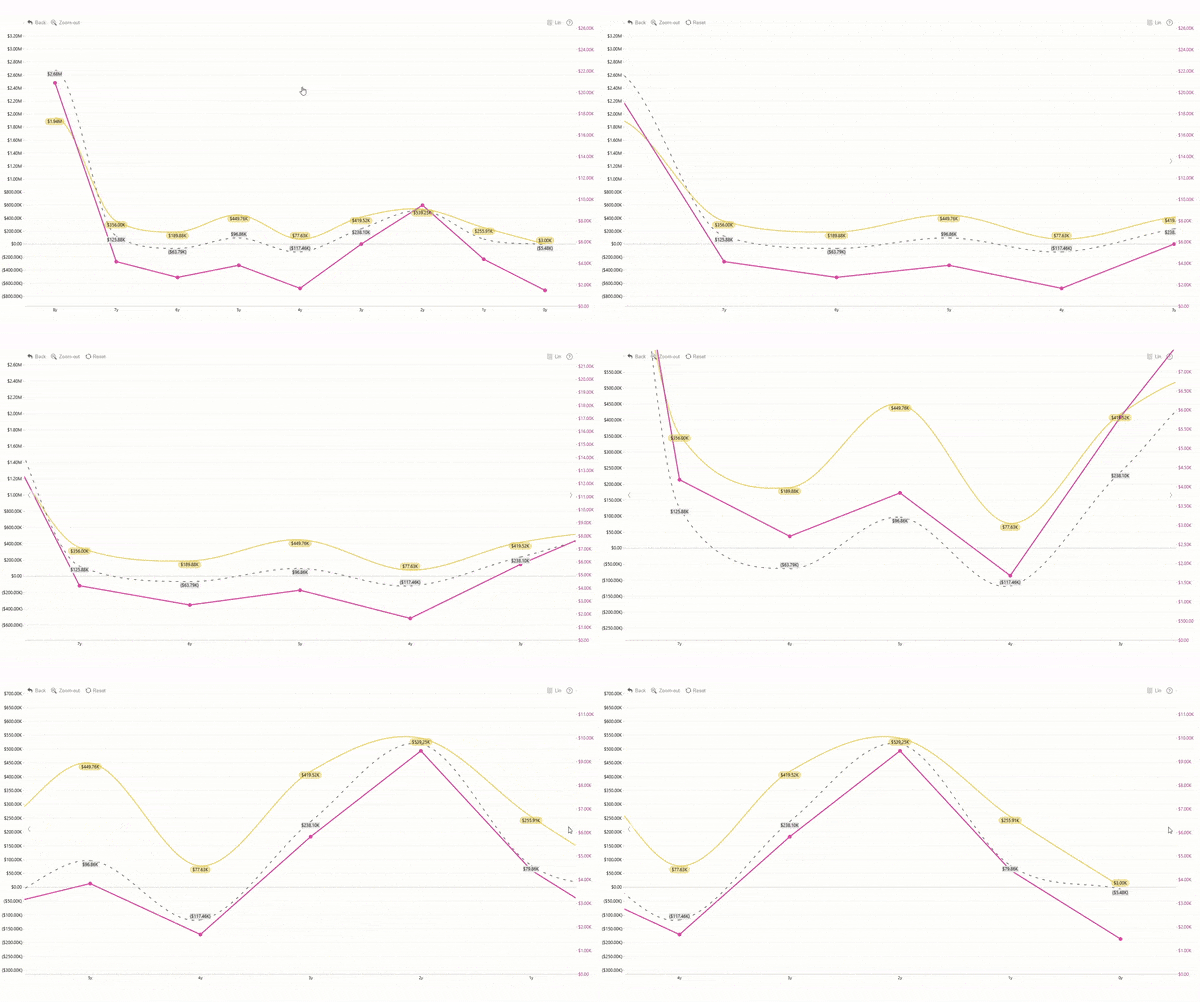
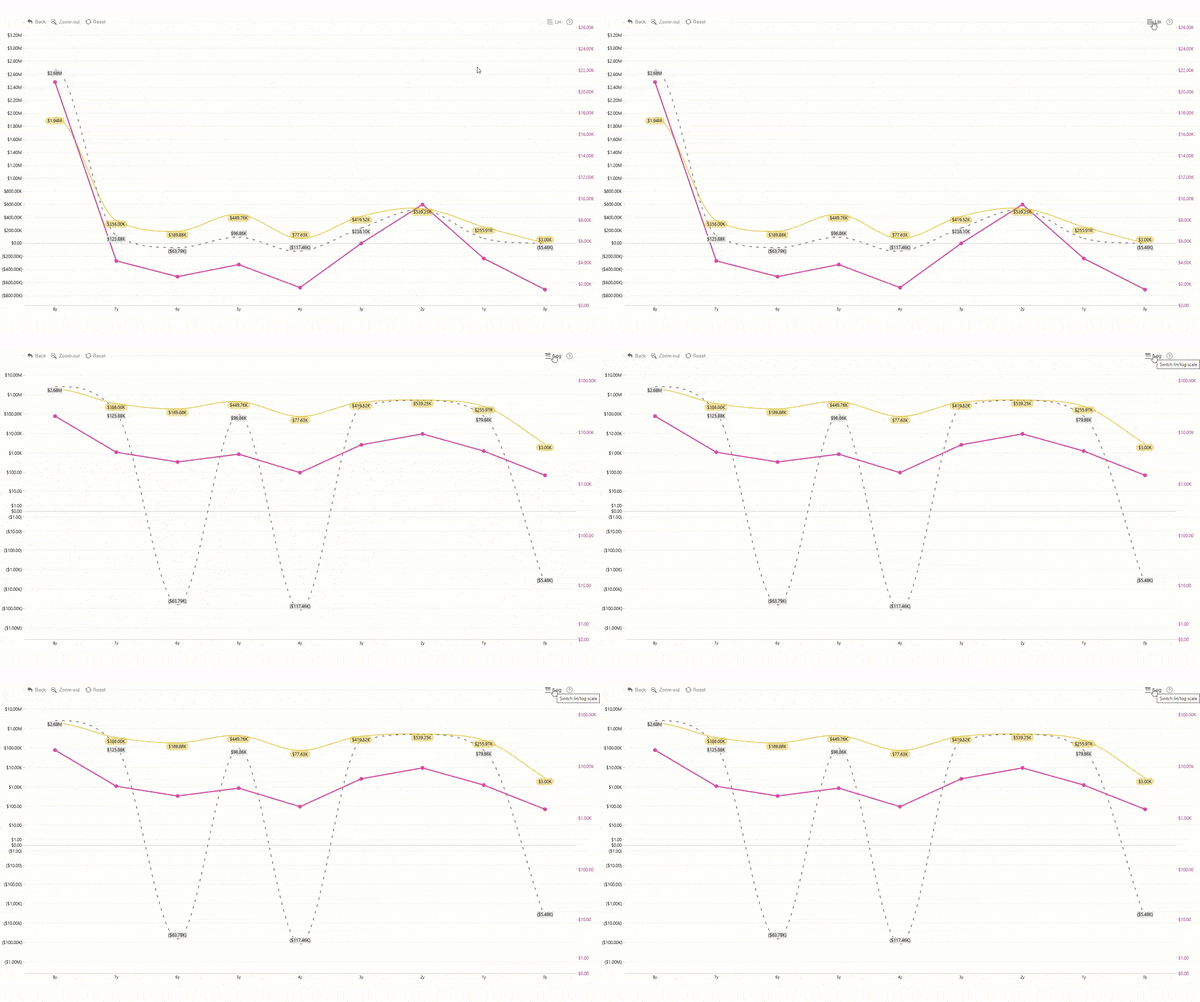
Toggle Lin/Log view
Toggle y-axis from linear to logarithmic scale and back. Use the dedicated "Lin/Log" button on the toolbar.
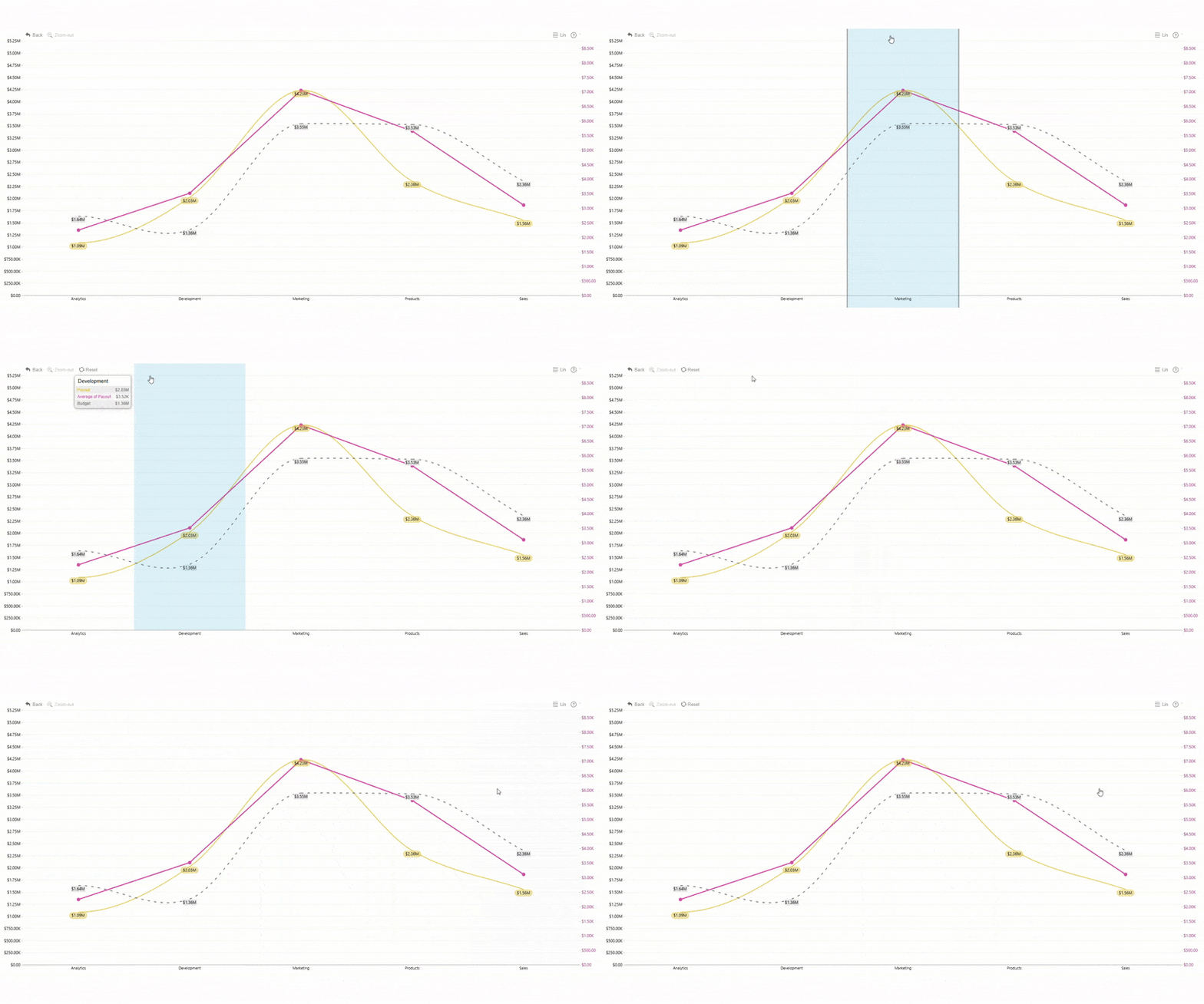
Select data
By default, data will be selected with a click if there is no more drill-down available. If there is drill-down available, clicking on a data point will invoke drill-down. If you wish to make a selection instead of drilling down, hold the tap or click until the area is highlighted.
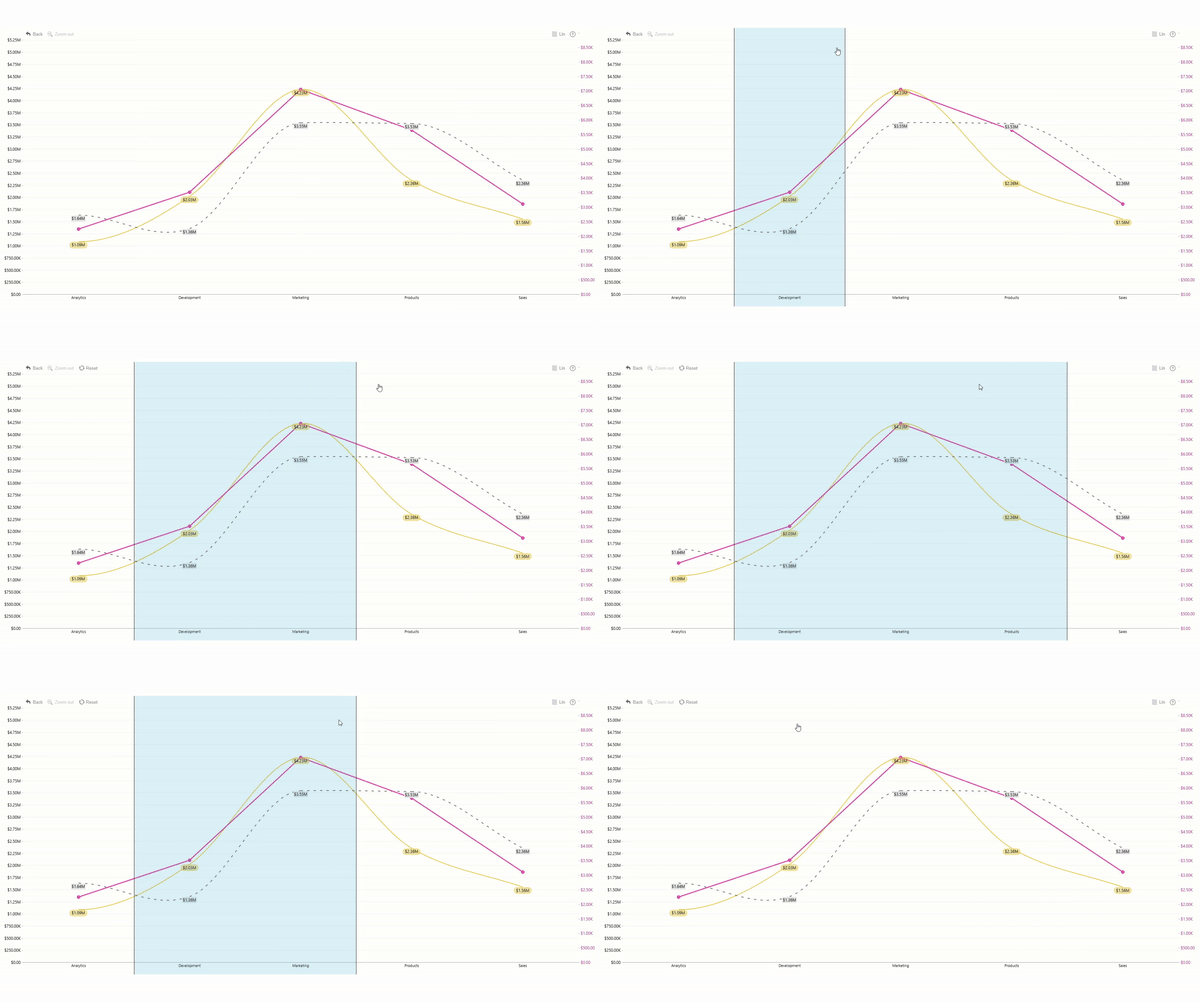
Multiple Select
Ctrl + Click to select multiple data points.
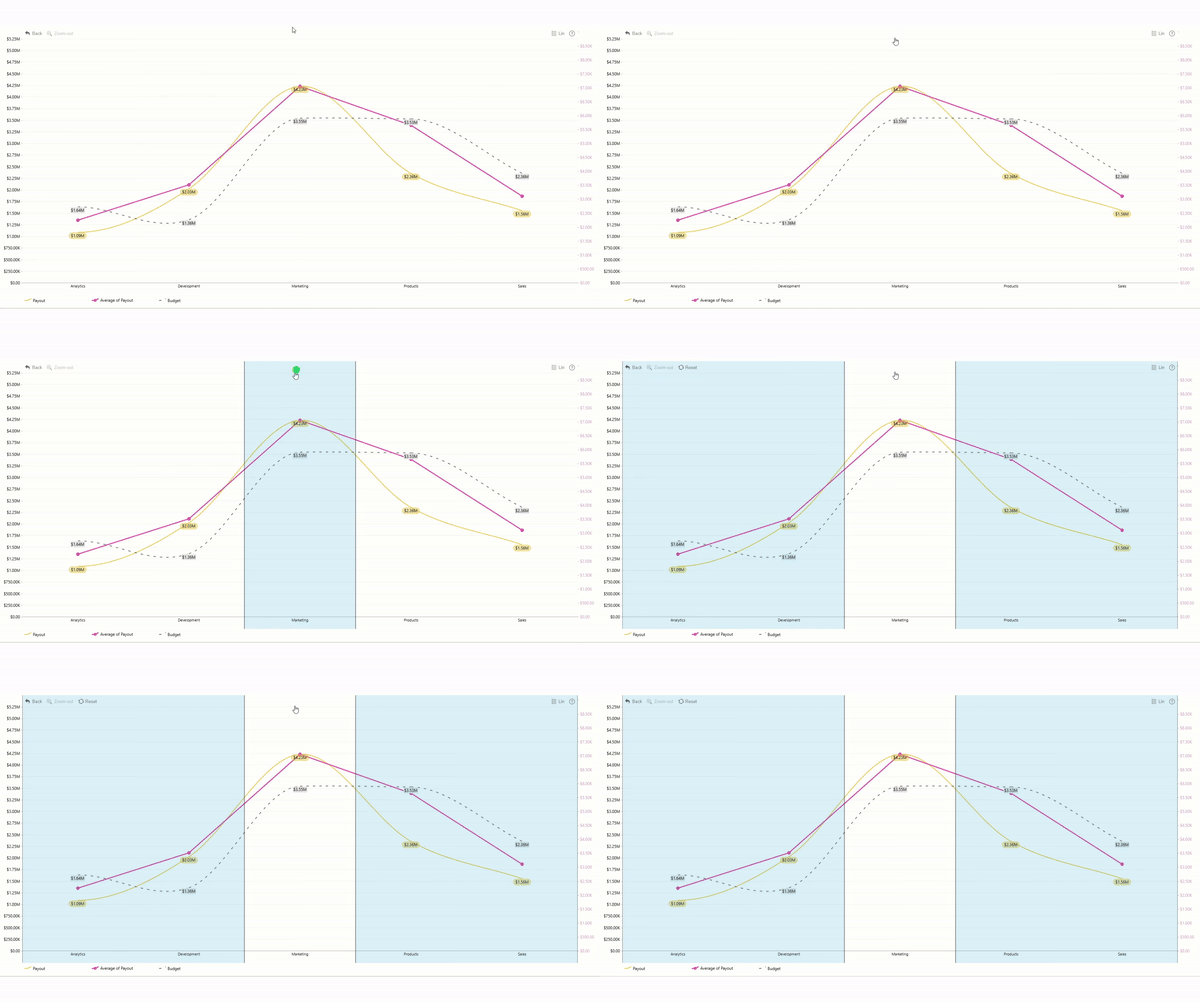
Invert Selection
Triple click on the chart to invert your selection. This interaction will deselect all categories that were previously selected and instead select all categories that were not selected.
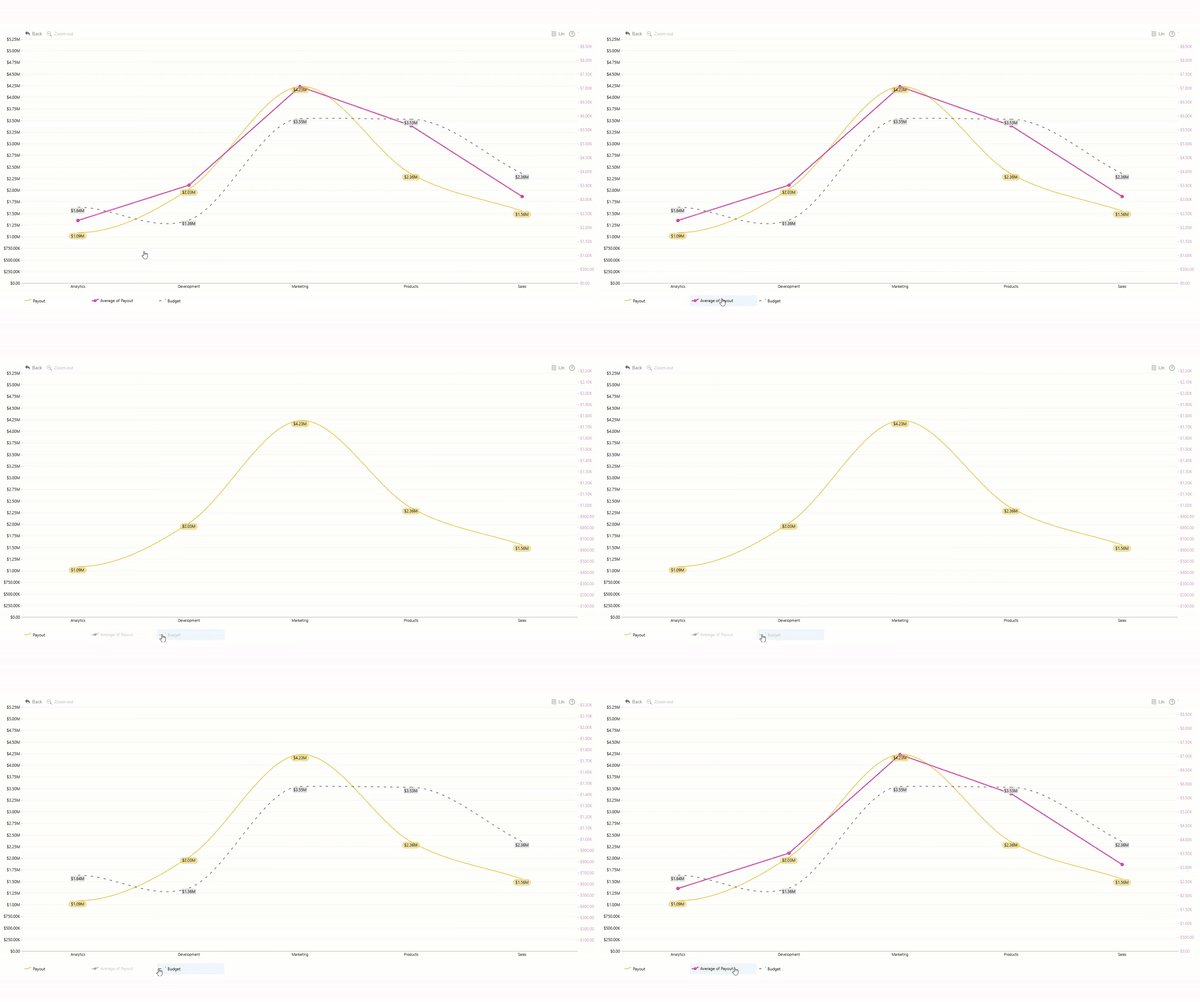
Hide/Show series
Click on a legend item (if legend is enabled) to toggle visibility of a particular series.
Was this helpful? Thank you for your feedback!
Sorry about that.
How can we improve it?