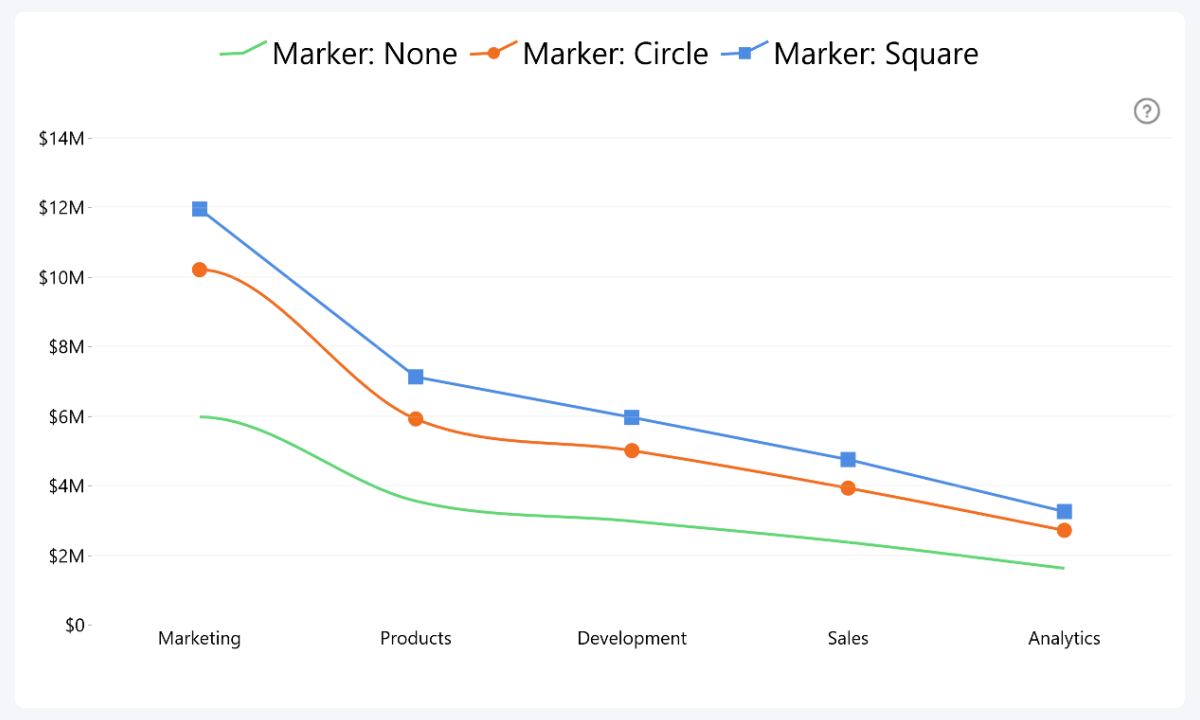
Outline markers can be used as a visual aid to indicate data points within the series. Choose the default outline marker style for all series:
- None (default)
- Circle
- Square
- Rhombus
- Triangle
- Triangle (upside down)
When an Outline Marker style other than None is selected, the Outline Marker Size option becomes available. This setting controls the size of the marker used for the series.
- Default: 16
- Range: 1–50
- Increasing the value will make the markers larger and more visible, which can help emphasize individual data points
- Decreasing the value will make the markers smaller and less prominent, allowing the line itself to remain the primary focus of the series
Was this helpful? Thank you for your feedback!
Sorry about that.
How can we improve it?