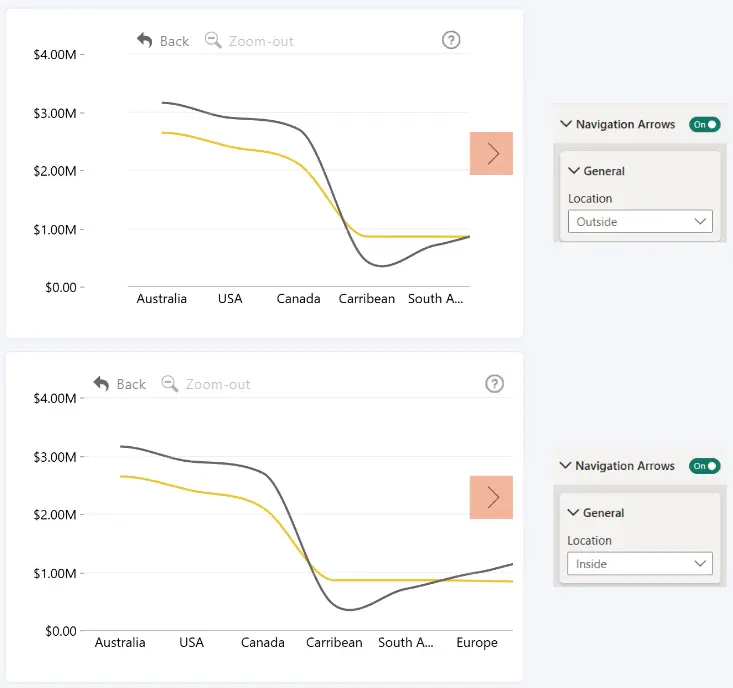
Choose where the navigation arrows are displayed relative to the chart area.
- Inside – displays the navigation arrows inside the chart area. This provides a more compact layout but may overlap chart elements.
- Outside – displays the navigation arrows outside the chart area, between the axis and the chart. This prevents the arrows from overlapping chart elements but uses additional space.
Was this helpful? Thank you for your feedback!
Sorry about that.
How can we improve it?