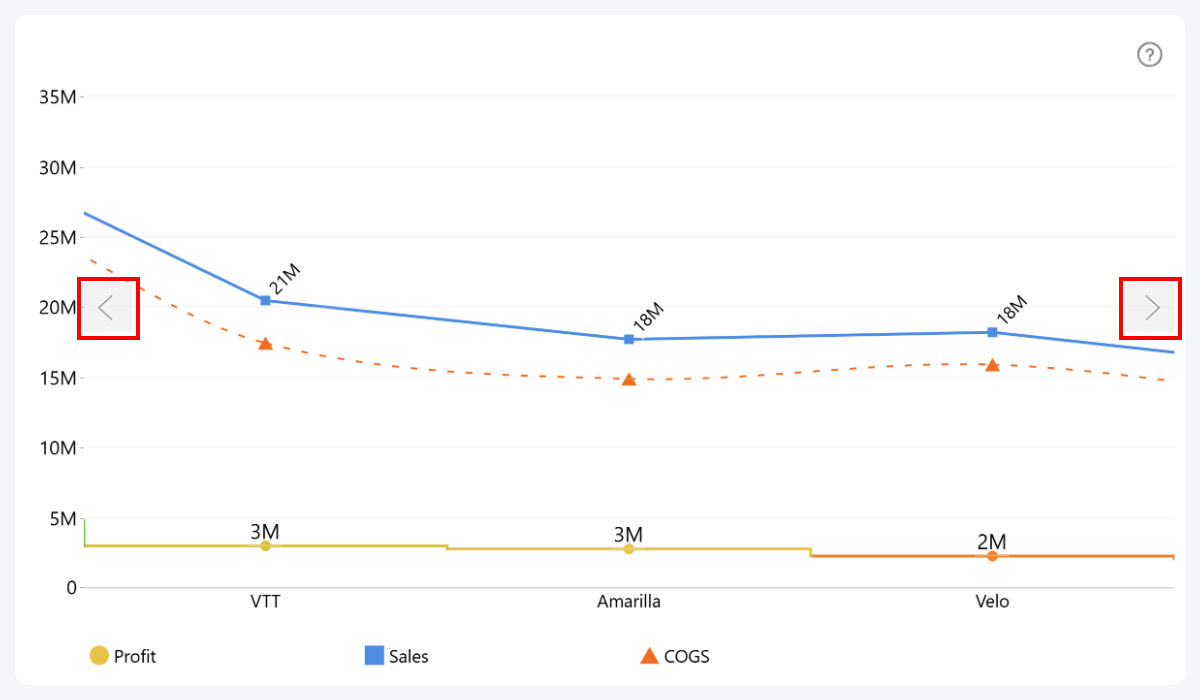
After enabling this setting, additional options will be revealed for further customization:
- Arrow Color
- Arrow Color Opacity
- Arrow Background Color
- Arrow Background Color Opacity
- Different Settings on Hover
Enabling Different Settings on Hover will reveal additional settings for when the user hovers over the navigation arrows:
- Arrow Color on Hover
- Arrow Color Opacity on Hover
- Arrow Background Color on Hover
- Arrow Background Color Opacity on Hover
- Arrow Size on Hover
Navigation Arrows are not the only way for the user to horizontally scroll the line chart; it can also be done with a swipe gesture or Left click+drag.
Was this helpful? Thank you for your feedback!
Sorry about that.
How can we improve it?