With the various settings available in Drill Down Line PRO, you can create many line styles to visually distinguish each series or adapt the visual to your use case. Use Series → Apply Settings To to apply settings to the default configuration or customize an individual series.
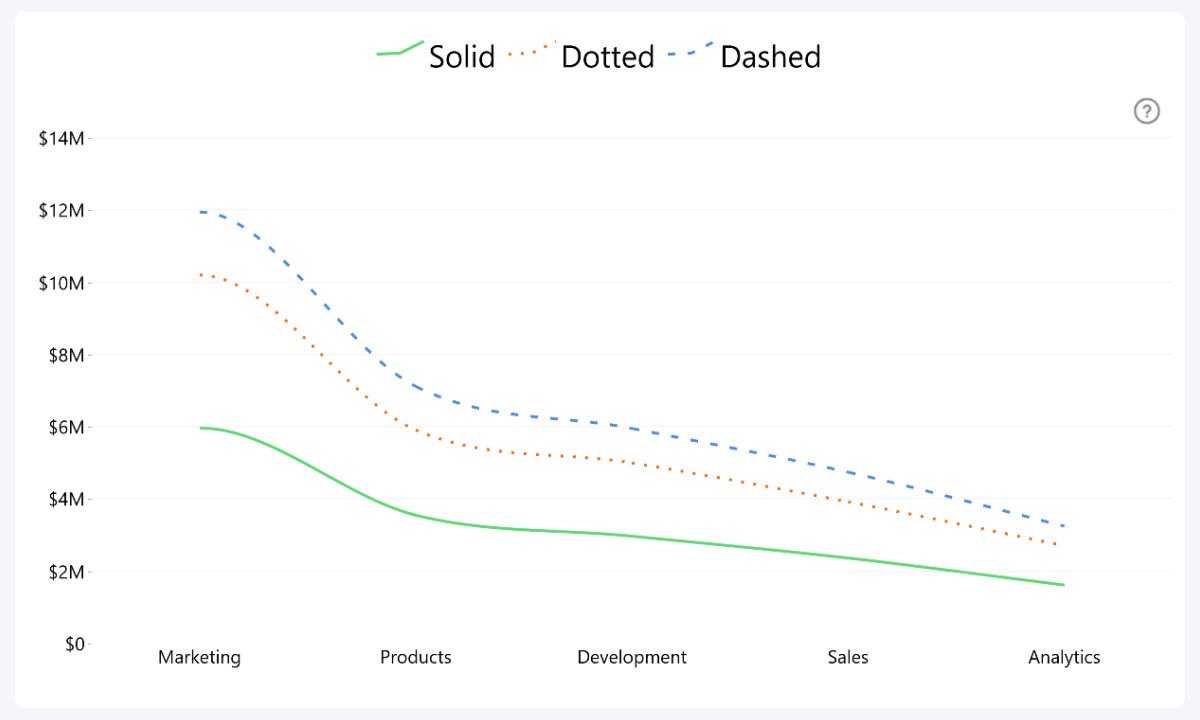
Outline Type
- Solid
- Dotted
- Dashed
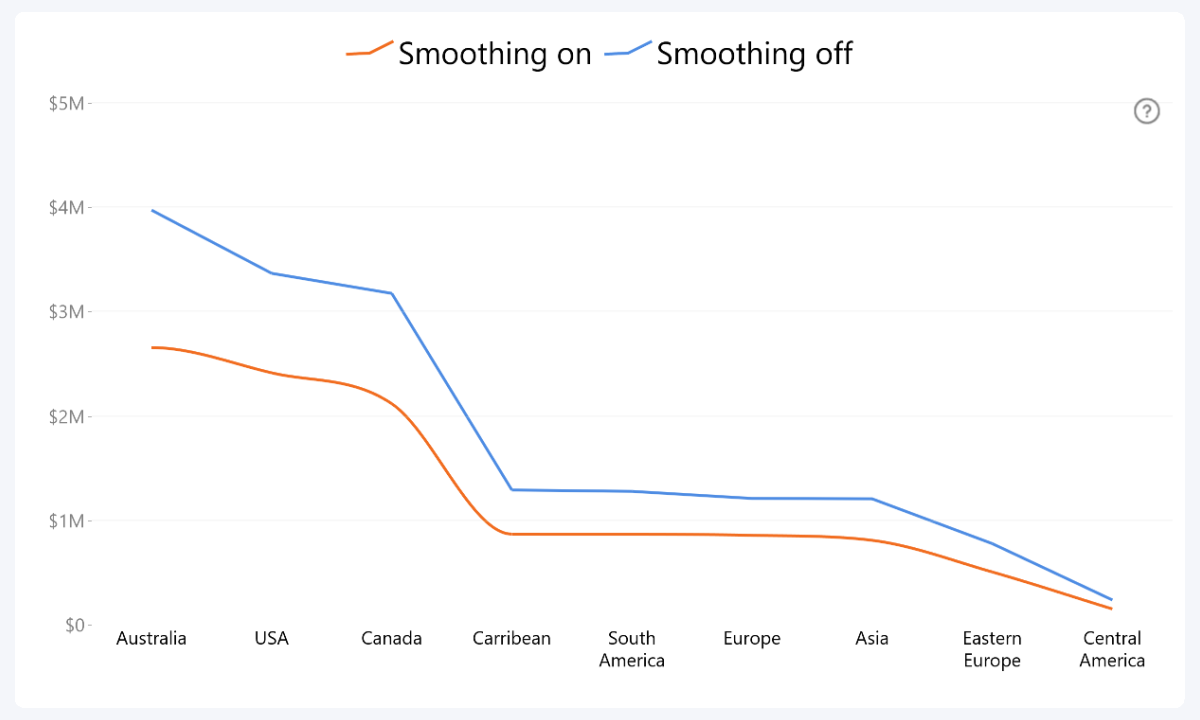
Outline Smoothing
- On
- Off
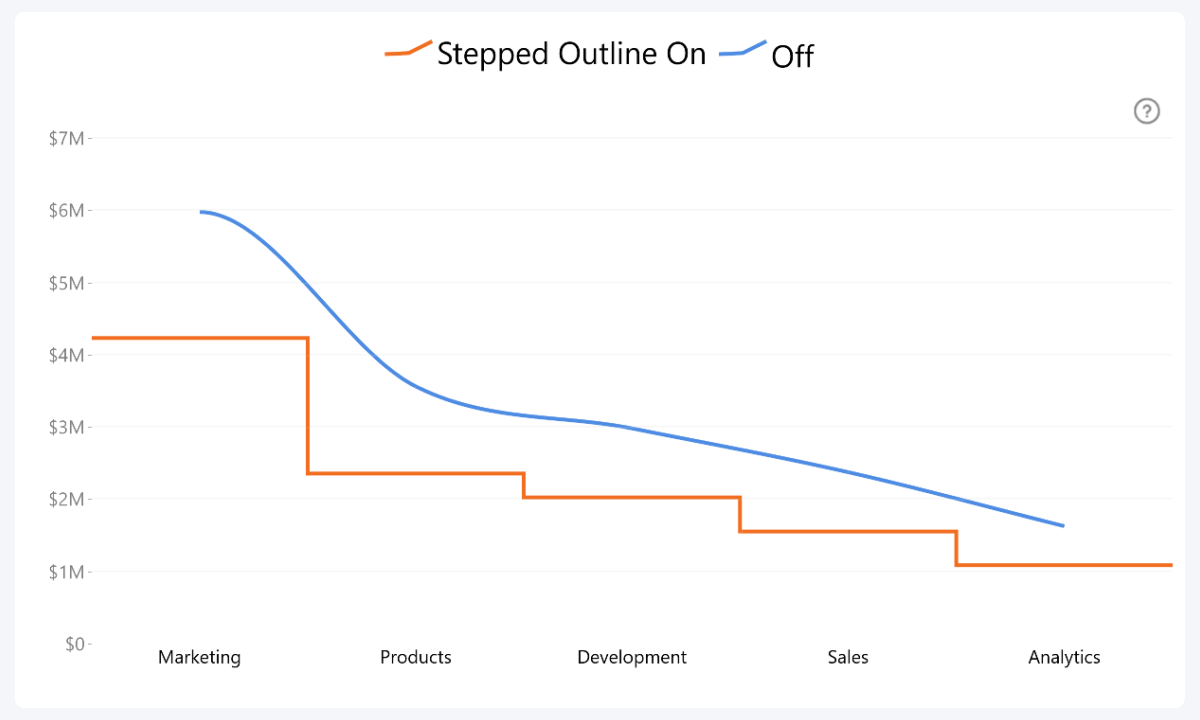
Stepped Outline
- On
- Off
Outline Marker
- None
- Circle
- Square
- Rhombus
- Triangle
- Triangle (upside down)

Was this helpful? Thank you for your feedback!
Sorry about that.
How can we improve it?