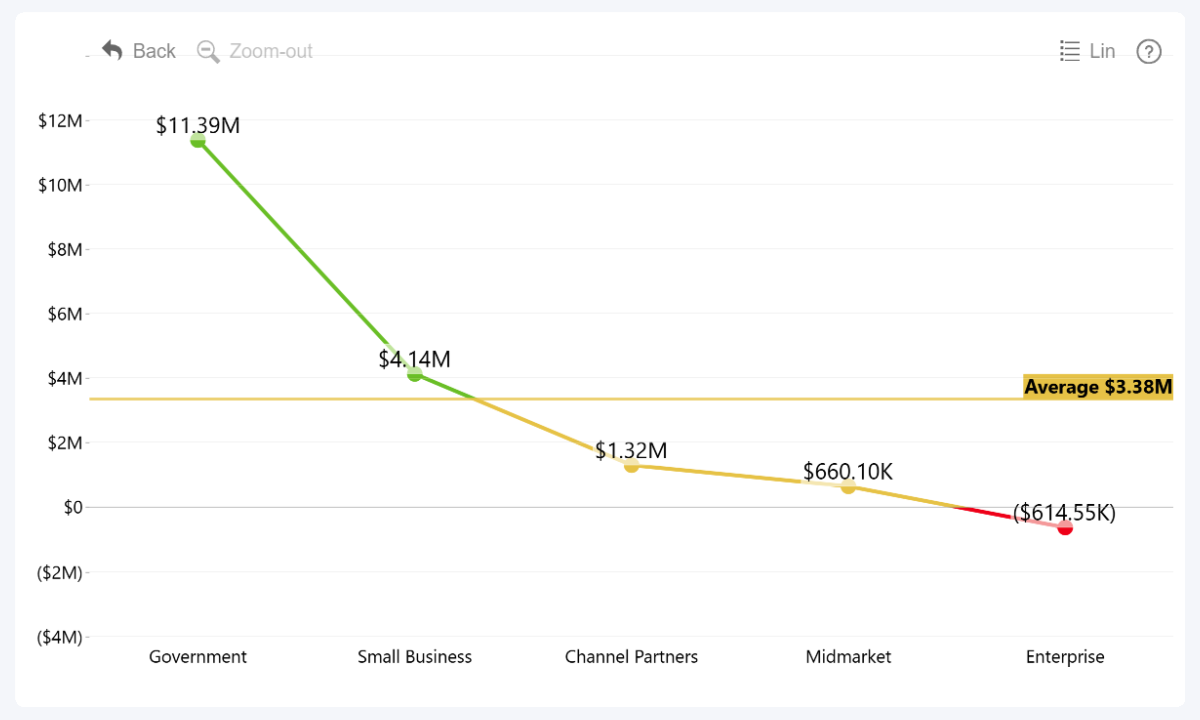
Drill Down Line PRO can automatically apply formatting rules based on your data. Conditional formatting is available for series colors, value label text, and value label backgrounds:
- Fill Conditional Formatting under Series
- Font Conditional Formatting under Series Value Labels
- Background Conditional Formatting under Series Value Labels
Depending on the selected color mode, you can configure two or three colors and opacity levels. Thresholds can use a constant value or be calculated from the selected or another series using the available functions.
A common use is to set a constant threshold and apply different colors above and below a KPI. The available source, function, and threshold settings provide additional ways to adapt conditional formatting to your data.
Was this helpful? Thank you for your feedback!
Sorry about that.
How can we improve it?