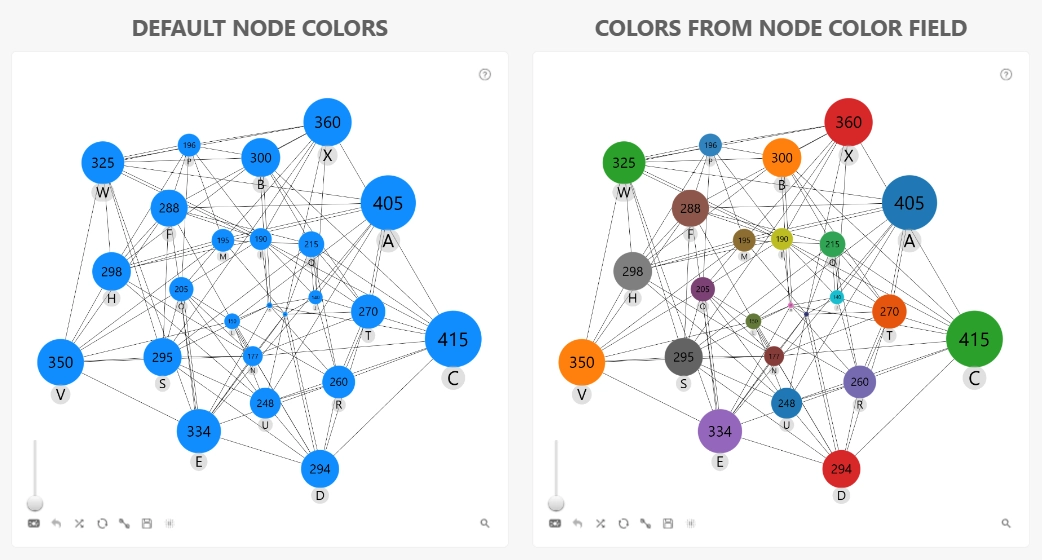
Use this optional field to assign custom fill colors to individual target nodes.
Provide a column or measure containing the desired color for each target node. Each cell must contain a single color value; arrays and multiple values are not supported.
The following color formats are supported:
- Color name: 'red, green, blue, yellow, white, black' etc.
- Hex code: '#FF0000' etc.
- RGB color: 'rgb(255,0,0), etc
Values in the Target Node Color field are applied when Color Mode is set to Dynamic in either Color Mode (Nodes: Default Category) or Color Mode (Node Category X).
Was this helpful? Thank you for your feedback!
Sorry about that.
How can we improve it?