Controls whether the Hide Selected Nodes action is available in the chart toolbar.
Drill Down Graph PRO supports hiding multiple nodes simultaneously. Previously, nodes could only be hidden individually using the node context menu. This feature extends that functionality to multiple selected nodes.
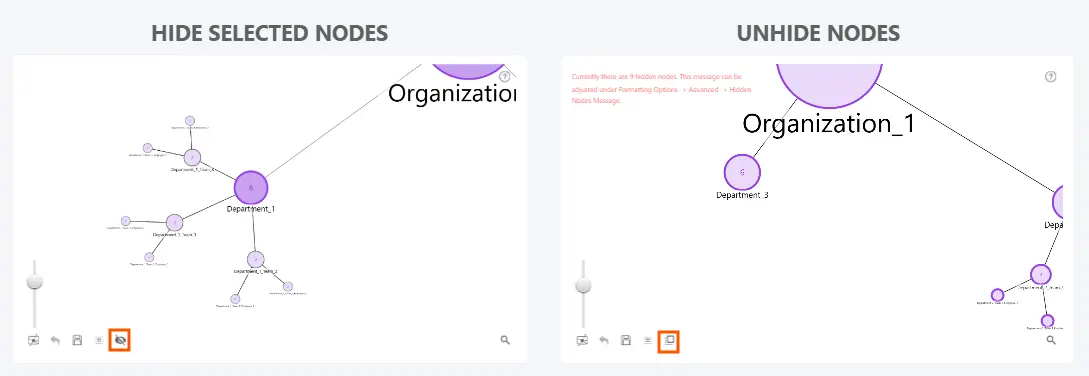
To hide multiple nodes, use rectangular selection to select the desired nodes, then click Hide Selected Nodes in the chart toolbar. All selected nodes will be hidden in a single action.
To restore hidden nodes, use the existing Unhide Nodes action in the chart toolbar.
Was this helpful? Thank you for your feedback!
Sorry about that.
How can we improve it?