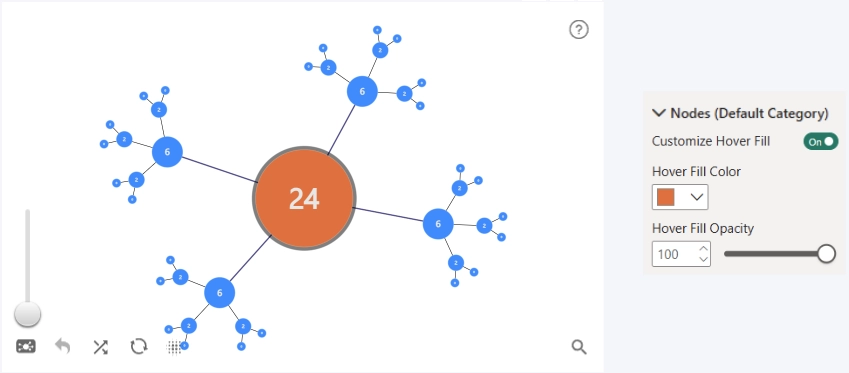
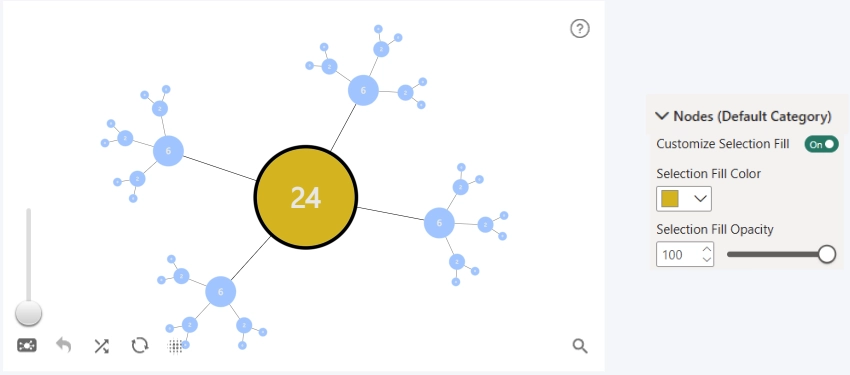
Controls whether a custom fill is applied when a node is hovered over or selected. This setting is disabled by default. When enabled, additional settings become available to control the fill color and opacity.
Hover Fill Color
Manual hover fill color selection.
Hover Fill Opacity
Controls hover outline transparency.
- Range: 0–100
- Default: 100
Selection Fill Color
Manual selection fill color selection.
Selection Fill Opacity
Controls selection outline transparency.
- Range: 0–100
- Default: 50
Was this helpful? Thank you for your feedback!
Sorry about that.
How can we improve it?