This settings group is available only when the Node Type is set to Card.
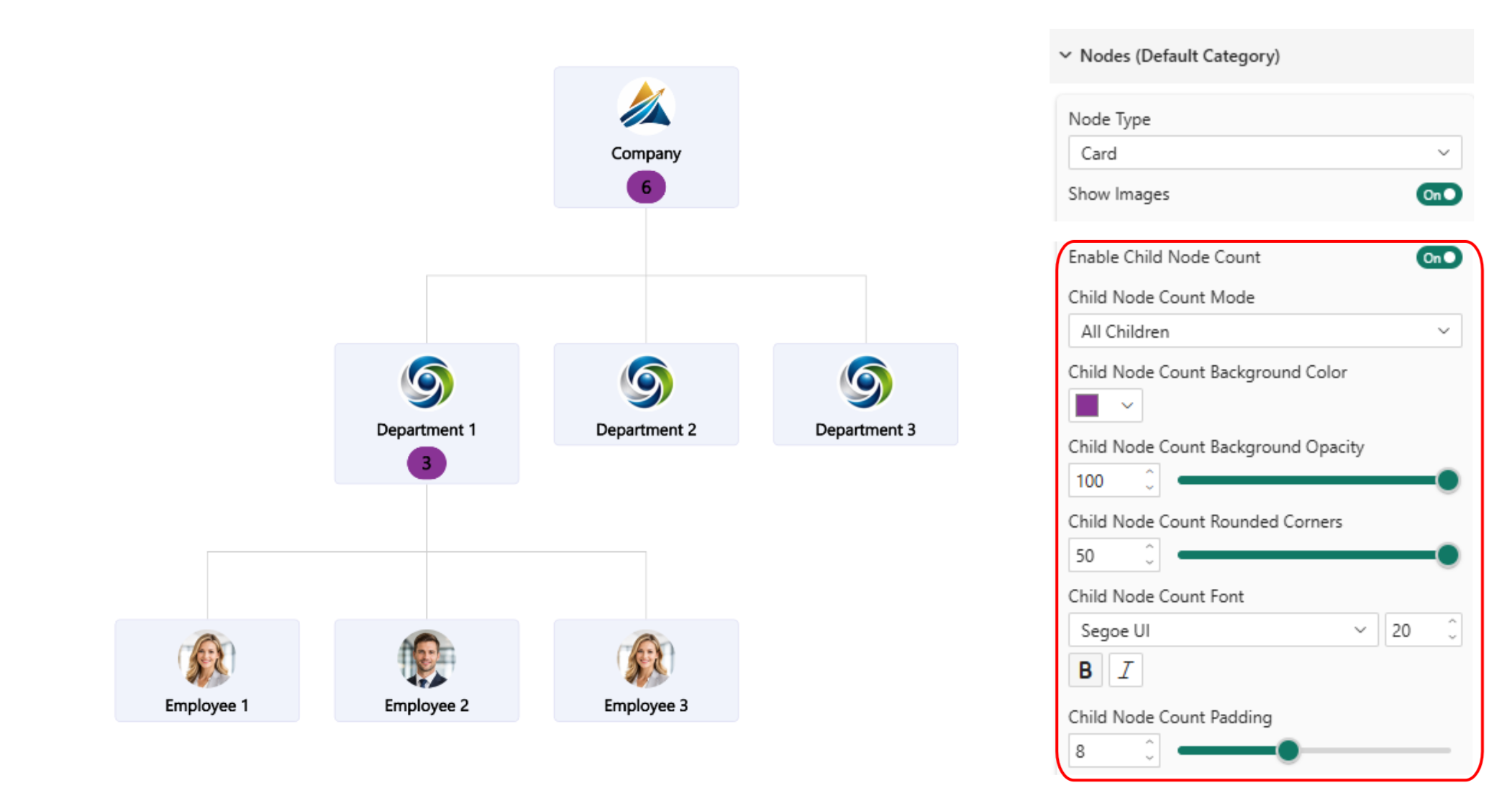
When enabled, parent node cards display the number of child nodes associated with them.
Additional settings become available to customize the child node count display:
- Child node count mode
- All Children - will show all subnodes
- Direct children – only directly related subnodes.
- Background color and opacity
- Rounded corners
- Font customization
- Padding
The category-specific setting will take priority over the same setting (Enable Child Node Count) within the ‘Nodes (Default Category)’ section, allowing you to mix and match multiple node types in the same graph.
Was this helpful? Thank you for your feedback!
Sorry about that.
How can we improve it?