This
setting will take effect when the active layout mode is Hierarchy. With
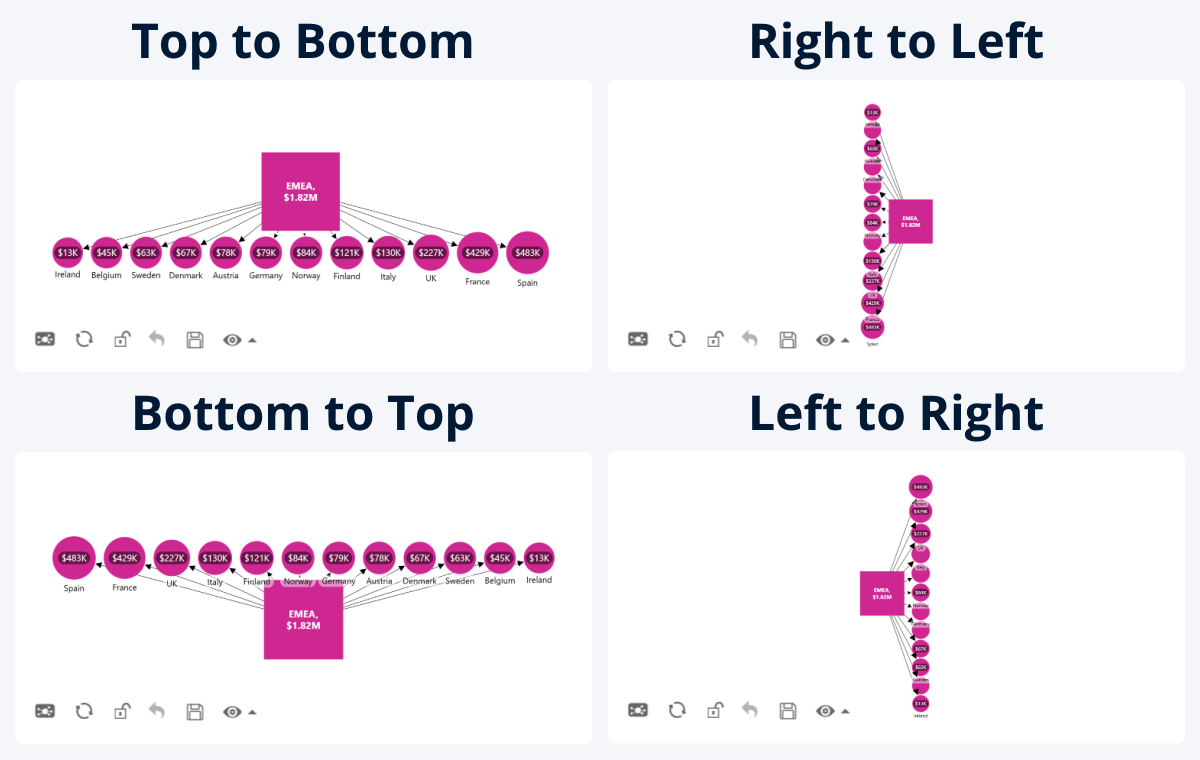
this setting, you can choose the direction of the relationships. For example,
when using Top to Bottom, the parent nodes will be placed on top, and
their children nodes will branch out downwards.
- Top to Bottom
- Right to Left
- Bottom to Top
- Left to Right
Was this helpful? Thank you for your feedback!
Sorry about that.
How can we improve it?