Select how the visual positions detail labels around the chart, determining the placement of outside labels.
- Align: All detail labels will be aligned in two vertical columns next to the donut chart.
- Wrap (Default): The detail labels will be spread out around the entire chart, and they will be placed as close as possible to their respective slices.
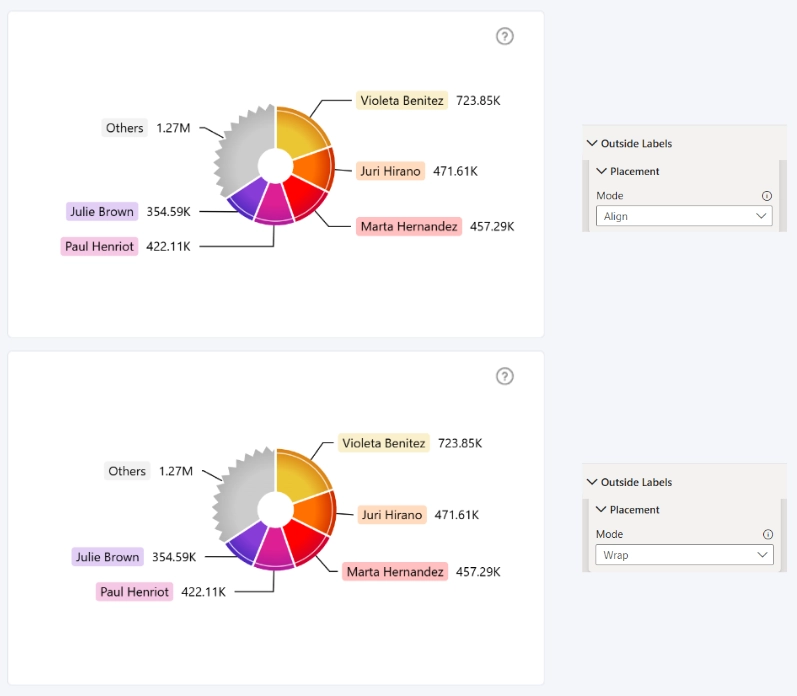
These settings are applied globally to all outside labels and cannot be configured individually.
Was this helpful? Thank you for your feedback!
Sorry about that.
How can we improve it?