The Corner Radius to round the outer corners of columns, including simple, clustered, and stacked columns.
Corner Radius controls the degree of corner rounding and accepts values from 0 to 100. The default value is 0.
- 0 keeps the columns square.
- Higher values create increasingly rounded corners.
You can also choose which corners are rounded by enabling any of the following options:
- Top Left Corner
- Top Right Corner
- Bottom Left Corner
- Bottom Right Corner
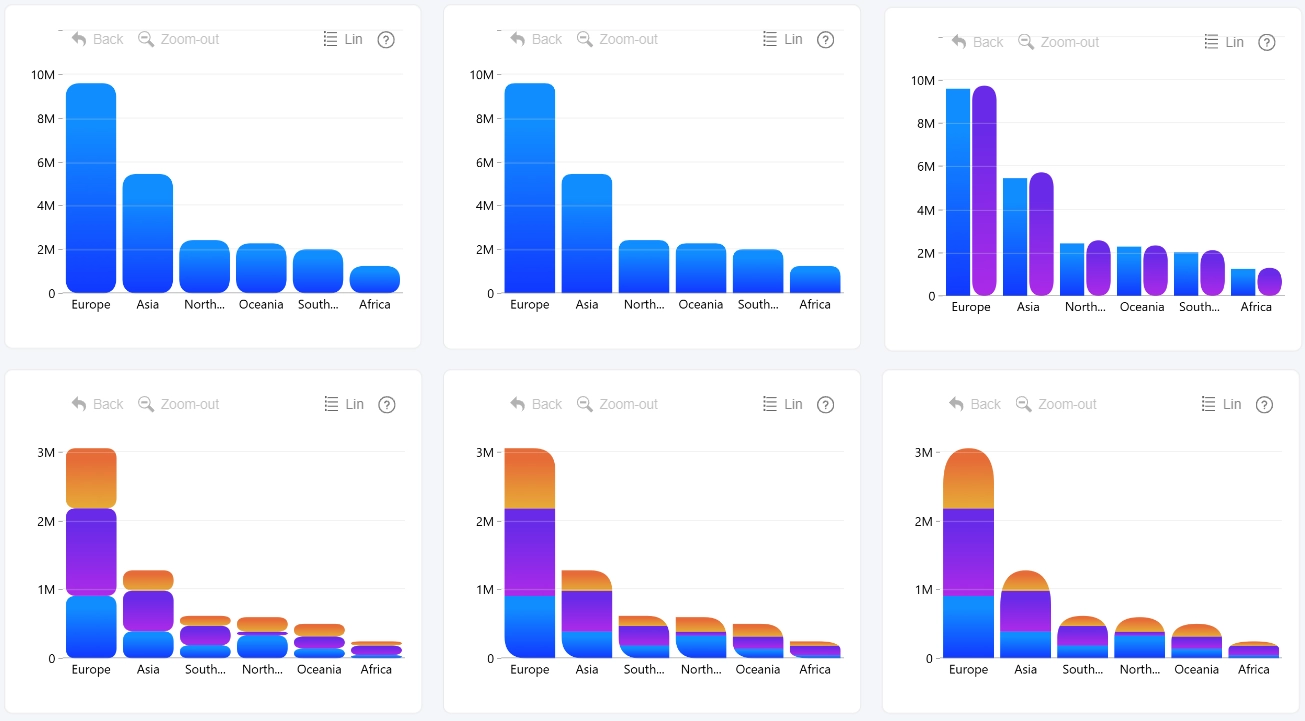
Corner radius can also be configured for individual series under Series → General → Corner Radius. Use Apply settings to to select the series you want to customize.
At the series level, rounding is applied to each series segment individually, rather than to the outer corners of the entire column. This allows you to customize the shape of each series independently.
Was this helpful? Thank you for your feedback!
Sorry about that.
How can we improve it?