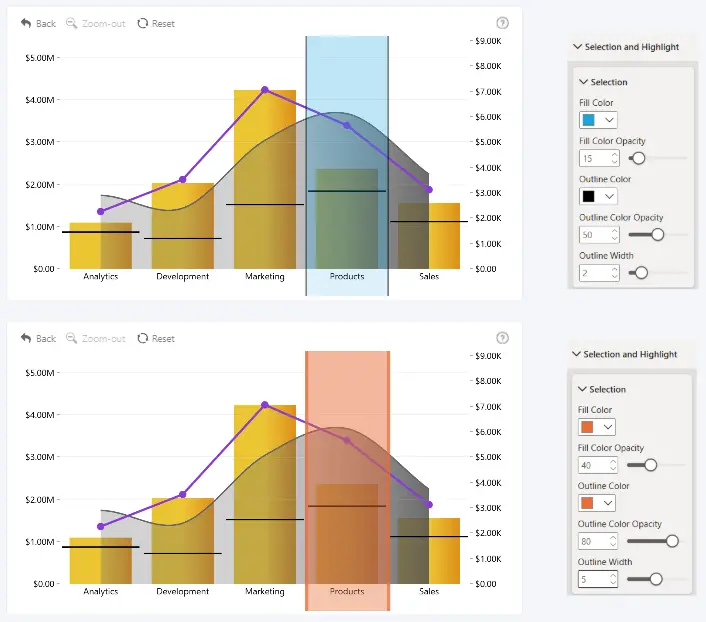
Use the Selection settings to customize the appearance of the selection area displayed when one or more categories are selected.
- Fill Color - choose the fill color of the selection area.
- Fill Color Opacity - set the opacity of the selection fill.
- Outline Color - choose the color of the selection outline.
- Outline Color Opacity - set the opacity of the selection outline.
- Outline Width - set the width of the selection outline..
Was this helpful? Thank you for your feedback!
Sorry about that.
How can we improve it?