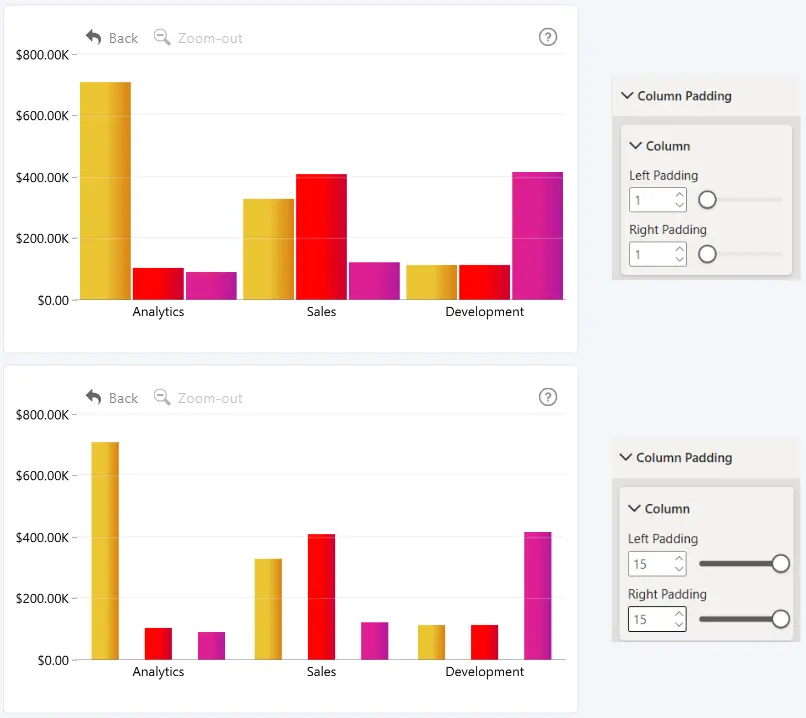
Use the Column settings to adjust the spacing around individual columns. The settings are applied to every column in the chart.
- Left Padding – Set the amount of empty space on the left side of each column. Enter a value from 1 to 15.
- Right Padding – Set the amount of empty space on the right side of each column. Enter a value from 1 to 15.
Column padding applies only to series with Columns selected under Series → General → Type. To configure a specific series, select it under Series → Apply Settings to.
Was this helpful? Thank you for your feedback!
Sorry about that.
How can we improve it?