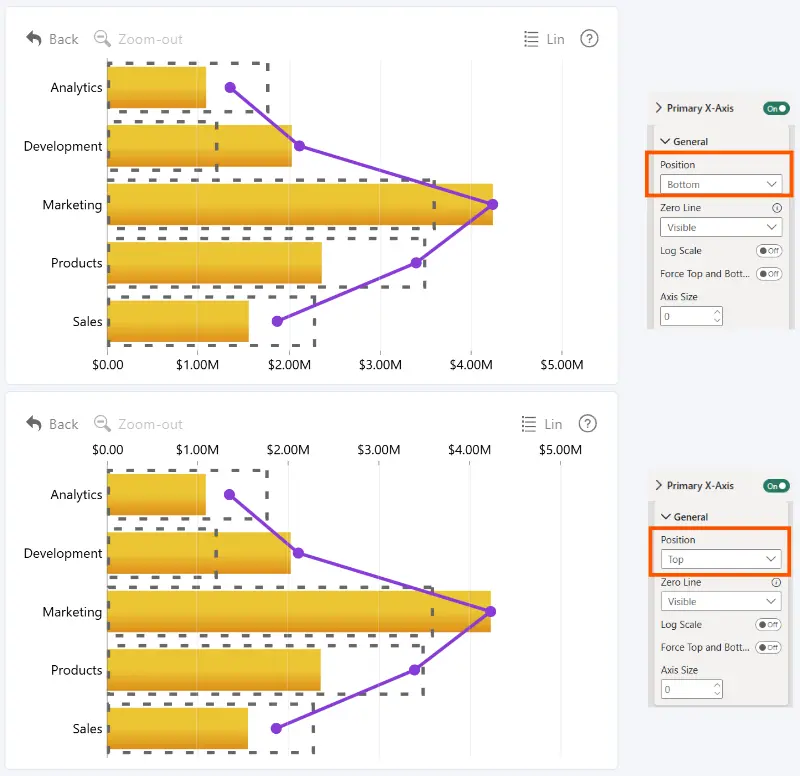
Choose the position of the Primary X-Axis in Drill Down Combo Bar PRO.
- Bottom (Default) – displays the Primary X-Axis scale at the bottom of the chart.
- Top – displays the Primary X-Axis scale at the top of the chart.
If the primary and Secondary X-Axis use the same position, they are displayed next to each other.
Was this helpful? Thank you for your feedback!
Sorry about that.
How can we improve it?