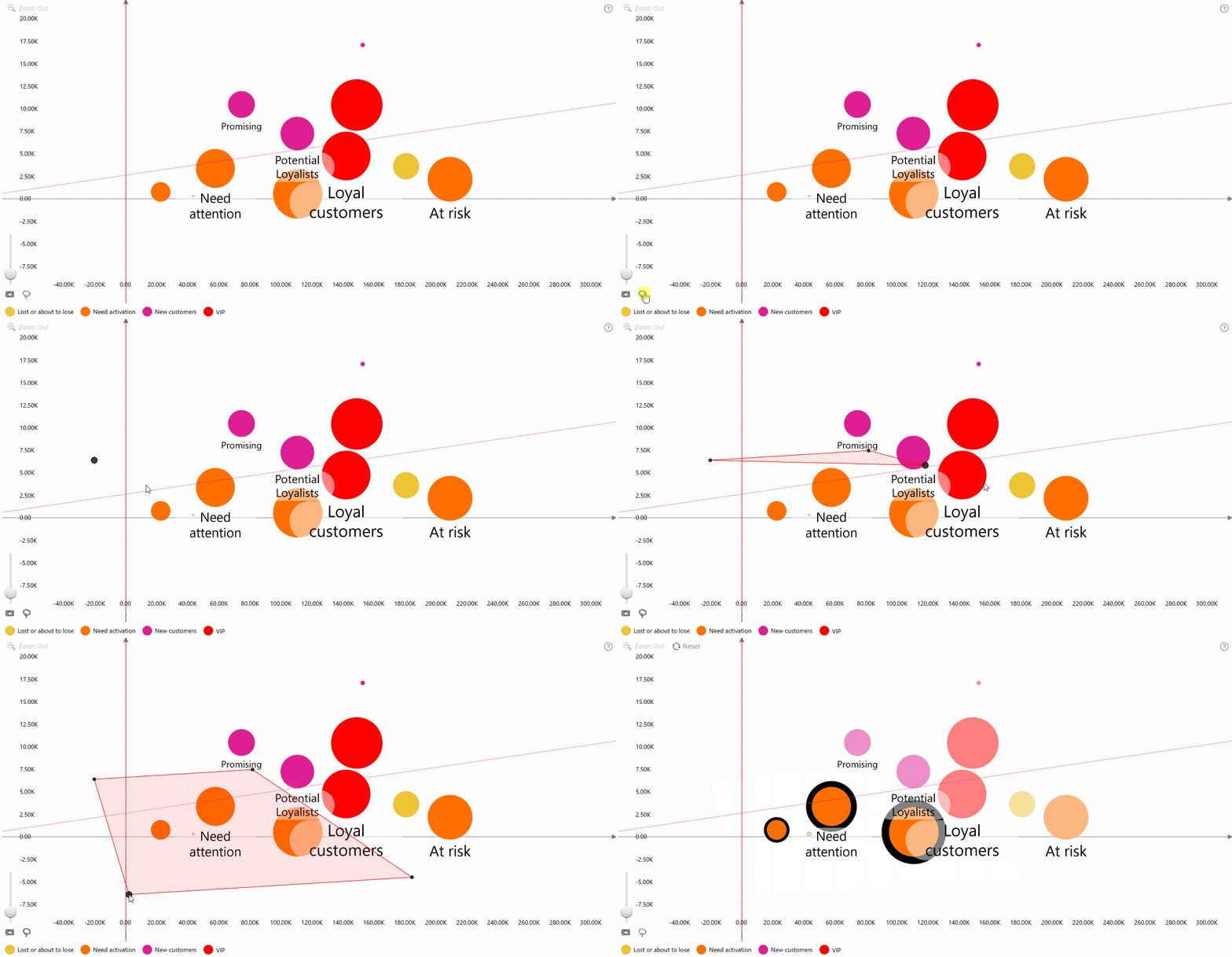
When enabled, a Lasso Tool button appears in the bottom-left corner of the visual. This tool allows users to create custom-shaped selections by defining an area on the bubble chart.
To use the tool, activate lasso selection mode by clicking the toolbar button, then left-click to place boundary points around the desired area. Complete the selection by clicking the toolbar button again or pressing Enter. All data points within the enclosed area will be selected.
Was this helpful? Thank you for your feedback!
Sorry about that.
How can we improve it?