Registration Open
Registration Open
12 February | 04:00
-

Reset your password
We'll email you instructions on how to reset your password

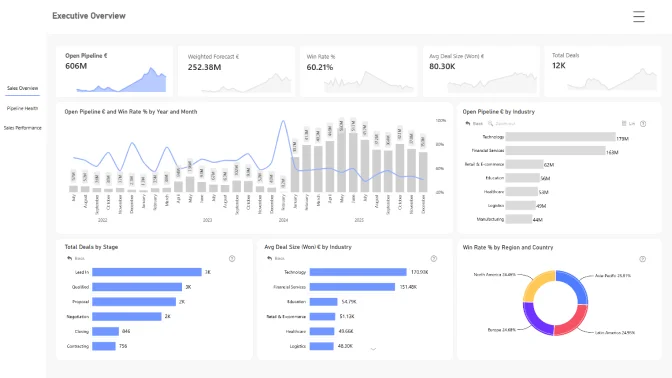
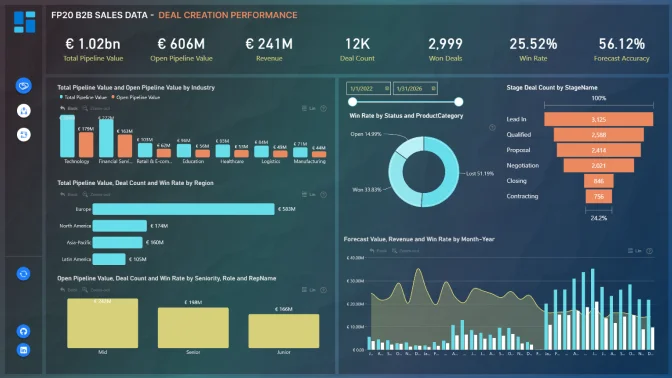
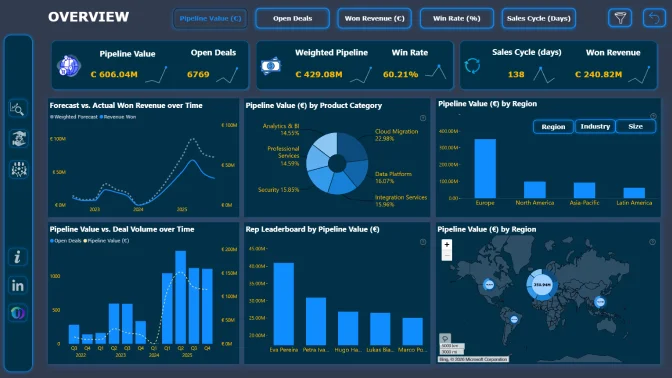
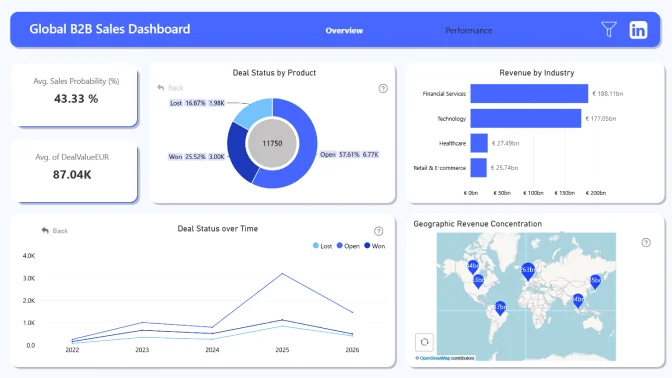
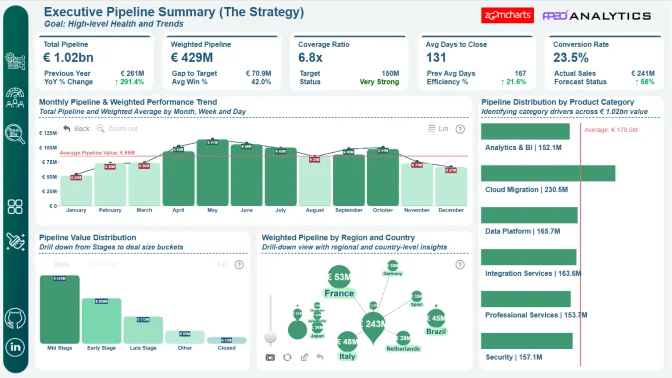
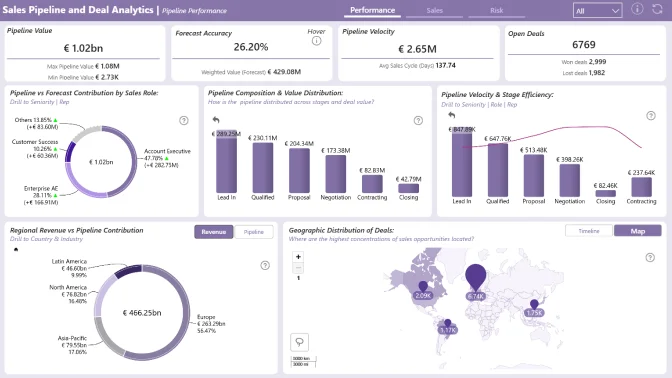
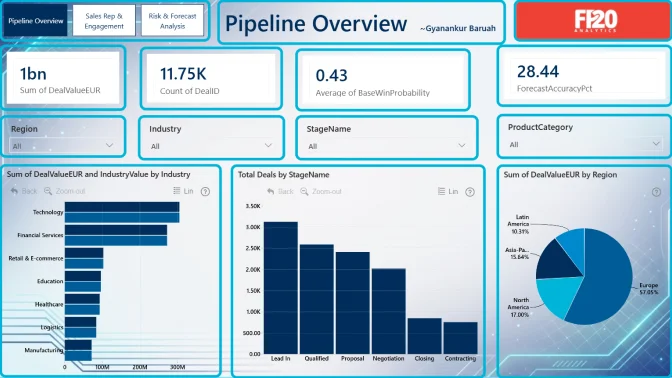
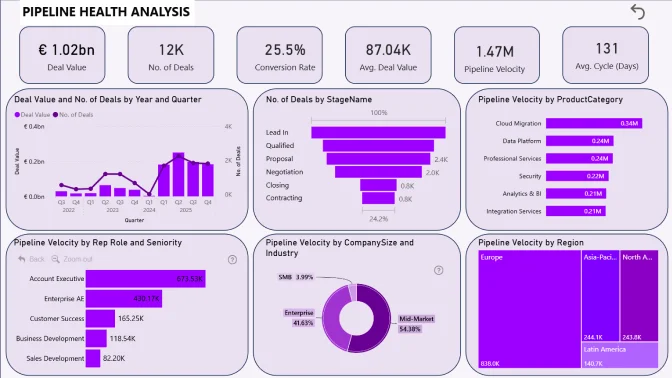
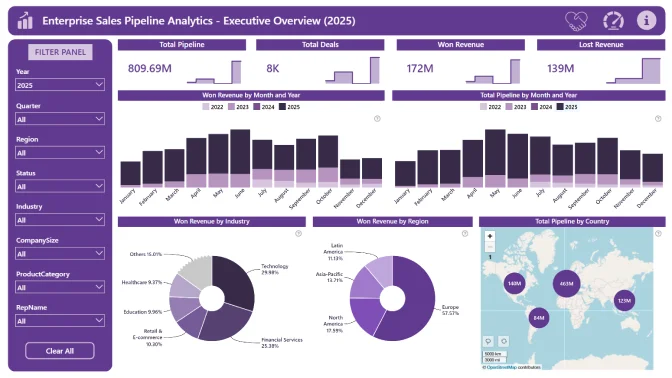
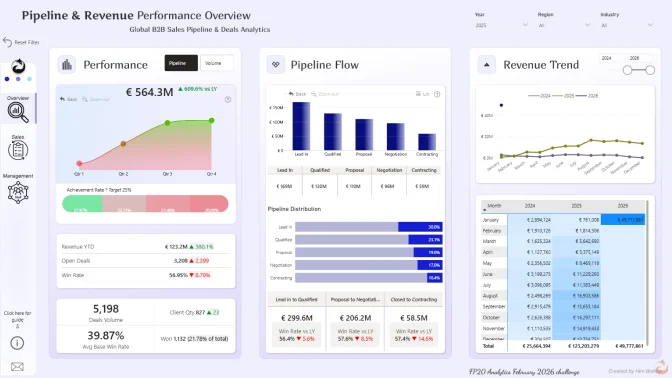
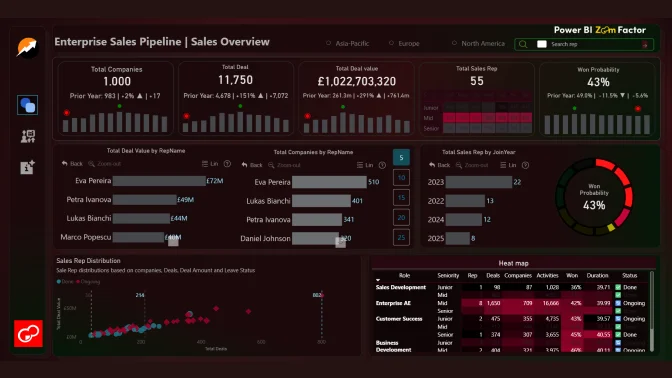
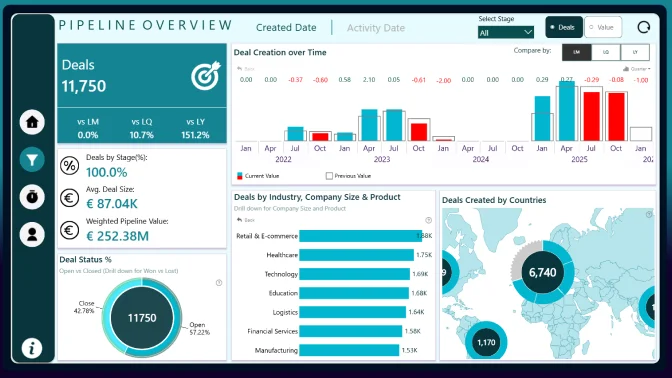
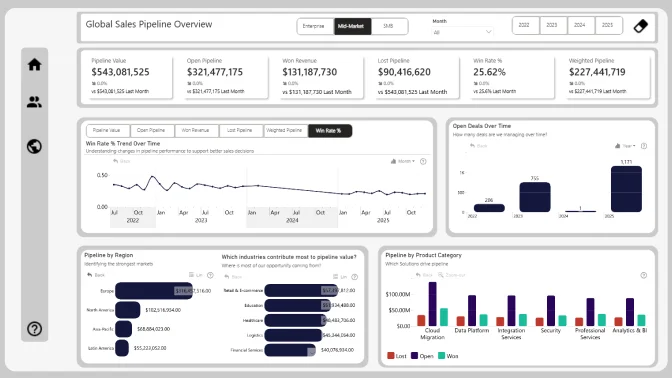
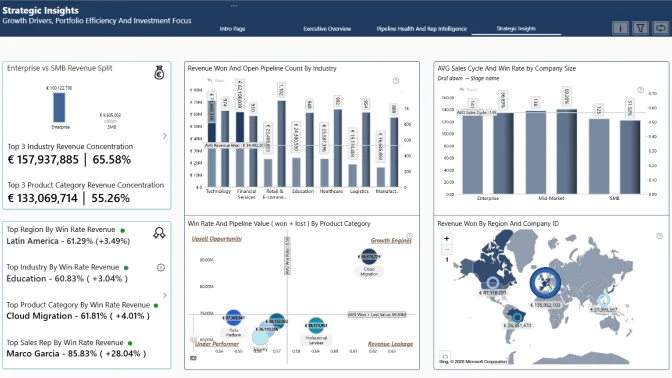
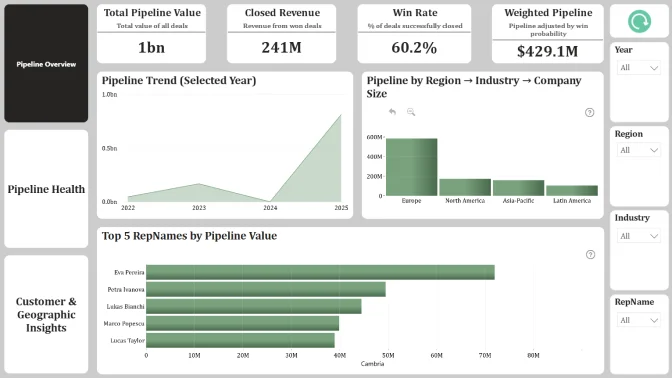
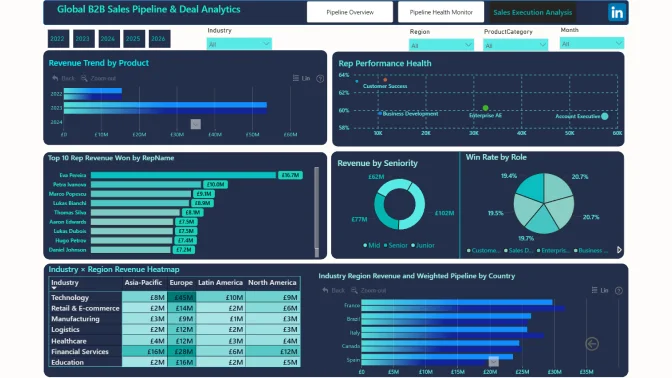
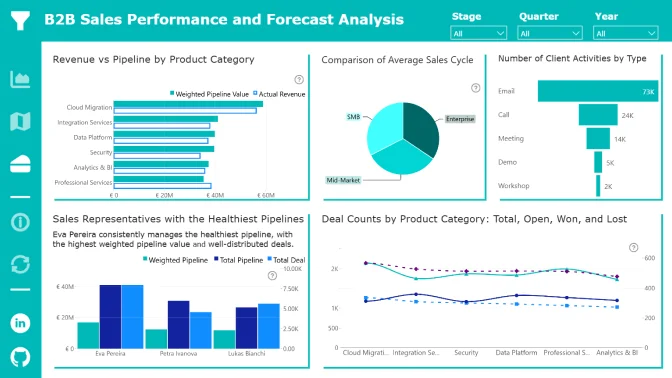
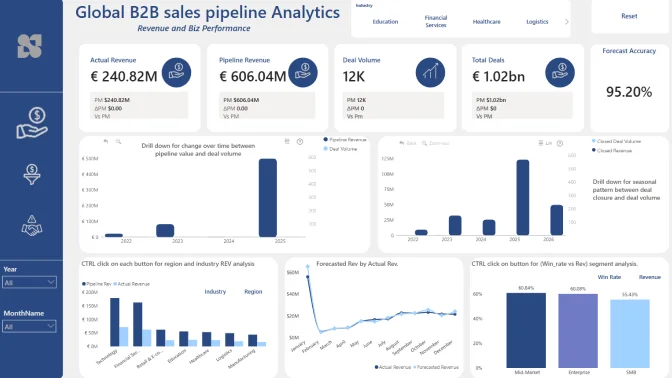
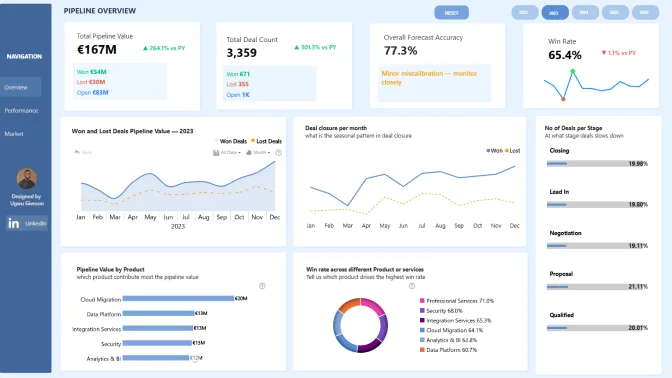
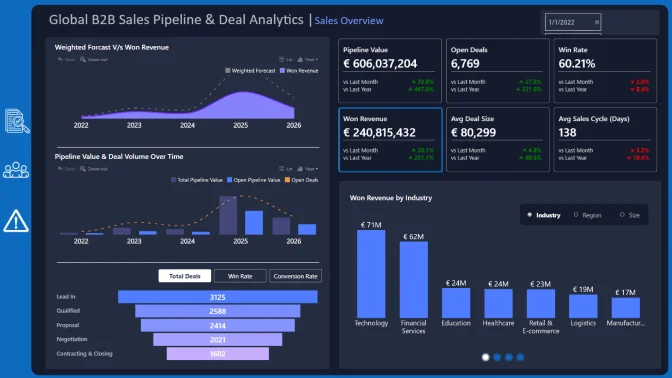
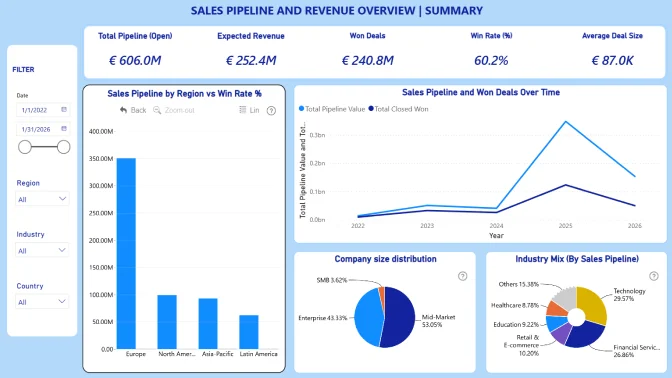
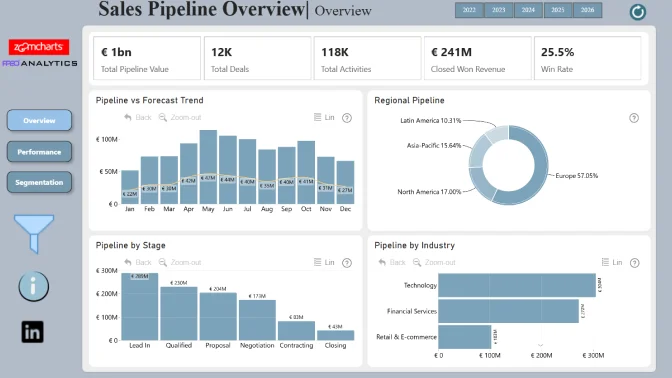
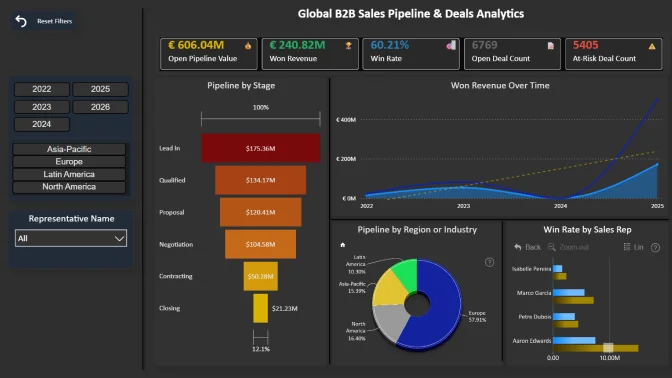
Build a Power BI report using a B2B SaaS dataset to analyze sales pipeline performance, track deals, monitor activity, and identify stalled opportunities across regions and industries.
Workshop | Power BI for Sales Pipeline Analytics: Hands-On Dashboard Building
Workshop | Power BI for Sales Pipeline Analytics: Hands-On Dashboard Building
18 February | 08:00
-
Webinar | Top 5 Sales Pipeline Power BI Reports: Best Practices in Action
Webinar | Top 5 Sales Pipeline Power BI Reports: Best Practices in Action
13 March | 09:00
12 February - 10 March
Want to build professional Power BI reports and grow your portfolio?
This challenge helps you level up with expert feedback, hands-on workshops, webinars with MVPs, and visibility in our public results showcase. It’s a great way to learn, gain recognition, and connect with a supportive data community.
The challenge is hosted in partnership with FP20 Analytics - a LinkedIn community that brings together 20k+ passionate data professionals and helps new analysts improve their craft. It’s a welcoming space where you can practice, learn, and share your work with others. Learn more about the FP20 Analytics challenge on their website.
Learn directly from experienced Power BI professionals. Enjoy practical workshops on report-building techniques and book a one-on-one mentoring session to receive tailored advice on your submission.
Every participant receives detailed, constructive feedback on their report. It’s a valuable opportunity to improve your skills with real insights from seasoned analysts.
All participants receive a ZoomCharts Developer License, giving you full access to the Drill Down PRO visuals library.
Each challenge participant with a validated report will receive 5 free downloads from the Power BI Report Gallery.
The winners will be announced during a special live webinar on February 11.
 Nina Ikpe, Power BI Developer
Register using the form above on this page.
Download the dataset using the Get the Dataset button on the left side of the page.
Read the challenge brief in the The Brief section to understand the data and requirements.
Activate your free Drill Down Visuals Developer License for Power BI. (watch the setup video or follow the step-by-step instructions).
Add your ZoomCharts license to Power BI Desktop.
Add ZoomCharts visuals from the Power BI visuals library or Microsoft Marketplace.
Build your report using the challenge dataset.
Your report must include at least two ZoomCharts Drill Down Visuals on the same page.
Recommended report format:
Up to 3 pages (including any drill-through pages)
Canvas size: 16:9 (default) or 1920 × 1080 (Full HD)
Join the challenge workshop to learn how to use ZoomCharts visuals effectively.
If you need help, book a free 1-on-1 consultation with the ZoomCharts team.
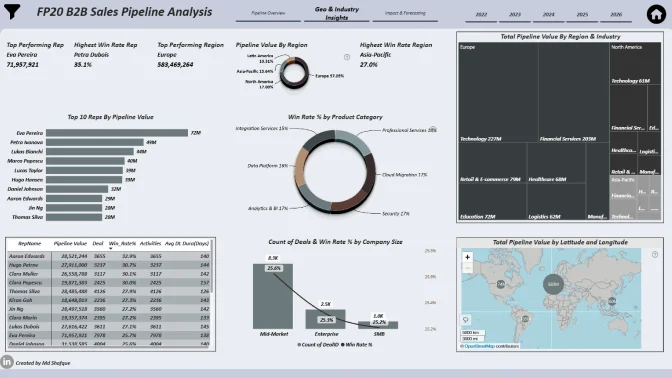
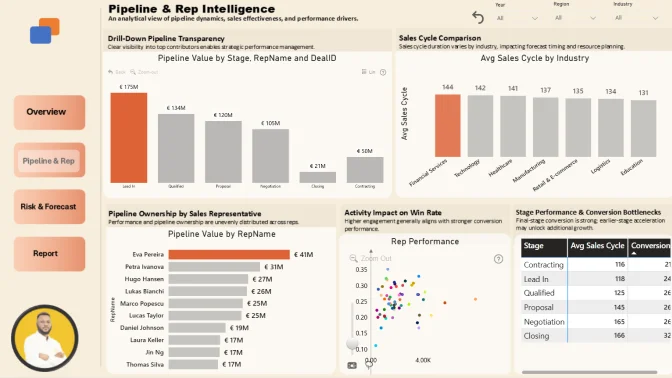
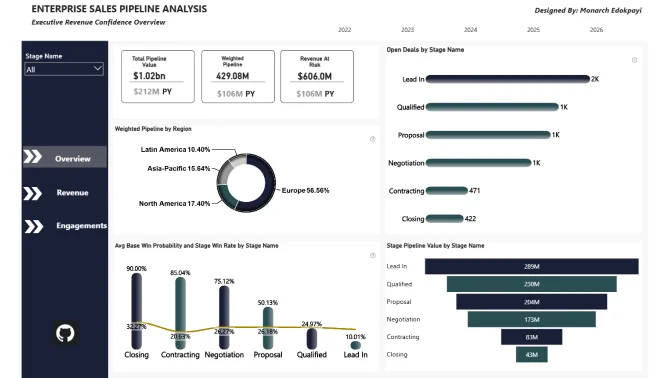
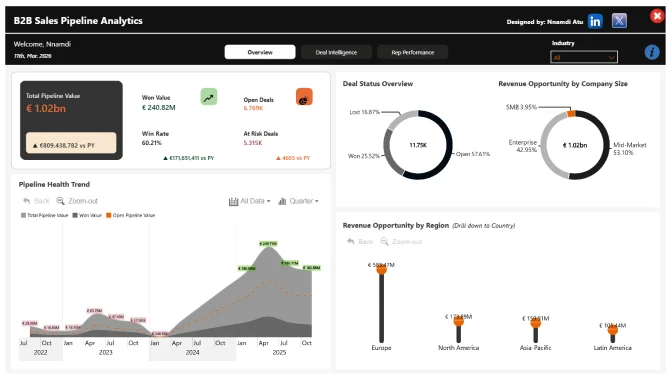
Look at previous challenge submissions for ideas and inspiration.
Log in to your account on this page and upload your report in .pbix format for validation.
If your report does not meet all requirements:
You will receive an email explaining what needs to be fixed.
You can update your report and submit it again.
Validation timeline:
Your report will be reviewed within 1–2 business days.
Once validated, you will receive a Publish to Web link that you can use in your portfolio or share online.
You will also receive personalized feedback within 1–2 business days to help you improve your report before the deadline.
Note:
You may resubmit your entry as many times as needed before the challenge deadline.
To be eligible for prizes, complete these steps:
Post the final version of your report (PDF) on your LinkedIn profile.
Use this caption:
"I am participating in FP20 Analytics ZoomCharts Challenge 33"
Include a short summary of your key insights and the Publish to Web link (if you have one).
Use the hashtags #FP20Analytics and #builtwithzoomcharts and tag @Federico Pastor and @ZoomCharts.
Obligatory! Share your report also in the FP20 Analytics LinkedIn Community group.
Follow ZoomCharts on LinkedIn.
The ZoomCharts team reviews and analyzes the Top 5 challenge submissions during live webinar.
You will learn best practices, visualization tips, and new Power BI skills.
The winner of the best report receives a $300 Amazon gift card from ZoomCharts.
Global B2B Sales Pipeline & Deals Analytics Dataset
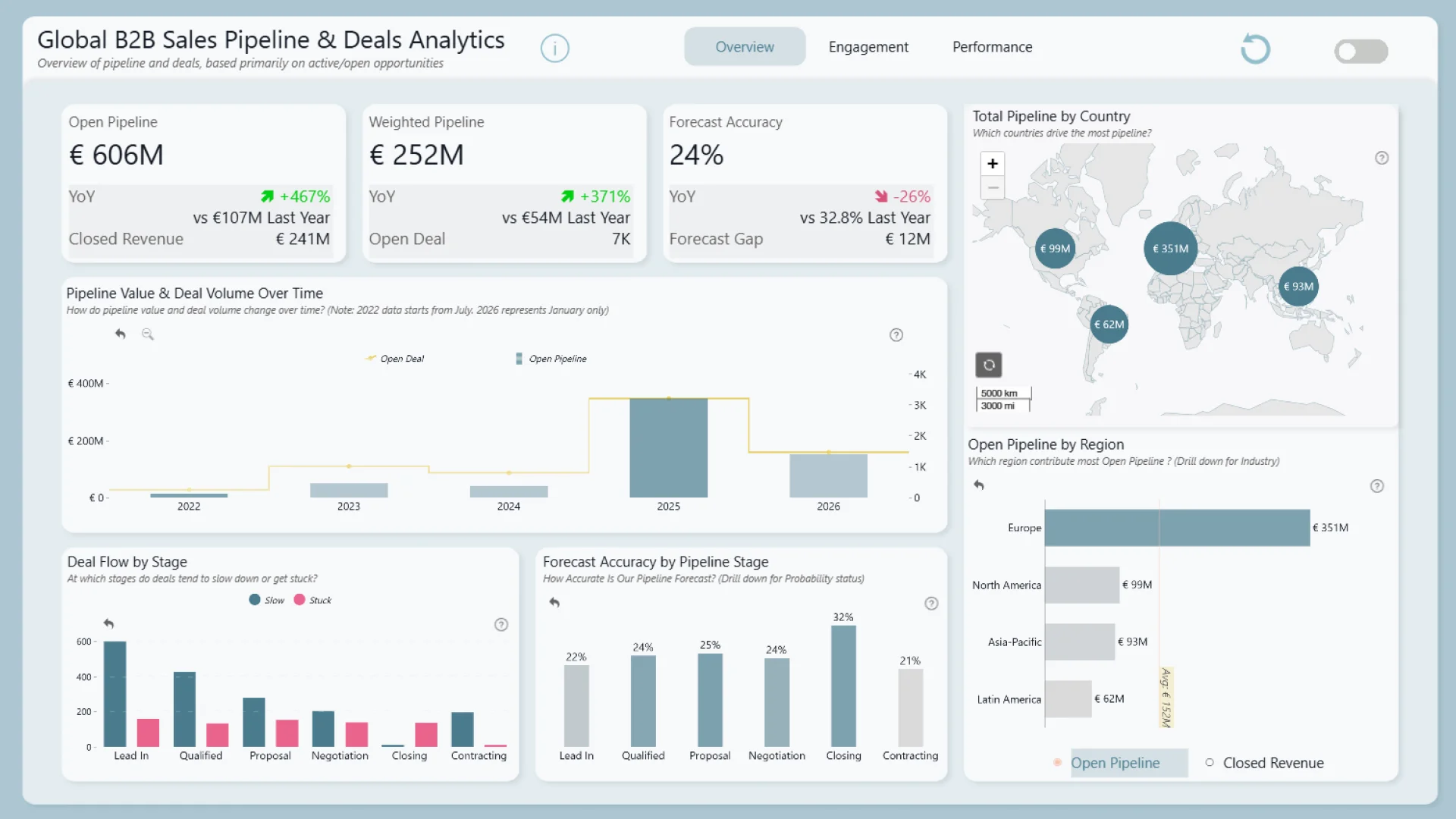
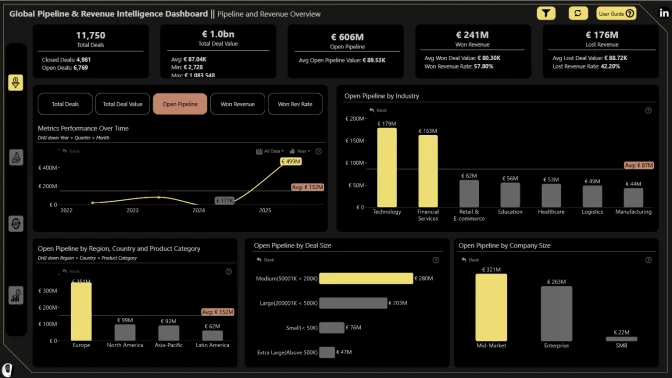
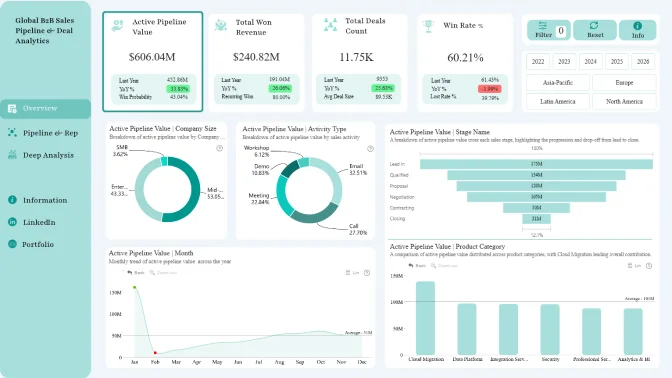
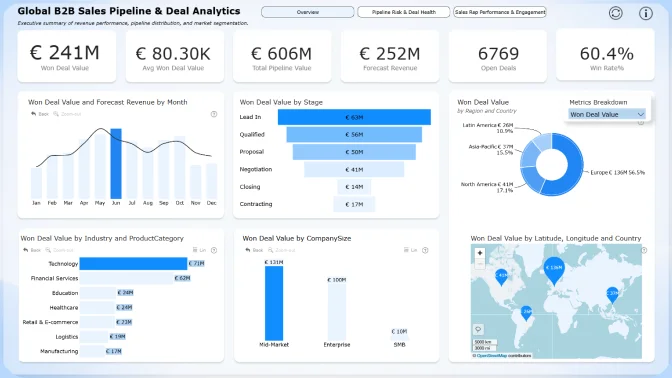
In this challenge, you will work with a realistic, enterprise-grade dataset representing a global B2B SaaS and Professional Services company. The dataset captures thousands of sales deals, customer companies, sales activities, and pipeline stages across multiple regions and industries.
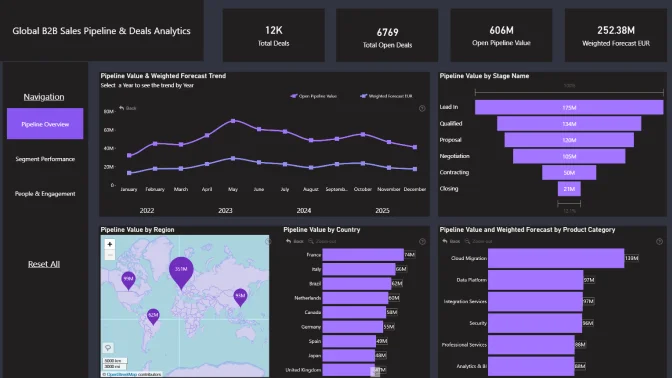
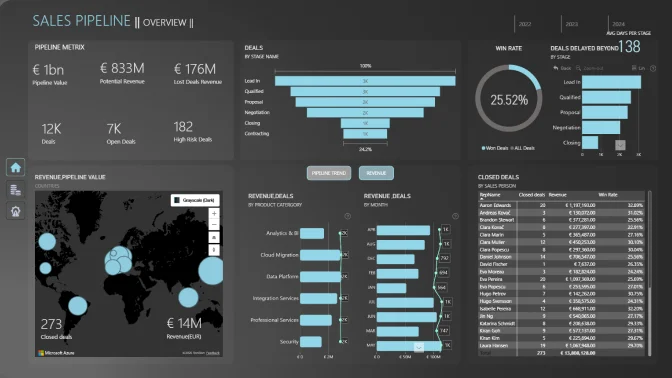
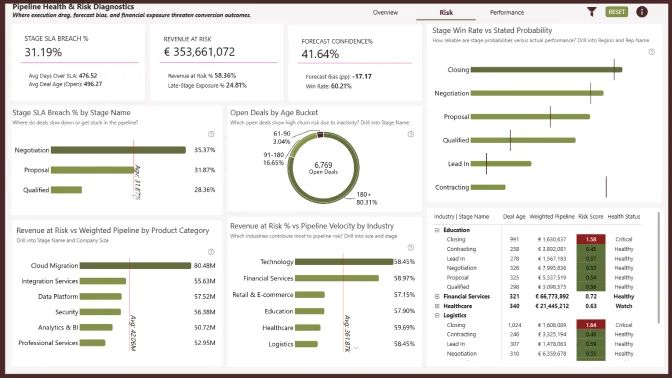
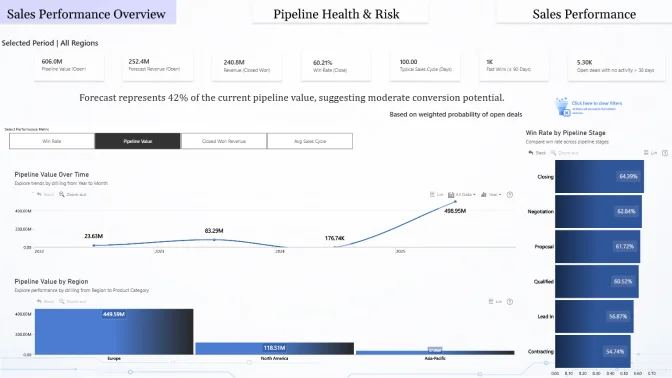
Your task is to build an interactive Power BI report that sales managers, account executives, and business leaders can use as a *daily decision-making resource* for tracking deals, monitoring client engagement, and managing pipeline health.
The company sells enterprise software platforms and professional services, including analytics tools, integration solutions, cloud migration services, and custom development projects. Sales cycles range from fast-moving SMB deals to long-running enterprise negotiations, requiring strong visibility into pipeline status, deal value, activity levels, and churn risk.
Sales managers need to quickly understand where deals are progressing, where they are stuck, and which clients require attention. Business leaders want confidence in forecasts and visibility into regional and industry performance.
Create a Power BI report that transforms raw sales pipeline data into clear, interactive insights. Your report should support daily sales operations as well as strategic decision-making.
Think beyond basic KPIs. Use visuals, drilldowns, and interactions to tell the story of how deals move through the pipeline and how relationships are built over time.
Business users use reports to make data-driven decisions. That’s why reports are called effective if they enable users to drill down and filter data quickly and intuitively to find answers to any question they might have, and analyse data in all possible directions and dimensions.
Each report is evaluated based on three main criteria: intuitiveness, insightfulness, and interactivity. These factors ensure that the reports are not only accurate and functional, but also meet the target audience's needs and are ready to be presented to the end-users.
Workshop | Power BI for Sales Pipeline Analytics: Hands-On Dashboard Building
Workshop | Power BI for Sales Pipeline Analytics: Hands-On Dashboard Building
18 February | 08:00
-
Webinar | Top 5 Sales Pipeline Power BI Reports: Best Practices in Action
Webinar | Top 5 Sales Pipeline Power BI Reports: Best Practices in Action
13 March | 09:00
12 February - 10 March