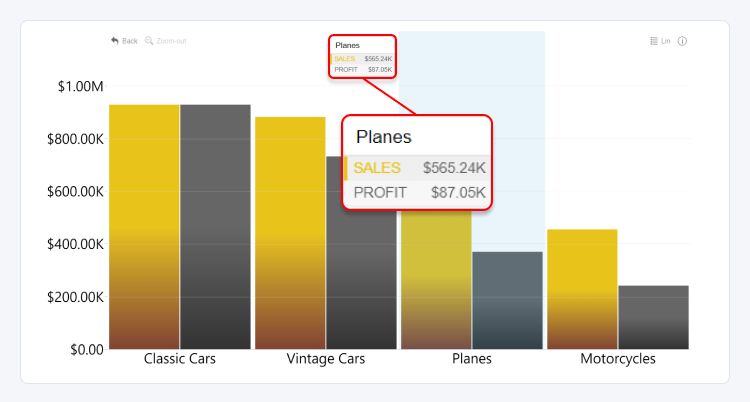
Tooltips can be used to provide additional information to the user, and they can be accessed by hovering over a category.
Use this toggle to enable or disable tooltips. You can then customize tooltips further with the following settings:
- Tooltip Type
- Use Total Stack Value
- Display Units
- Value Decimals
- Percentage Decimals
- Hide Rows with No Value
- Customize Tooltip Style
Enabling Customize Tooltip Style will reveal additional settings related to this feature.
Was this helpful? Thank you for your feedback!
Sorry about that.
How can we improve it?