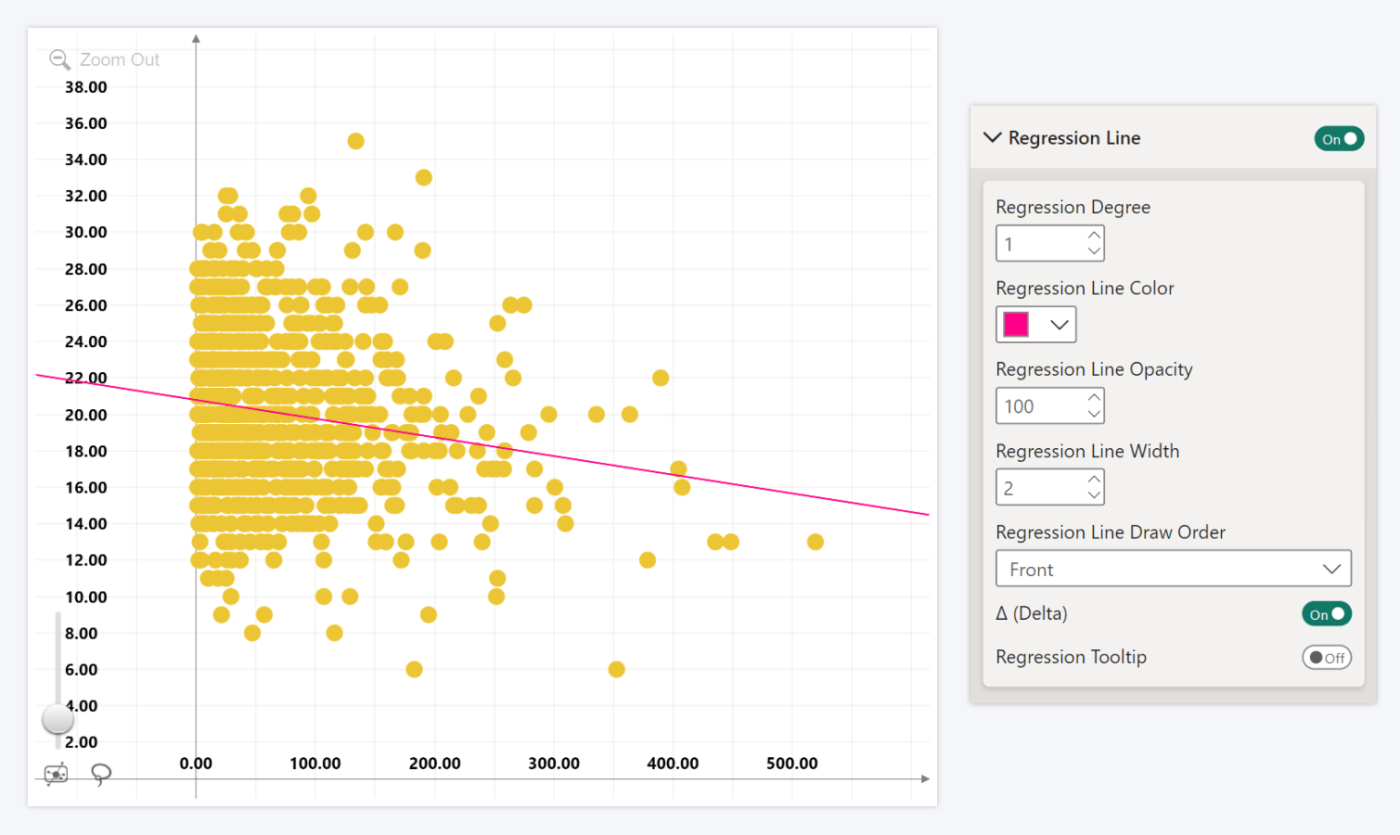
Enable this toggle if you wish to display a linear or a polynomial regression line on your bubble chart. Once enabled, this section will reveal the following settings to adjust the regression line:
- Regression Degree: Enter the degree of the regression function.
- Regression Line Color: Select the color of the regression line.
- Regression Line Opacity: Adjust the opacity of the regression line.
- Regression Line Width: Adjust the thickness of the regression line
- Regression Line Draw Order: Choose if the regression line is displayed behind or on top of the chart elements.
- Δ Delta: If enabled, each data point’s tooltip will display its Δ value (distance along the Y axis from the regression line).
- Regression Tooltip: If enabled, the regression line will display a tooltip on mouseover. Reveals additional settings once enabled.
Was this helpful? Thank you for your feedback!
Sorry about that.
How can we improve it?