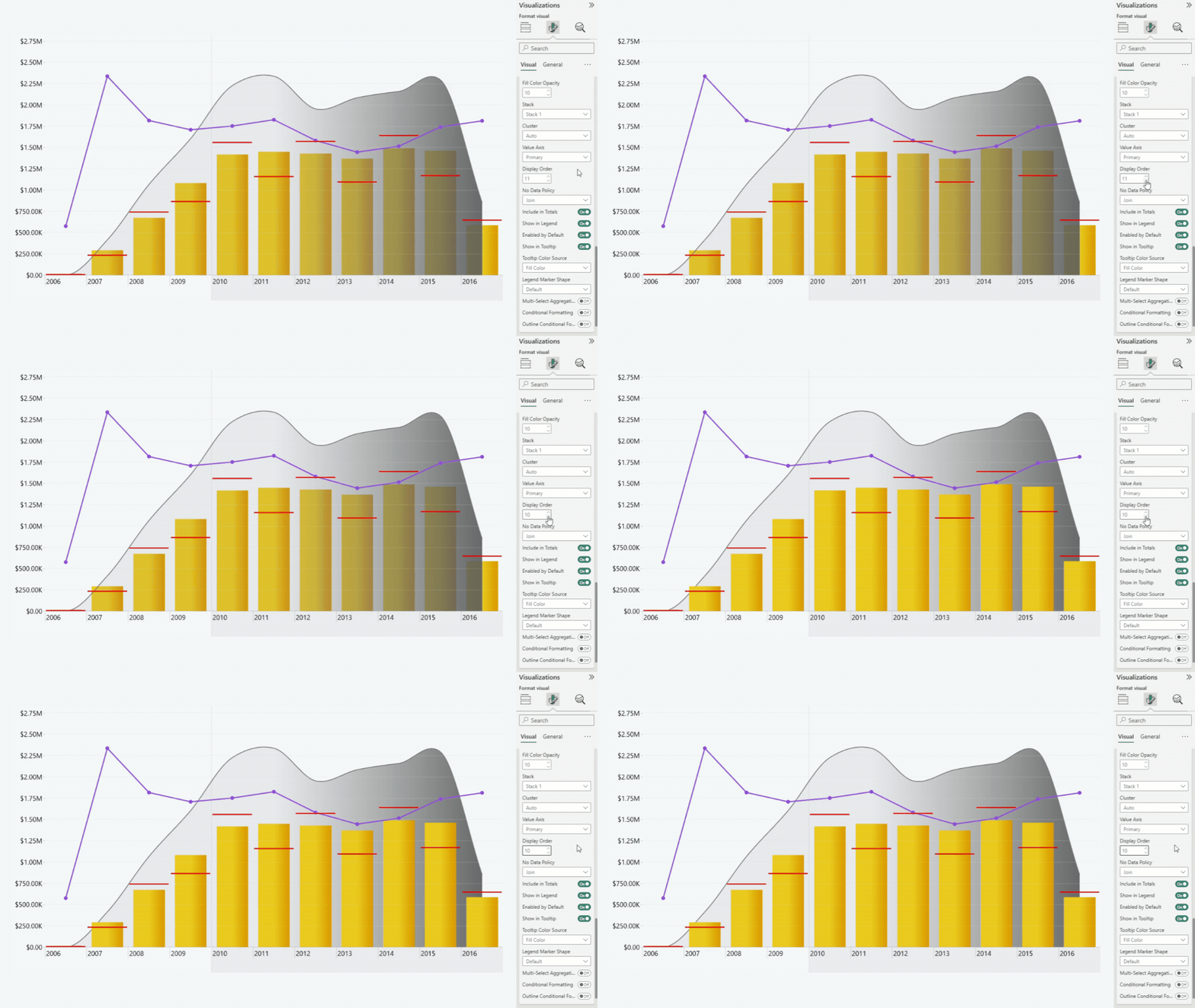
This setting determines the order in which the series are displayed.
- Default: 10
- Range: 1 - 25
- The higher the number the higher importance is given to the chart.
By changing this setting, you can control which chart is being shown in front of the chart, and which is being sent backwards.
When stacking multiple columns or areas, make sure that you change the “Display order” for all series that are used for the stack.
Was this helpful? Thank you for your feedback!
Sorry about that.
How can we improve it?